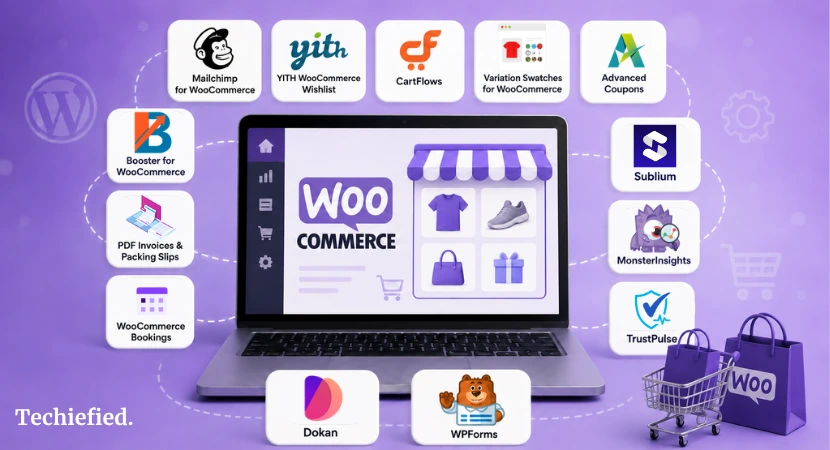
WooCommerce plugins are what turn a default store into one that actually converts. Core WooCommerce handles products, orders, and payments, but marketing, checkout optimization, and store operations all need add-ons.
We compared 14 WooCommerce extensions across pricing, real functionality, and setup friction to find the ones worth your budget in 2026.
Why WooCommerce Needs Addon Plugins
WooCommerce now powers over 4.4 million live stores, but the core plugin was never meant to do everything on its own.
The average cart abandonment rate sits above 70%, per the Baymard Institute’s ongoing research, and that gap is exactly what checkout, marketing, and retention plugins exist to close.
How We Evaluated Each WooCommerce Plugin
- Install reputation: active installs, rating, and how recently the plugin was updated.
- Setup time: how long from install to a working feature, and whether a wizard exists.
- Free-tier honesty: what the free version actually does versus what’s paywalled.
- Store-type fit: whether the plugin solves a real, common problem or a niche one.
- Pricing clarity: real per-site annual cost, not a rounded “from” figure.
Quick comparison For Best WooCommerce Plugins
| Plugin | Category | Free tier | Starting paid price |
|---|---|---|---|
| Mailchimp for WooCommerce | Marketing | Yes | Free (Mailchimp fees apply above 500 contacts) |
| YITH WooCommerce Wishlist | UX | Yes, limited | $99.99/yr |
| CartFlows | Checkout | Yes | $99/yr |
| Variation Swatches for WooCommerce | Product UX | Yes | $99/yr |
| WooCommerce Product Table | Ordering | No | $79/yr |
| Advanced Coupons | Promotions | Yes | $99.50/yr |
| Booster for WooCommerce | All-in-one | Yes, limited | $149/yr |
| PDF Invoices & Packing Slips | Operations | Yes | €99/yr |
| WooCommerce Bookings | Services | No | $249/yr |
| Sublium | Subscriptions | Yes | $99.50/yr |
| MonsterInsights | Analytics | Yes | Paid tiers vary |
| TrustPulse | Social proof | Trial only | Paid tiers vary |
| Dokan | Marketplace | Yes | Paid tiers vary |
| WPForms | Forms | Yes | $49.50/yr |
Top WooCommerce Plugins For WordPress WooCommerce Stores
If you run a WooCommerce store, here are the best WooCommerce plugins to consider in 2026 and beyond:
1. Mailchimp for WooCommerce: Best For WooCommerce Plugin For Marketing Automation

The plugin itself is free, and it connects your store directly to Mailchimp so every order syncs customer data, purchase history, and product interest automatically. No manual CSV exports.
For stores comparing dedicated eCommerce marketing automation software, Mailchimp is one of several options available.
Pricing
Mailchimp’s own pricing stays free up to 500 contacts, which covers most small stores through their first year or two.
Costs scale with your list size after that, not with the plugin.
Best for: stores that want abandoned-cart emails, purchase-based segmentation, and product recommendations without hiring a marketing platform separately.
2. YITH WooCommerce Wishlist: Best WooCommerce Plugin For Reducing Lost Sales
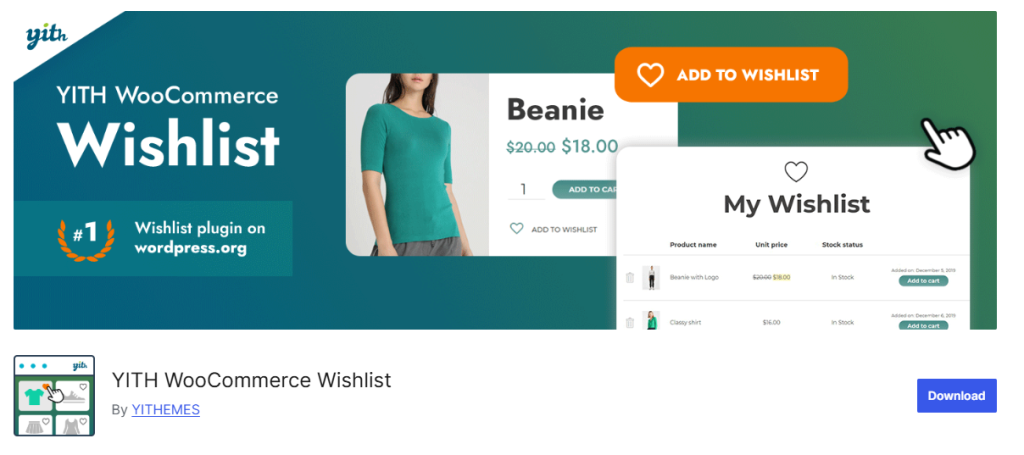
A wishlist button gives visitors a reason to leave without abandoning the relationship entirely. YITH’s version adds a dedicated wishlist page, social sharing, and the ability for customers to move wishlist items straight into their cart.
The free version covers the basics. Multiple wishlists per customer, wishlist analytics, and reminder emails for items still sitting in a wishlist require the paid tier.
Pricing
Starts from $99.99/yr.
Best for: stores with a longer consideration cycle (fashion, home goods, gifts) where customers browse before they buy.
3. CartFlows: Best WooCommerce Plugin for Checkout Conversion
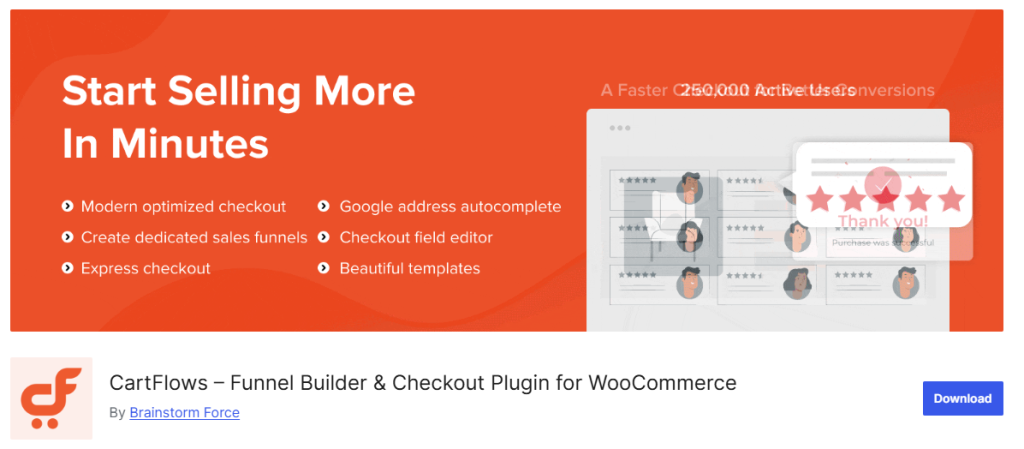
CartFlows replaces the default multi-step WooCommerce checkout with a single-page, conversion-optimized flow, plus order bumps and one-click upsells at checkout.
The free version handles basic funnel building. A/B testing, more advanced upsell logic, and premium templates are paid.
Pricing
Starts from $99/yr for a single site.
Best for: stores actively trying to raise average order value without redesigning their entire checkout from scratch.
4. Variation Swatches for WooCommerce: Best Product Variation UX WooCommerce Plugin
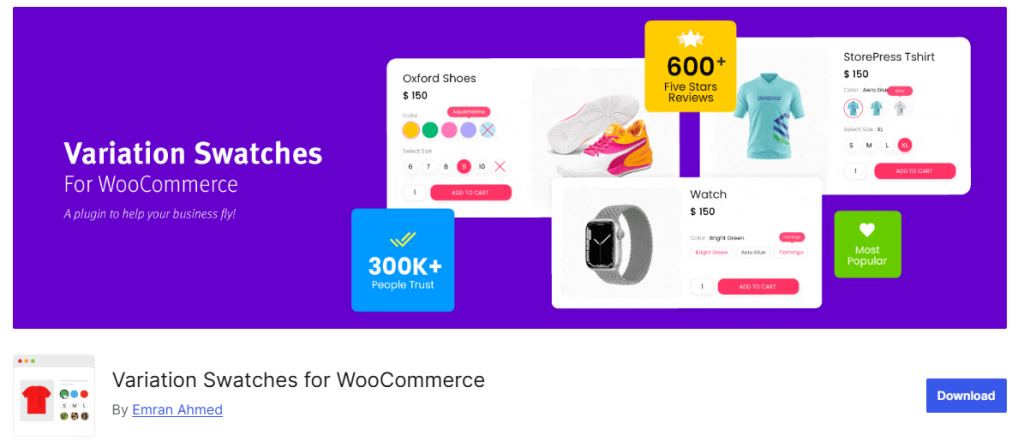
Default WooCommerce variation dropdowns (select a color from a list) convert worse than visual swatches. This plugin replaces dropdowns with color chips, image swatches, or button-style options for size and other attributes.
The free version covers basic swatch types. Radio-button styling, image-based swatches for complex variations, and tooltip previews are in the paid tier.
Pricing
Starts from $99/yr.
Best for: any store selling products in multiple colors, sizes, or materials where a dropdown makes shopping slower than it needs to be.
5. WooCommerce Product Table: Best WooCommerce Plugin For Bulk Ordering and Large Catalogs
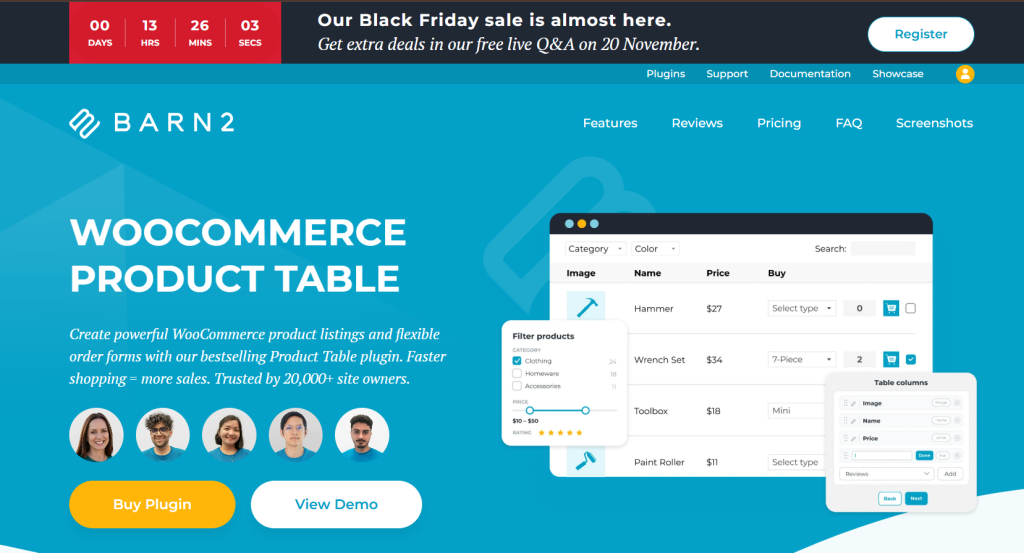
WooCommerce Product Table lists your products in a searchable, sortable table with filters, so customers can find what they need and add several items to the cart from one page, without opening each product.
Quantity boxes, variation dropdowns and product options can all sit in the table itself, which makes it a fast one-page order form for wholesale buyers, repeat customers and stores with large catalogs.
Pricing
Starts from $79/yr for a single site.
Best for: stores with lots of products or repeat B2B buyers, where a standard product grid slows people down.
6. Advanced Coupons: Best WooCommerce Plugin For Promotions

WooCommerce’s built-in coupon system is basic. Advanced Coupons adds BOGO deals, cart-conditional discounts, scheduled coupons, and URL-based auto-apply coupons for email and ad campaigns.
Pricing
Starts from $99.50/yr (intro pricing on the Growth tier).
Best for: stores that run frequent promotions and need coupon logic beyond a flat percentage or dollar discount.
7. Booster for WooCommerce: Best All-in-One WooCommerce Plugin
Booster bundles more than 150 individual WooCommerce modules into one plugin: currency switching, PDF invoicing, product add-ons, and dynamic pricing rules among them. For stores that would otherwise install 6 or 7 separate plugins, one centralized dashboard means fewer update conflicts to manage.
The free version unlocks a meaningful number of modules with limited customization. Full control over each module requires the paid tier.
Pricing
$149/yr (Elite Personal).
Best for: stores that want broad functionality without managing a long list of separate plugins, and don’t mind the larger footprint that comes with an all-in-one tool.
8. PDF Invoices & Packing Slips: Best Order Operations WooCommerce Plugin
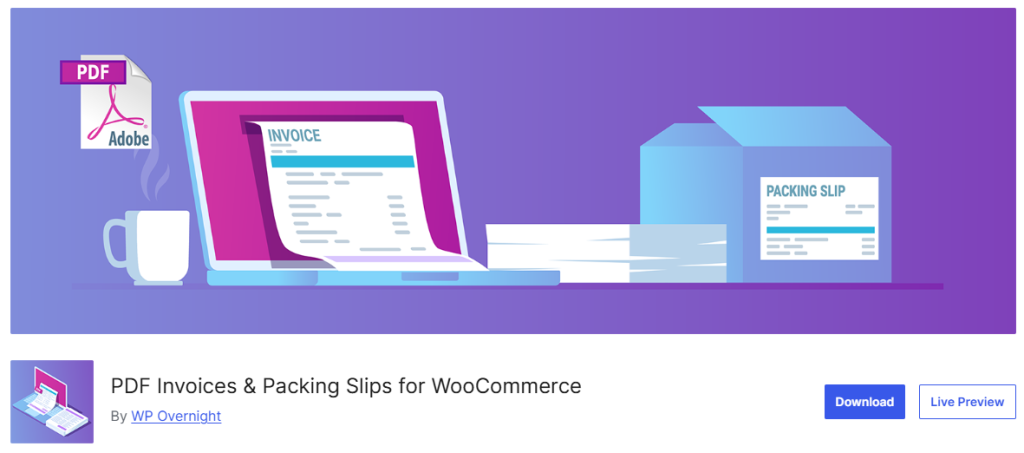
Automatically generated, tax-compliant PDF invoices and packing slips save real time once you’re processing more than a handful of orders a week, and they look more professional than a plain order confirmation email.
Pricing
Starts from €99/yr for a single site.
Best for: any store doing enough volume that manually creating invoices has become a bottleneck.
9. WooCommerce Bookings: Best For Service-Based Stores
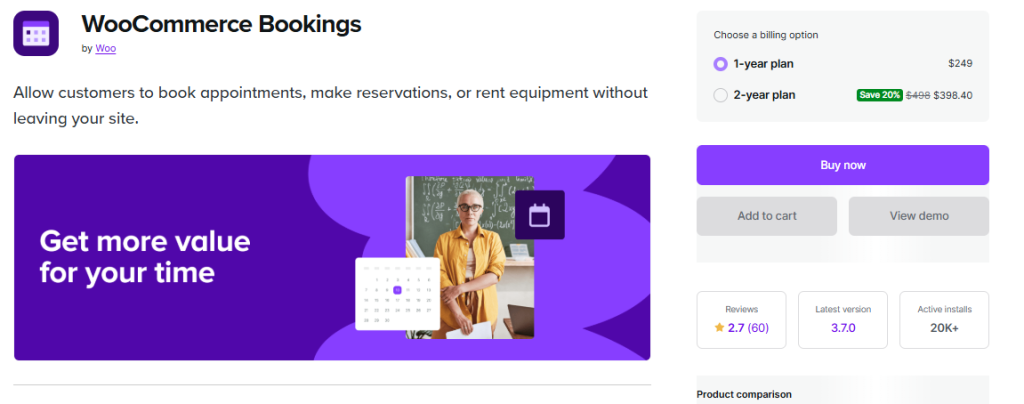
WooCommerce Bookings has no free tier, and at $249/yr it’s the priciest plugin on this list. It earns that price by treating bookings as native WooCommerce products, so appointments, rentals, and reservations run through the same cart, checkout, and payment gateways as physical goods.
Best for: stores that sell services or rentals alongside physical products and want one unified checkout instead of a separate booking system bolted on.
Businesses that need more advanced scheduling features can also have a dedicated appointment booking plugin.
10. Sublium: Best WooCommerce Subscriptions Alternative

Sublium, built by the FunnelKit team, does most of what the official WooCommerce Subscriptions extension does at a lower price, plus a customer self-service portal where subscribers can pause, skip, or reschedule their own plan without emailing support.
It also auto-retries failed payments, which reduces involuntary churn from expired cards or temporary payment failures.
Pricing
Start from $99.50/yr, with a free version available to test core functionality first.
Best for: stores running memberships, subscription boxes, or recurring digital products that want lower support overhead on billing issues.
11. MonsterInsights: Best For Ecommerce Analytics
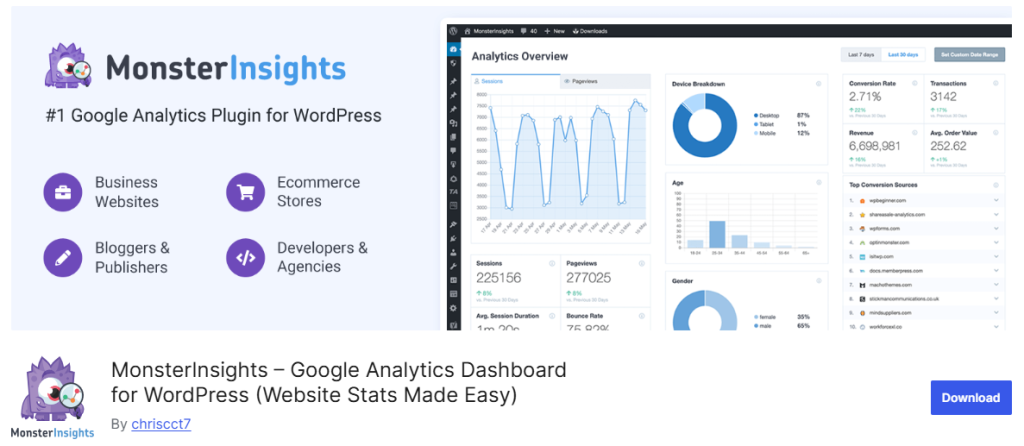
MonsterInsights connects Google Analytics to your WooCommerce store and surfaces ecommerce-specific reports, top products, conversion rate by traffic source, checkout behavior, directly inside your WordPress dashboard instead of a separate Google Analytics login.
The free version covers basic traffic and pageview tracking. Ecommerce reporting, form conversion tracking, and custom dimensions require a paid tier.
Best for: store owners who want to understand which traffic sources actually convert without becoming a Google Analytics power user.
12. TrustPulse: Best WooCommerce Plugin For Social Proof

TrustPulse shows real-time notifications (“Someone in Austin just bought X”) to build purchase confidence for new visitors. It integrates directly with WooCommerce order data, so notifications reflect actual sales rather than fabricated activity.
Setup takes a few minutes with no code, and notification rules can be scoped to specific pages, timing windows, or visitor behavior.
Pricing
Basic pricing tier starts at $9/mo
Best for: newer stores that need to build buyer confidence quickly, especially ones without an established review history yet.
13. Dokan: Best WooCommerce Marketplace Builder Plugin
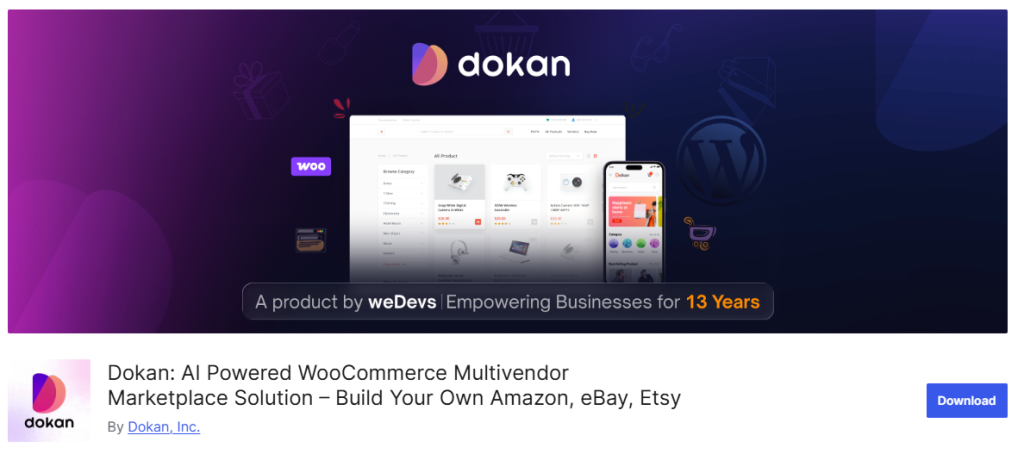
Dokan converts a standard WooCommerce store into a full multivendor marketplace, letting independent sellers manage their own products, orders, and payouts through individual vendor dashboards.
The free version supports a working multivendor setup. Commission management, vendor subscription plans, and advanced payout options are paid.
Pricing
Annual plan starts at $149 per year
Best for: stores pivoting from single-seller to a marketplace model, or anyone building a marketplace on WordPress from the ground up.
14. WPForms: best for custom order and lead forms
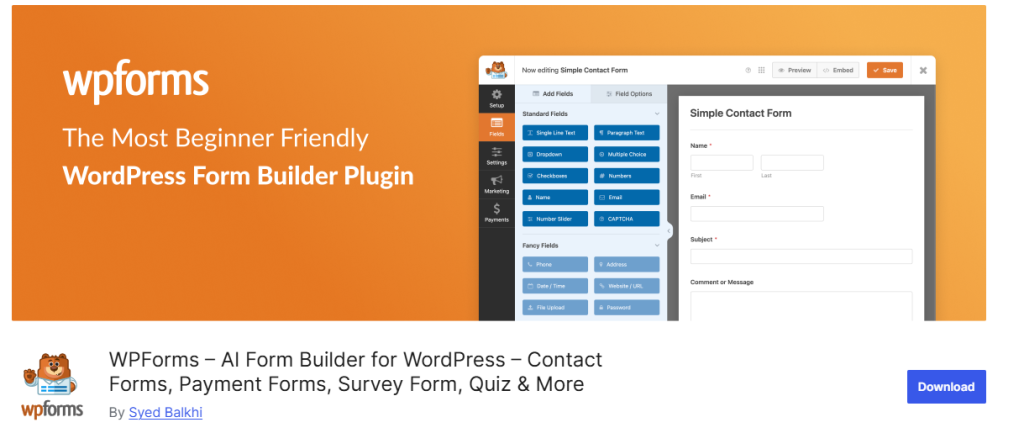
WPForms isn’t a WooCommerce-specific plugin, but it fills a real gap. Default WooCommerce doesn’t handle custom order forms, quote requests, or payment-enabled forms outside the standard product-and-cart flow.
Pricing
Starts from $49.50/yr, with a free Lite version available.
Best for: stores that need a payment-enabled form outside the standard product page, like custom quote requests or pre-order deposits.
What people are actually saying about WooCommerce plugins on Reddit and Other Forums
A few patterns come up consistently in store-owner discussions and forums.

“Check the install count and last-updated date before installing anything” comes up in almost every plugin-choice discussion, and it’s sound advice: a plugin with 10,000+ active installs and a rating history spanning multiple WooCommerce versions has survived real-world testing that a brand-new plugin hasn’t.
How To Choose The Right WooCommerce Plugins For Your Store
If you’re just getting started, install one plugin from each category rather than several from the same one: an email tool, a checkout optimizer, and an analytics tool cover more ground than 3 competing wishlist plugins.
- If your store sells services or bookings alongside products: WooCommerce Bookings.
- If you run recurring revenue: Sublium.
- If cart abandonment is your biggest problem: Mailchimp for WooCommerce paired with CartFlows.
- If you’re consolidating a long plugin list: Booster for WooCommerce.
- If you’re building a multi-seller platform, not a single store: Dokan.
Last Word
The right WooCommerce plugins stack depends on where your store actually loses money, not on installing every popular extension available. Start with whichever gap costs you the most right now, whether that’s abandoned carts, manual invoicing, or a checkout that doesn’t convert, and build outward from there.
