The best AI tools for freelancers in 2026 are ChatGPT, Krea Agent, Canva, Descript, Perplexity, Fathom, Reclaim.ai, Auphonic, and Notion. Together they cover writing, visuals, video, research, client calls, scheduling, audio, and getting paid.
You don’t need all nine. Find the task that eats most of your week and start there.
Prices were checked in early October 2026. They change often, so confirm on each pricing page before you pay.
Quick Picks: AI Tools For Freelancers and Independent Creators
| Tool | Best for | Free plan? |
|---|---|---|
| ChatGPT | Proposals, drafts, research | Yes |
| Krea Agent | Images and video from one prompt | Yes |
| Canva | Brand and social assets | Yes |
| Descript | Editing video and podcasts by text | Yes |
| Perplexity | Sourced client and market research | Yes |
| Fathom | Call notes and summaries | Yes |
| Reclaim.ai (underrated) | Protecting focus time | Yes |
| Auphonic (underrated) | Fixing audio levels | Yes |
| Notion | Projects, and notes in one workspace | Yes |
How We Picked These AI Tools for Freelancers and Independent Creators
Every tool had to pass four checks:
- It saves real hours on a task freelancers repeat.
- It works for one person with no team setup.
- It has a free tier or a low entry price.
- It is actively maintained in 2026.
1. ChatGPT: Best AI Tool for Proposals, Drafts, and Client Research
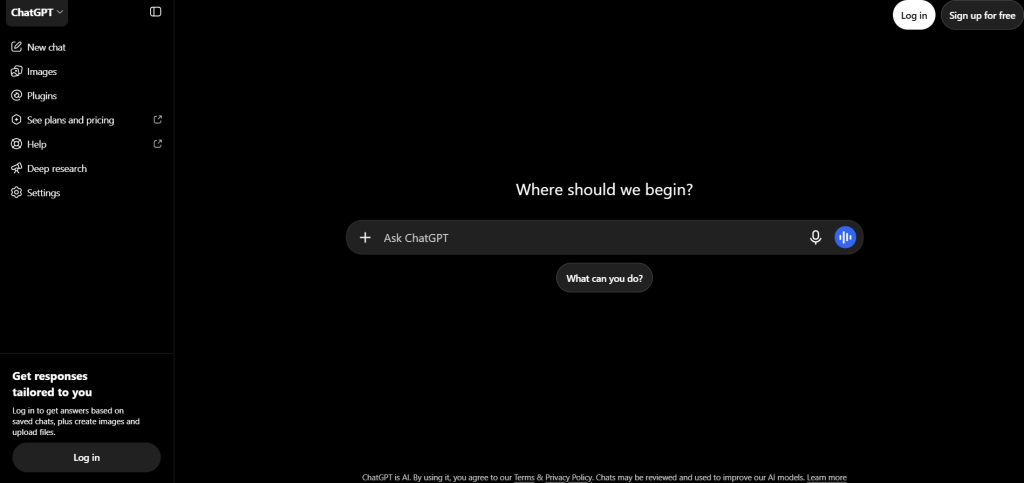
ChatGPT is the best all-round AI assistant for freelancers and independent creators who write proposals, emails, outlines, and first drafts every week.
What ChatGPT does.
You type a request and it writes, rewrites, summarizes, or explains.
How freelancers use ChatGPT:
- Paste a client brief and ask for three proposal angles.
- Turn rough call notes into a scope of work.
- Draft a polite payment reminder.
Pricing:
- Free is $0, Go is $8, Plus is $20, and Pro comes in $100 and $200 tiers.
- Plus is the practical default for daily use.
Skip it if you already pay for another AI chat assistant. The free plan covers light use.
2. Krea Agent: Best AI Tool for Turning One Prompt Into Finished Images and Video
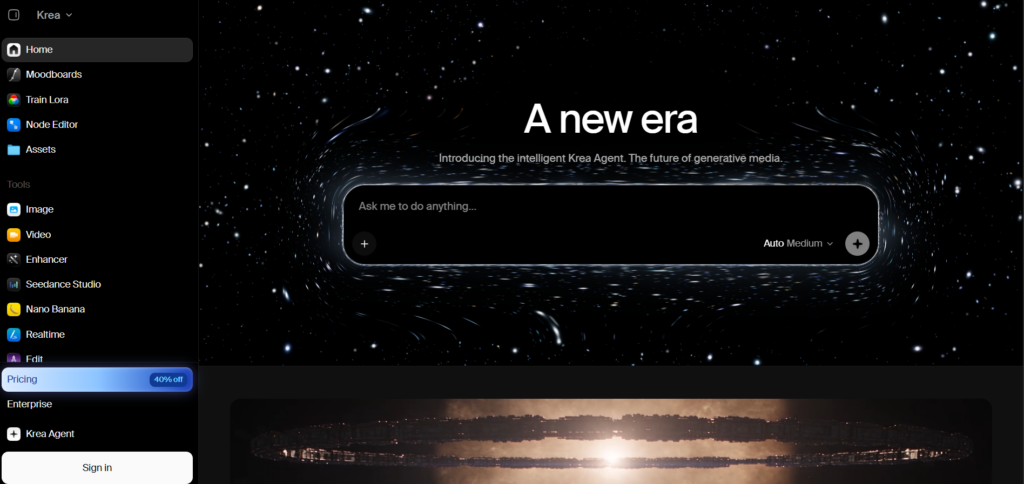
Krea Agent turns a plain-language brief into finished visual work. You describe what you need, and the agent picks the right models to generate, edit, enhance, and upscale images and video.
What Krea does
One agent replaces the usual hop between an image generator, a video tool, and an upscaler. You can start from ready-made templates on the page.
They include a product photoshoot from a single photo, a sizzle reel from one product shot, YouTube thumbnail concepts, and an explainer video from just a prompt.
How freelancers use Krea:
- A brand designer carries one logo direction through to packaging mockups before the client call.
- A solo marketer turns one product photo into a lifestyle shoot.
- A video freelancer builds a concept reel to pitch an idea before booking a shoot.
- A creator tests several thumbnail directions in one session.
Also in the workspace: a Files library, Skills and connected apps, and Custom apps.
Pricing:
- Free gives you 100 compute units a day.
- Basic is $9 a month for 5,000 units and adds all image models and a commercial license.
- Pro is $35 a month for 20,000 units and adds all video models.
- Max is $105 a month for 60,000 units.
- Yearly billing brings Pro to about $21 a month.
Watch out. The Free plan has no commercial license. Client work needs Basic or higher. Video also burns units faster than stills, so test a small job first.
Pick it if visuals are part of what you sell.
3. Canva: Best AI Tool for Fast Brand and Social Assets
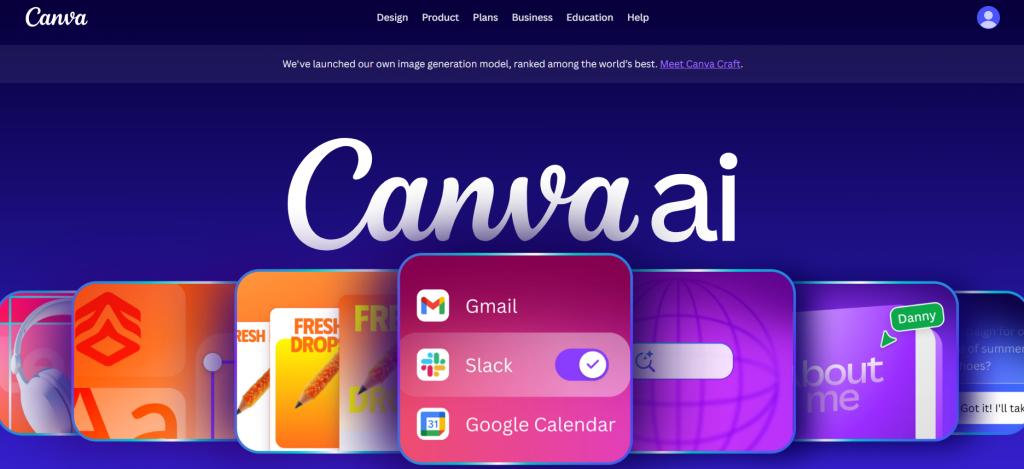
Canva is the fastest way for a freelancer to turn an idea into a branded post, deck, or one-pager. Its AI tools sit inside the editor, so you don’t switch apps.
What it does. Magic Studio adds AI writing, image generation, background removal, and resizing to a template editor.
How freelancers use it:
- Resize one design for every social platform.
- Keep client colors and fonts in a brand kit.
- Take an image from Krea and finish the layout and text in Canva.
Pricing:
- Free includes 50 Magic Studio AI credits a month.
- Pro is $18 a month for one person, checked on Canva’s pricing page in September 2026.
- Pro raises the AI allowance to 500 credits a month, shared across all AI features.
- Yearly billing costs less per month.
Skip it if you already work in Adobe all day.
4. Descript: Best AI Tool for Video Editing by Editing Text
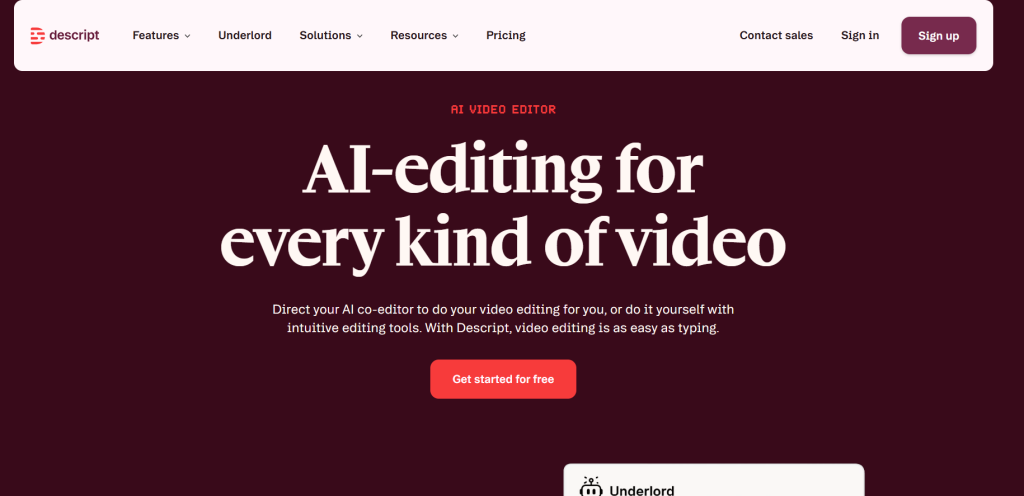
Descript lets you edit video and audio by editing the transcript. It is a text-based video and audio editor. You delete a sentence and the clip changes.
How freelancers use it:
- Cut filler words from a client interview in a few clicks.
- Clean up a recorded Zoom for a testimonial.
- Trim a podcast episode without a timeline.
Pricing:
- Free gives you 60 media minutes a month, 100 one-time AI credits, and watermarked 720p exports.
- Hobbyist is $24 a month, or $16 billed annually, with 10 media hours.
- Creator is $35 a month, or $24 billed annually.
- Hobbyist exports at 1080p. Creator and above export at 4K.
Watch out. Hobbyist cannot top up mid-month. If you edit a lot of footage, start on Creator.
5. Perplexity: Best AI Tool for Market Research With Sources
Perplexity is an answer engine that shows where each answer comes from. That matters when you research a client’s market and need to check claims before you send a proposal.
How freelancers use it:
- Learn a client’s industry before a discovery call.
- Compare competitors for a positioning brief.
- Find sources to back up a claim in an article.
Pricing:
- Free exists, with a daily cap on Pro searches.
- Pro is $20 a month, or $200 a year.
- Max is $200 a month.
- Verified students and educators can get Education Pro at $10 a month.
Skip it if your ChatGPT plan already covers your research habits.
6. Fathom: Best AI Tool for Client Call Notes and Summaries
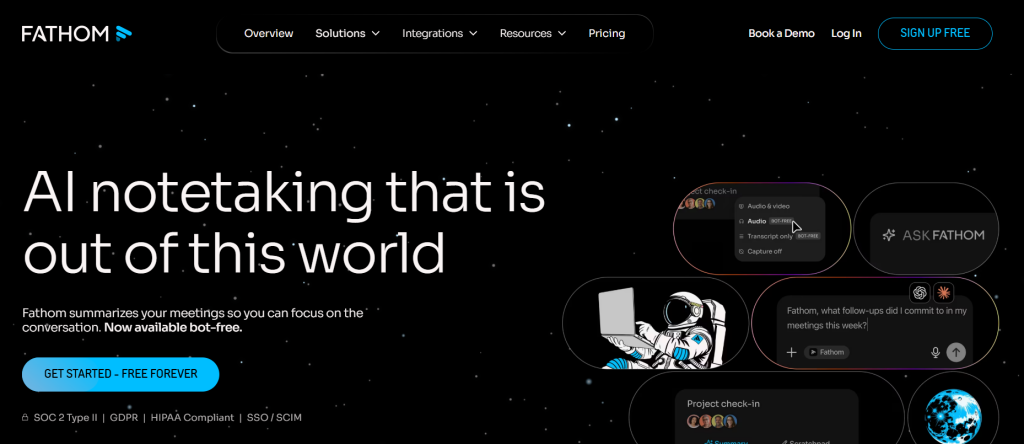
Fathom records your calls and writes the notes for you. You stay in the conversation instead of typing.
How freelancers use it:
- Capture scope decisions from a kickoff call.
- Pull action items to send the client afterward.
- Search old calls when a client says “I never agreed to that.”
Pricing:
- Free includes unlimited recording and transcription, but advanced AI summaries only cover the first 5 calls a month.
- Premium is $20 a month, or $16 billed annually, and removes the AI cap.
Pick it if you take more than a few client calls a month. Check your clients are fine with a recording bot joining.
7. Reclaim.ai: Best AI Tool for Protecting Focus Time Around Client Calls
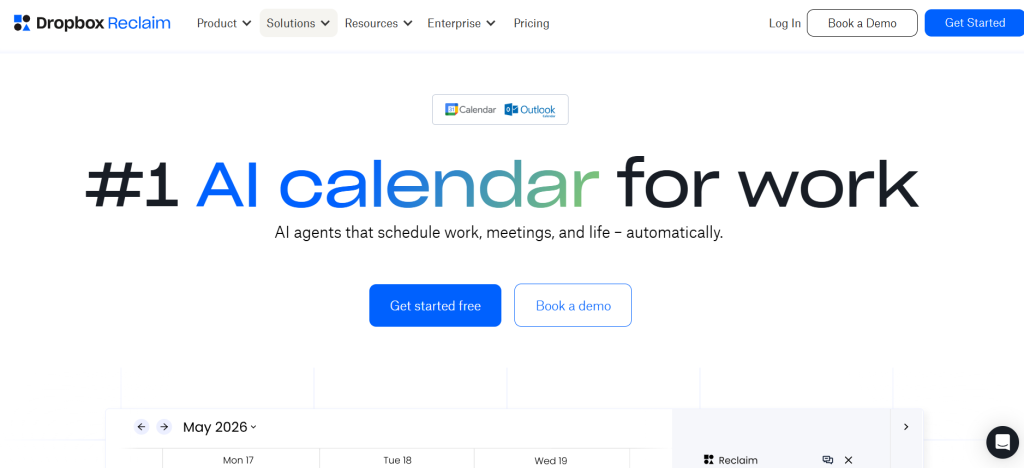
Reclaim.ai is an AI calendar that schedules your tasks and focus blocks around meetings. It gets far less attention than chatbots and image tools. For a freelancer juggling client calls and deadlines, it fixes a daily problem.
How freelancers use it:
- Block recurring deep-work time that moves itself when a call lands.
- Share a scheduling link so clients book open slots.
- Sync personal and client calendars so nobody double-books you.
Pricing:
- Lite is free forever for one user.
- Lite has a one-week scheduling range and one scheduling link.
- Starter is $10 a month billed annually, or $12 monthly.
- New accounts get a 14-day trial of paid features.
Good to know. Dropbox acquired Reclaim in August 2024, and it now works with Outlook as well as Google.
Skip it if your calendar is already light.
8. Auphonic: Best AI Tool for Fixing Audio Without an Editor
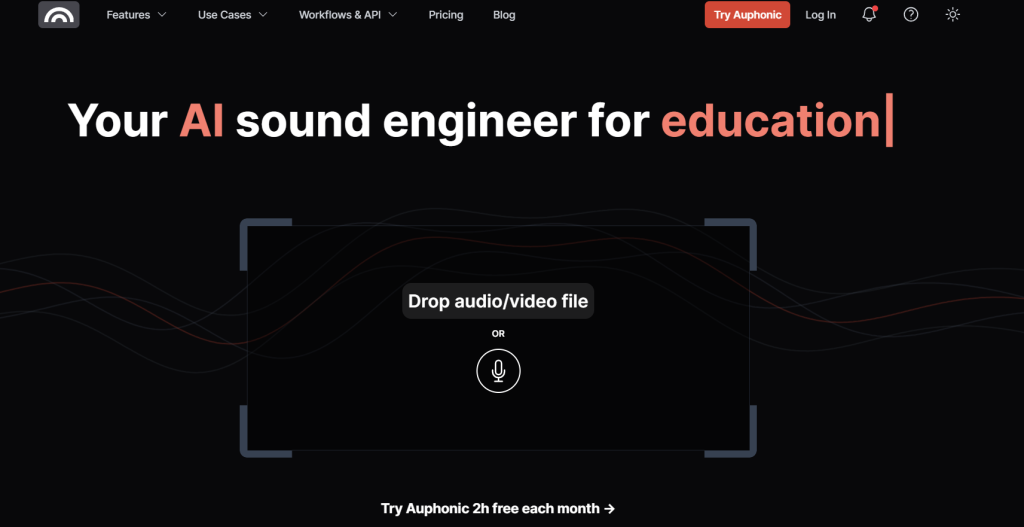
Auphonic cleans up the sound of a recording automatically. You upload a file, set a target, and download a leveled version. It centers on loudness normalization to targets common in podcasting and broadcast.
How freelancers use it:
- Level a client’s podcast episode recorded on mixed microphones.
- Fix quiet voiceovers before you send a video.
- Batch-process interviews with the same settings every time.
Pricing:
- Free covers 2 hours of processed audio each month.
- Free productions include an Auphonic jingle. Paid plans remove it.
- Recurring credits reset monthly. The entry plan, Auphonic S, includes 9 hours.
- One-time credits never expire, so you can pay as you go.
Watch out. The upload, process, and download loop adds friction if you tweak audio often. It is built for finishing, not live editing.
Pick it if you deliver audio to clients and don’t want to hire a sound editor.
9. Notion: Best AI Tool for Organizing Clients, Projects, and Notes in One Workspace
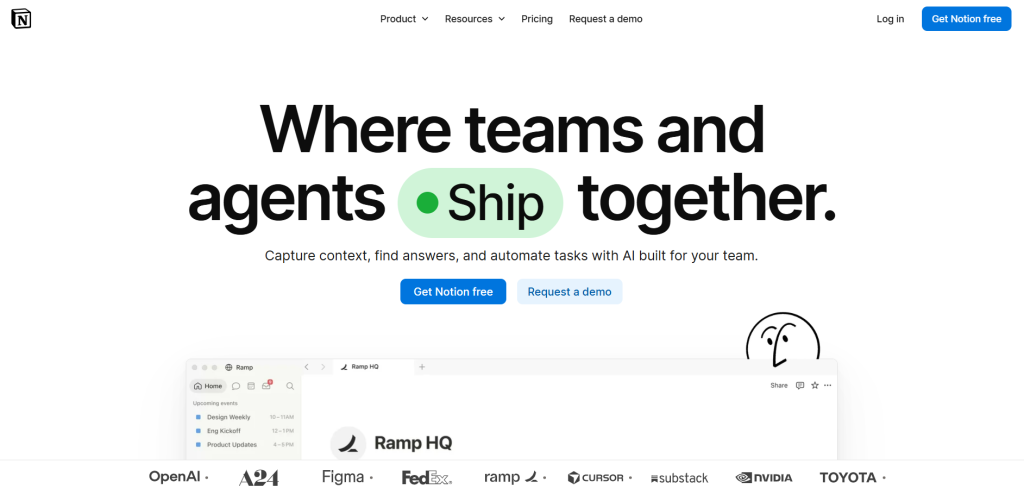
Notion is the best AI tool for freelancers doing client projects, notes, proposals, and content calendars in one place. AI is built-in for search and draft.
What Notion does
Notion is a workspace of pages and databases. The Business plan adds Notion Agent, AI Meeting Notes, and Enterprise Search.
How freelancers use Notion:
- Keep one client database with status, deadlines, and links for every project.
- Save templates for proposals, briefs, and onboarding checklists.
- Ask the AI to find a decision buried in old project notes.
Pricing:
- Free is $0, with only a limited AI trial.
- Plus is $10 a month on annual billing, or $12 monthly. It includes a limited AI trial, not full AI access.
- Business is $20 a month on annual billing, or $24 monthly, and includes the AI features above.
Watch out. Full AI sits on the Business plan, which is the priciest tier for a solo freelancer. The Free plan is enough to organize clients. Pay only if you want the AI.
Skip it if Google Docs and a spreadsheet already keep your work in order.
Which AI Tools Should You Start With?
Start with one tool that matches your main work, then add a second only after the first saves you time.
| If you are a… | Start with | Add next |
|---|---|---|
| Content writer or marketer | ChatGPT | Perplexity |
| Designer or visual creator | Krea Agent | Canva |
| Video or podcast creator | Descript | Auphonic |
| Consultant or coach | Fathom | Reclaim.ai and Notion |
Final Take
Pick your slowest task. Match it to the table above. Try the free plan for a week on real client work. Keep the tool if it saves you time, and drop it if it doesn’t.
