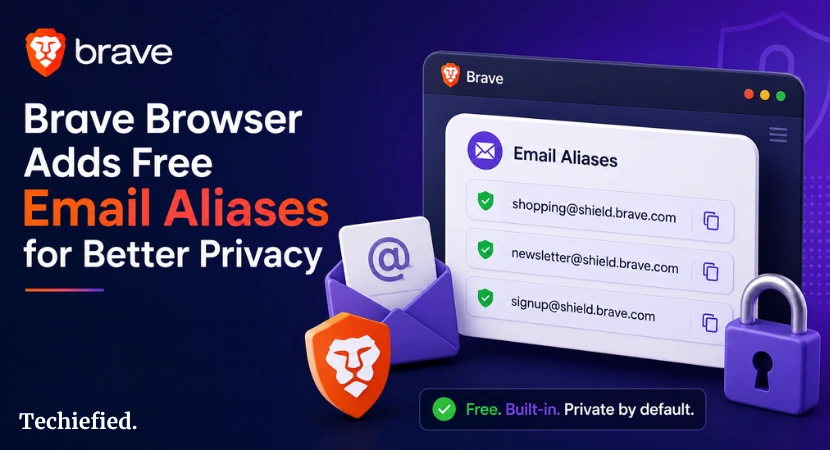
Brave Browser just added free email aliases, called Brave email aliases. You can now sign up for websites without giving away your real email. No extra cost or extra apps. Just built right into the Claude browser.
What Are Brave Email Aliases?
Brave email aliases are fake email addresses that forward mail to your real inbox. You use them when a site asks for your email. The site sees the fake one. Your real one stays hidden.
Brave launched this on August 27, 2026. It works on desktop right now. Mobile comes later.
Here is Why Brave Email Aliases Matter
Every time you give a site your real email, you risk spam. You risk data breaches. You risk that site selling your address to marketers. Brave aliases stop that cold.
The aliases look like this: word-word123@bravealias.com. Brave makes them for you in one click. You do not pick the name. That is the point. Random names are harder to track.
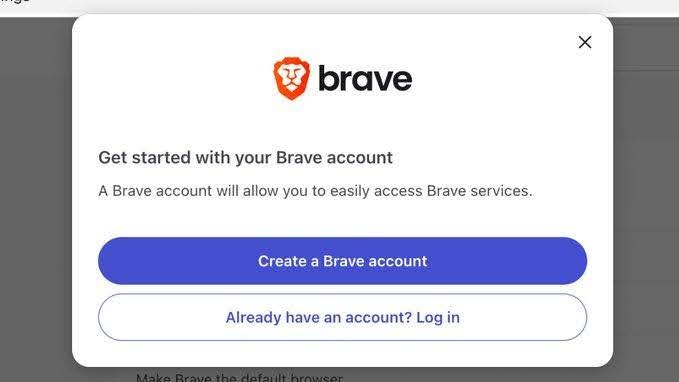
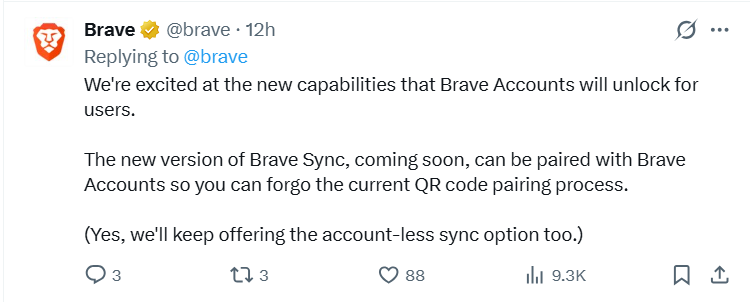
Brave email alias is free. You need a Brave Account, but that is it. Not Brave Premium. Not a credit card. Just sign up and go.
How Do Brave Email Aliases Work?
The flow is simple.
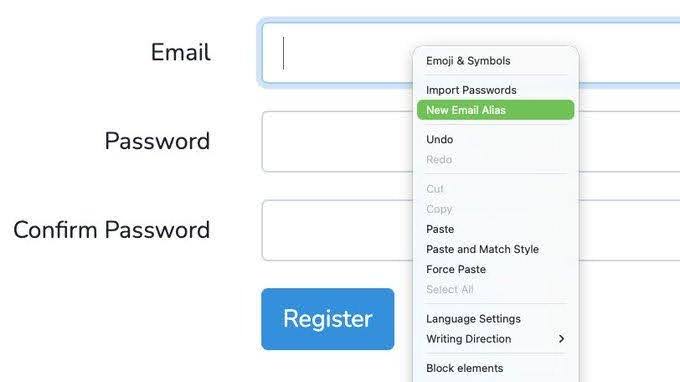
- You right-click an email field on a sign-up form.
- You pick “New Email Alias.”
- Brave fills in a random address.
The site never sees your real email.
Here is what happens behind the scenes. The alias receives the email. Brave forwards it to your inbox. Then Brave wipes it from their servers. They do not keep copies or read it.
Standard spam and virus filtering runs first. That is it.
You manage email aliases in brave://settings/email-aliases. You can see which aliases you made.
You can add local notes to remember what each one is for. Those notes stay on your device. They do not sync to Brave’s servers unless you use Brave Sync. Even then, they are end-to-end encrypted.
Deleting an alias takes one click. Once gone, mail to that address bounces. The site cannot reach you anymore. And if you delete your whole Brave Account, every alias dies instantly.
Brave cuts the connection to your email. They do not keep a list of what aliases you had.
Brave Email Aliases: Privacy and Security Features
Brave does not read your emails. They do not log who sent them. They do not store contents. They do not store sender info. Emails are encrypted at rest on AWS. Then they are gone.
Here is what Brave actually does. They run spam and virus checks. They forward the mail. They delete everything within seconds.
Your alias notes are local. They live on your computer. If you use Brave Sync, they move between your devices encrypted. Brave cannot read them.
And if you quit? Delete your account. All aliases stop working immediately.
How Brave Compares to Firefox Relay and Apple Hide My Email
Cost: Brave is free with no cap. Firefox Relay gives five aliases free, then $4.99/month for unlimited. Apple Hide My Email needs iCloud+ at $0.99/month. Brave is the only fully free option.
Setup: Brave works inside the browser. You right-click a field and go. Firefox Relay needs an extension or the Firefox browser.
Apple Hide My Email works only on Apple devices with iCloud. Brave is the most direct if you already use the browser.
Cross-platform: Brave email aliases work on desktop now. Mobile is coming.
Firefox Relay works everywhere. Apple Hide My Email is locked to the Apple ecosystem. If you use Windows and Android, Brave or Firefox are your picks.
Reply ability: None of the free versions let you reply from the alias. They are forward-only. That is standard across all three.
Custom domains: None of the free plans offer this. You get random addresses. If you want custom domains, you pay for premium services elsewhere.
Open source: Brave is partially open source. Firefox Relay is fully open source. Apple is closed.
Why This Actually Matters for Your Privacy
Every site you sign up for gets a permanent record of your email. When that site gets breached, your email leaks. When that site sells data, your email sells. When marketers scrape lists, your email lands in spam folders.
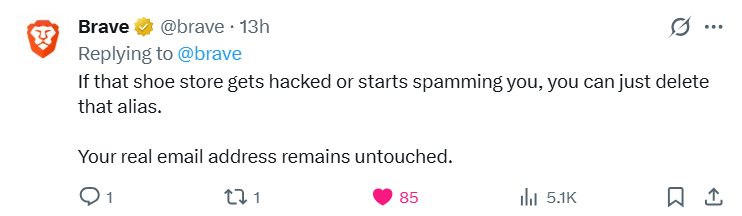
One alias per site stops that chain. If a site leaks your alias, you delete it. The leak dies there.
And spam? You see which alias is getting hit. You know exactly who sold or leaked your address. Then you kill that alias. No more spam from that source.
What are The Limitations of Brave Email Aliases
Desktop only. The August 2026 launch covers Brave v1.94 on desktop. Mobile support is planned but not here yet. If you live on your phone, this will not help you today.
No custom domains. Your aliases use @bravealias.com. You cannot brand them or make them easy to remember. That is by design. Random names are harder to guess and track.
But it means you cannot hand out a clean alias like john-shop@yourdomain.com.
Forward only. You can receive mail at an alias. You cannot send from it. If a site replies to your alias, it reaches you. If you need to email them back, you use your real email. That breaks the shield. Most alias services work this way. But it is a gap.
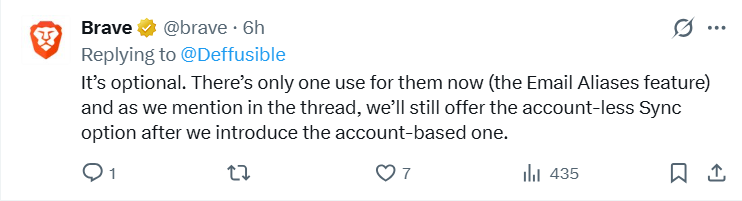
Account required. You need a Brave Account to use this. It is free and separate from Brave Premium. But it is still an account. You hand Brave your real email to get the service.
One browser. This only works in Brave. If you use Chrome or Safari for some tasks, you cannot make aliases there. You would need to switch browsers for sign-ups or use a different alias service.
Last Word: Should You Use Brave Email Aliases?
Yes. If you use Brave on desktop, turn this on. It is free. It is simple. It cuts spam and breach risk with almost no effort.
Here is the decision tree. Do you sign up for things online? Do you hate spam? Do you worry about data breaches? If any answer is yes, this helps.
Go to brave://settings/email-aliases. Make an account. Try it on your next sign-up. It takes ten seconds. And you will have one less real email floating around the internet.
