A LinkedIn profile has one job: prove that the person behind it can deliver results. Get this right, and content and outreach convert. Get it wrong, and neither one works, no matter how good the posts are. That’s why it’s crucial to know the ins and outs of building an authoritative LinkedIn profile.
Here’s a section-by-section breakdown of how to build a LinkedIn profile that reads as authority.
Profile picture – First Signal of LinkedIn Authority
A strong profile picture follows a few basics:
- a clear headshot instead of a selfie or blurry photo,
- a centered face so it stays visible even at the small size used in comment threads, and
- a background that isn’t busy or cluttered.

For a messy background, tools like remove.bg strip it out first. From there, Canva’s logo template format works well:
- drop the photo in
- add a solid or gradient background in a color that matches the person’s brand.
Banner – A Signal of Executive LinkedIn Profile
Banners draw far less attention than most people assume. Visitors rarely study them closely. A banner that looks broken or glitchy hurts more than one that’s simply plain and forgettable.
3 formats cover most cases:
- A business logo paired with result graphics
- A tagline on a brand-colored background
- A personal photo
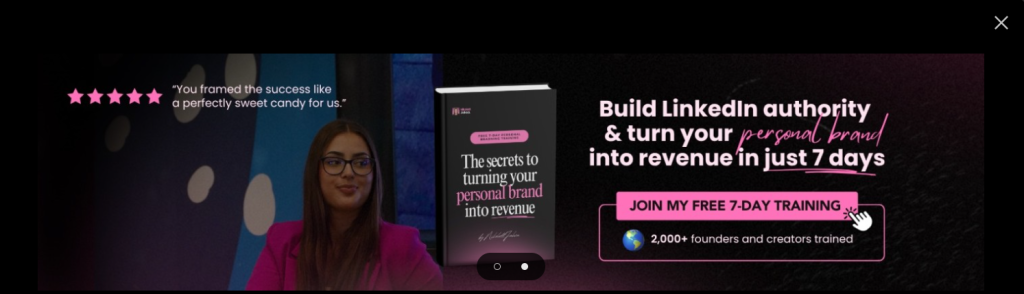
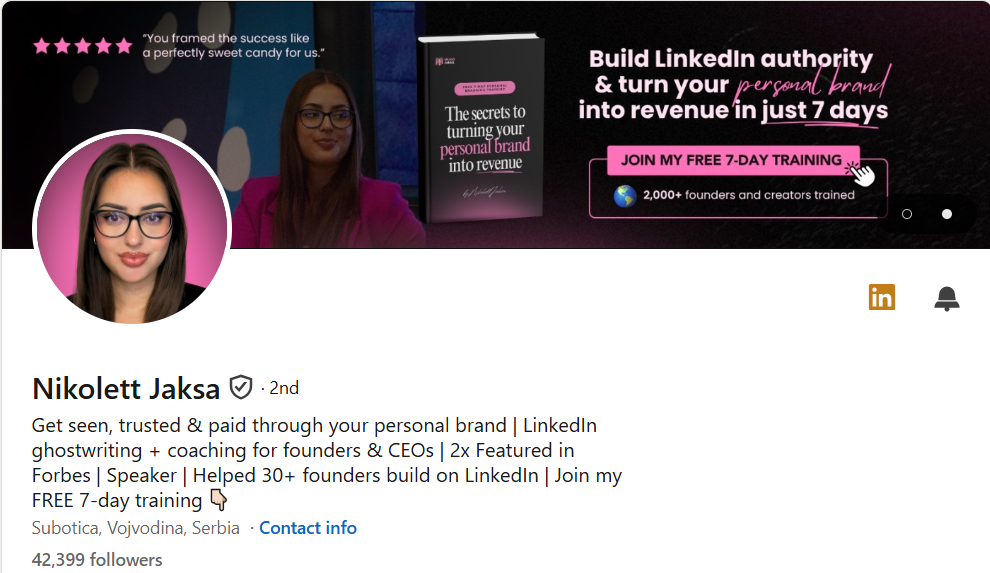
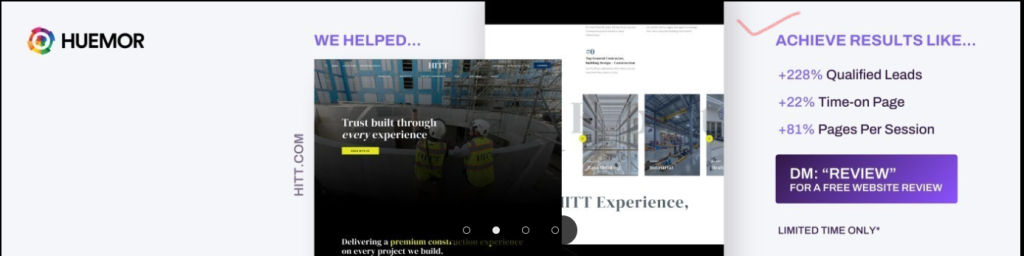
All 3 work. Keeping the banner focused on the business keeps attention on the offer. A personal photo adds warmth and holds up just as well.
The WAR bio framework – Real Scoop of Building a LinkedIn Profile That Reads Authority
WAR stands for
- What you do
- Authority
- Results
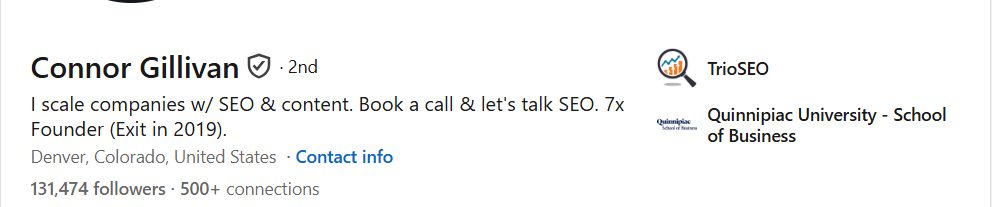
A 3-pillar structure for building a bio that’s optimized without reading like a template. 2 of the 3 pillars make a complete bio.
What they do
Vague: “Marketing consultant.”
Specific: “Helps SaaS founders acquire customers through LinkedIn.”
The second version tells a visitor exactly who the service is for and what it delivers.

Authority
This pillar states a result at the level of the whole business, not one case.
Weak: “Helps businesses grow.”
Strong: “Scaled 3 marketing agencies to 7 figures each.”
That second line does the work of building trust in a single sentence.
Results
This pillar gets specific and ties the number to the actual offer. If the offer is “10 leads in 30 days with cold email or no payment,” the bio should match it: “10 leads generated monthly for 27+ clients.”
Featured section
The featured section is the first thing a visitor sees after clicking into a profile. A 3-item structure covers most goals:
- A link to the website or landing page
- The best-performing post
- A lead magnet or newsletter signup
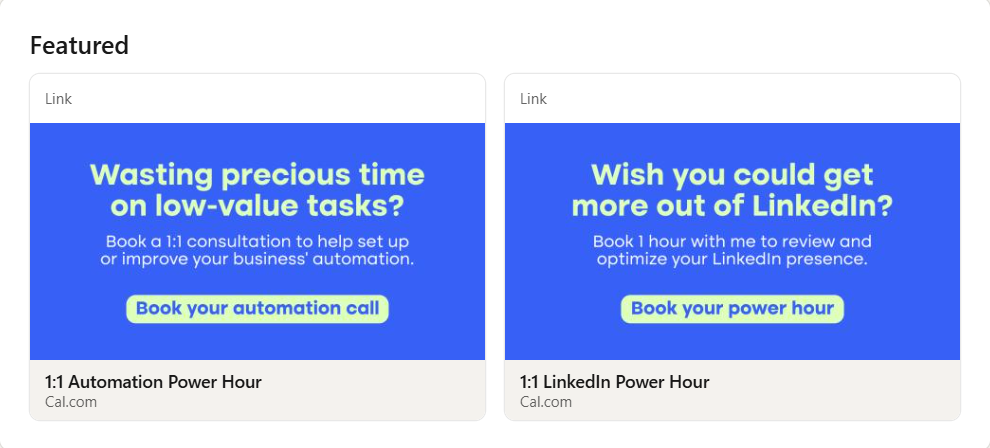
Each item speaks to a different visitor. Buyers click the site link. People who aren’t ready yet subscribe to the email list. Others just read the content. All 3 give a visitor a next step, wherever they are.
Links
The link section only appears once a link has been added to the profile, which is why it’s easy to miss at first. Once it’s set up, the website link goes in along with a short call-to-action, ideally a simplified version of the actual offer.

Experience
Only relevant experience belongs in this section. If a past role does nothing to prove someone can deliver the service they now offer, it’s worth cutting.

Skills
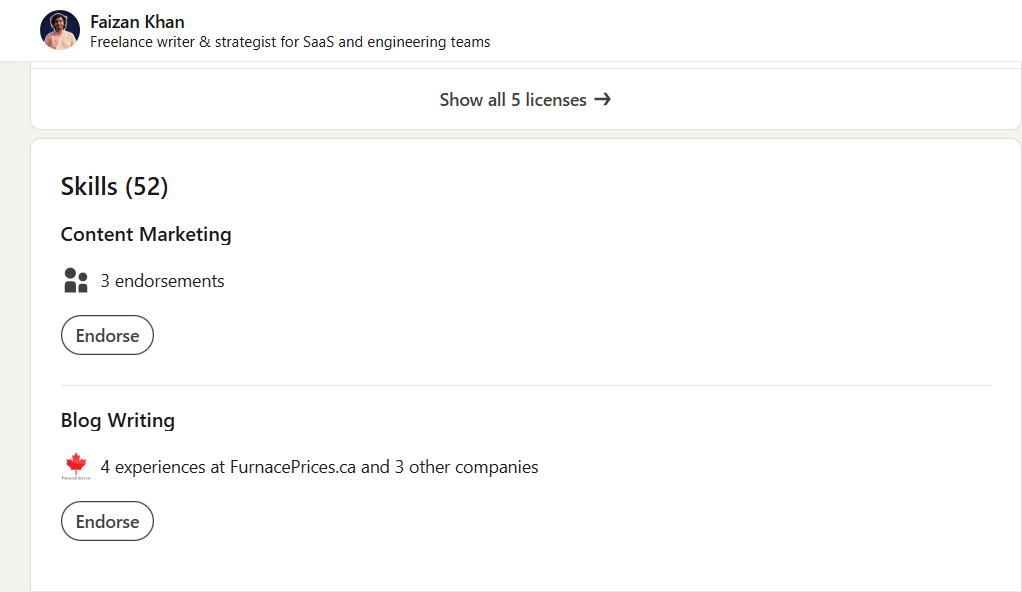
Most visitors only check the skills section for endorsements, so 2 clearly relevant skills, backed by endorsements from friends or past clients, cover what’s needed. Adding more doesn’t help since only the top few show up anyway. Testimonials, as many as available, add further proof on top of this.
Color scheme
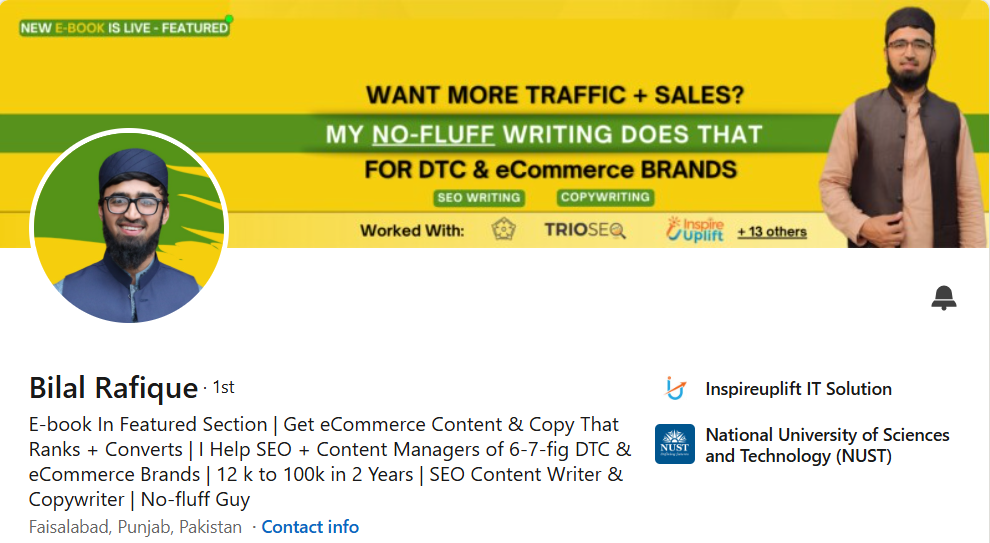
A consistent color scheme across visuals signals a recognizable, professional brand. And it builds a quiet sense of exclusivity once the same colors become associated with one person’s work. Red, white, and black is one working combination.
The specific colors matter less than repeating the same 2 to 3 everywhere, matched to the website or profile picture.
Content – The Base of Building a LinkedIn Profile That Shows Authority
A few rules keep posts performing.
Do:
- Use the first 3 lines to hook the reader – for that you can take help from Claude Linked prompts.
- Break sentences into short blocks instead of dense paragraphs
- Add visuals like infographics, selfies, and carousels using creative tools.
- Reply to comments within 1 hour of posting
- Make 1 point per post and stop
Don’t:
- Use more than 3 hashtags; they read as spam and get penalized
- Add links inside the post body; these get penalized too
- Lean on full how-to frameworks that answer the question completely and remove the reader’s reason to engage
- Post fewer than 3 times a week
- Use automation tools to schedule, repurpose, and maintain a consistent posting cadence.
- Chase outbound comments; strong content generates its own reach
Ending Note
The answer of how to build a LinkedIn profile that reads authority lies in clarity, credibility, and consistency, not by adding more sections or keywords. Optimize every part of your profile from picture to featured section to reinforce your expertise, then support it with valuable content that earns trust over time.
