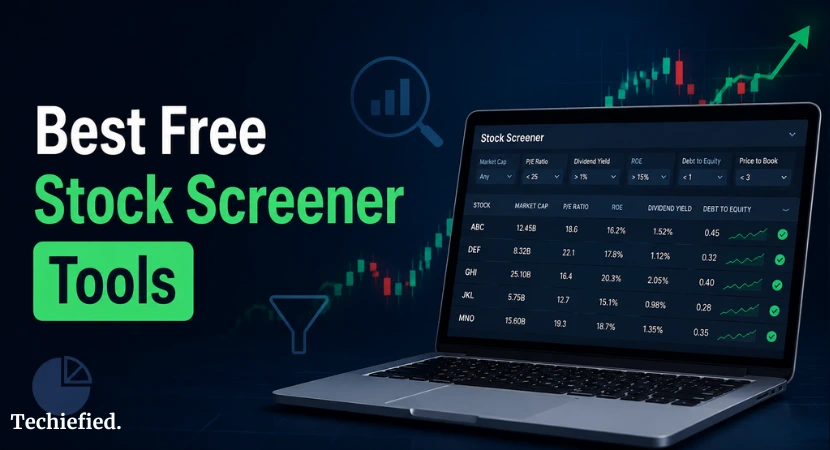
The best free stock screener platforms in 2026 are TradingView, Finviz, Yahoo Finance, and Koyfin. TradingView wins on charting and mobile depth, Finviz wins on raw filter count, Yahoo Finance wins on ease of use for beginners, and Koyfin wins on fundamental data depth. All four let you screen stocks without paying, though each comes with a data delay and a different learning curve.
Picking the best stock screener shouldn’t take longer than picking the stocks. Most investors don’t need a paid terminal. They need a free shares buying/selling platform that filters by the metrics that matter to their strategy and gets out of the way. We compared nine free stock screeners head-to-head. Same filters, same stocks, same workflow.
This blog breaks down which stock screener wins for beginners, which one holds up for day trading, and which one you should skip entirely if dividend yield is your main filter.
Quick Comparison For Best Free Stock Screener Tools
| Platform | Best For | Real-Time Data | Filter Depth | Mobile App | Account Required |
|---|---|---|---|---|---|
| TradingView | Charting and technical scans | No, delayed on free tier | High | Yes, strong | No, for basic screening |
| Koyfin | Fundamental screening | Live US market data | High | Yes | Yes (free) |
| Finviz | Raw filter count | No, 15-min delay | High | No dedicated app | No, for basic screening |
| Yahoo Finance | Beginners | No, delayed | Medium | Yes | No |
| ChartMill | Fundamental scoring | No, delayed | Medium | No | Yes |
| Stock Rover | Portfolio-level research | No, delayed | High | No | Yes |
| Webull | Mobile trading, screen to trade | Yes, if you have an account | Medium | Yes, strong | Yes |
| MarketWatch | News-driven investors | No, delayed | Low to medium | Yes | No |
| Zacks | Earnings-based screening | No, delayed | Medium | Yes | Yes |
| Fidelity | Account holders wanting real-time data | Yes, with an account | Medium | Yes | Yes, for full features |
Detailed Review of Best Free Stock Screener Tools in 2026
Here are the details:
TradingView
A charting-first platform that also happens to have one of the strongest free screeners around. Filters and charts work together, so you move from a screen result straight into analysis without switching tools.
- Full screener access on the free tier, not a stripped-down version
- Deep charting with dozens of technical indicators
- Covers exchanges across the US, Canada, Europe, and Asia
- Mobile app keeps nearly the same depth as desktop
- Data delay varies by exchange, some feeds run close to live, others don’t
Best for: technical analysis, international stocks, and mobile screening.
Koyfin
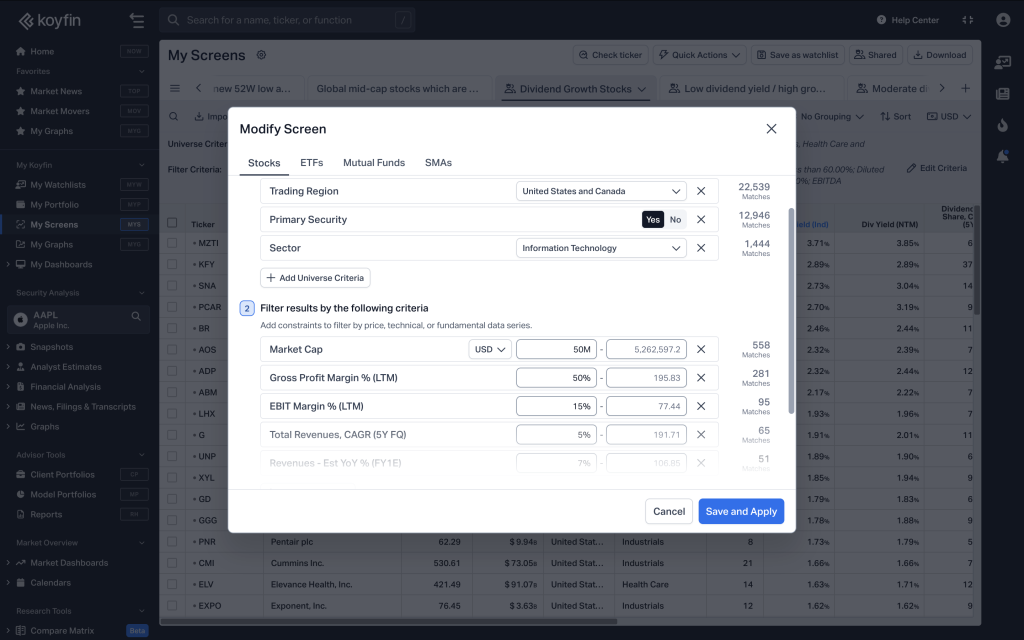
Koyfin offers a stock and fund screener powered by professional-grade financial data from S&P Global and Morningstar. It also lets investors check why a stock passes or fails their screening criteria and find ETFs that hold a specific company.
- 500+ screening metrics covering valuation, growth, profitability, analyst estimates, and technical indicators
- Screen using forward estimates and historical financial data
- Compare companies side by side and chart financial metrics and valuations over time
- Save screening results to watchlists for further research
- Free plan includes global stock screening, 2 saved screens, 2 years of financial data, and 1 year of estimates
Best for: Fundamental investors who screen stocks using historical financials and forward estimates.
Finviz
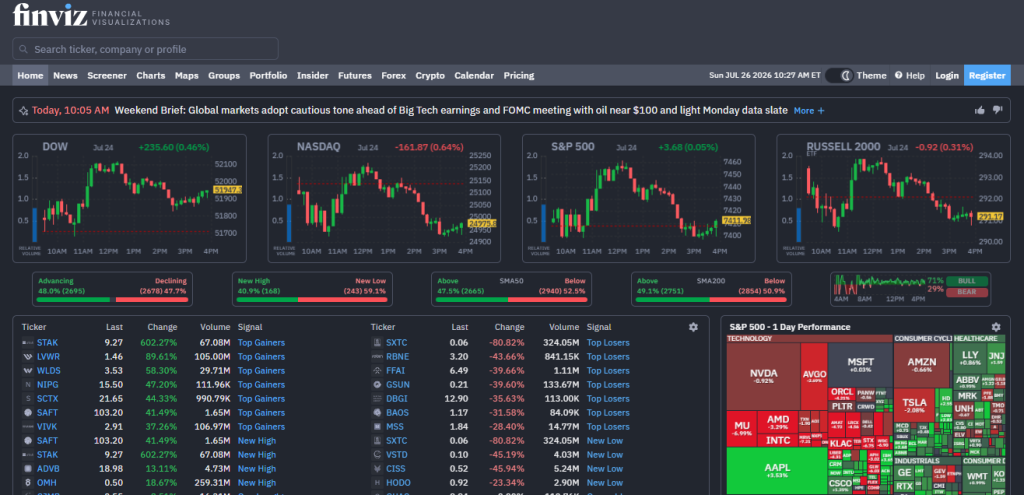
The oldest name on this list, and still one of the fastest stock trading platforms. Its heat map is the most recognized visual in retail stock screening for a reason.
- 60+ filters covering price, volume, and basic fundamentals
- Market sector heat map for quick shares scans
- Saved screens once you create a free account
- Data delayed up to 15 minutes on the free tier
- No dedicated mobile app, browser only
Best for: raw filter count and fast sector-wide scans.
Yahoo Finance
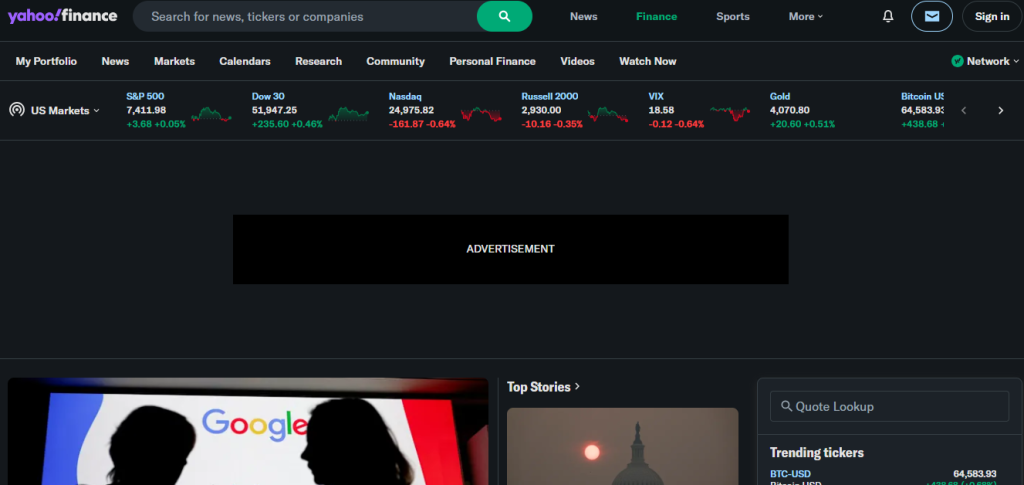
The easiest entry point on this list. Clean layout, plain labels, no steep learning curve.
- Filters for stocks, ETFs, mutual funds, and futures
- No account needed for basic screening
- Dividend yield and payout ratio filters included
- Data is mostly trailing, not built for live intraday use
Best for: beginners and anyone screening beyond individual stocks.
ChartMill
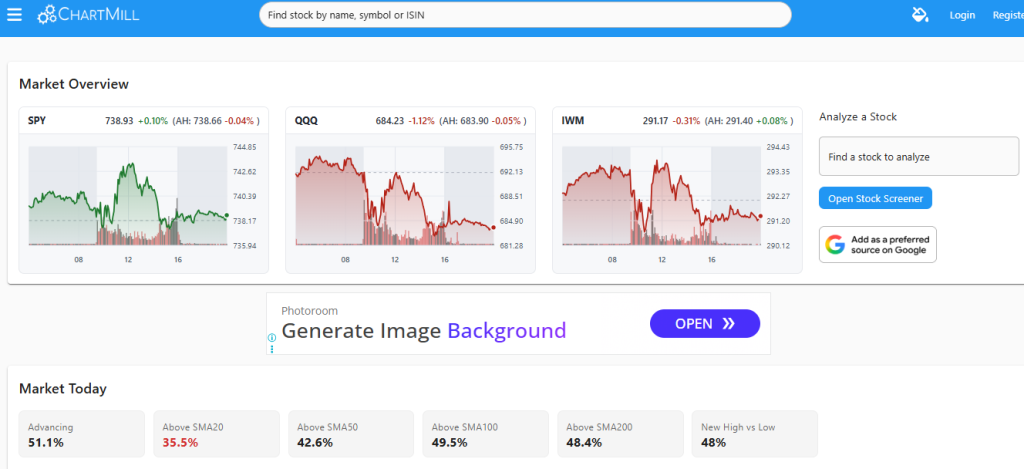
Built around scoring stocks rather than just listing raw numbers. It grades value, growth, and quality on a simple letter scale.
- Letter-grade scoring system for quick comparisons
- Value, growth, and quality filters
- Pre-built screens for common investing styles
- Free tier requires an account
- Data delayed, same as most tools on this list
Best for: fundamental scoring without reading raw ratio tables.
Stock Rover
The deepest fundamental tool here, built for people who want to research a company, not just filter it.
- Filters on P/E, ROE, debt-to-equity, and free cash flow
- Portfolio-level analysis alongside screening
- Pre-built screens for value investing styles like Graham and Piotroski
- Steeper learning curve than the others on this list
- Some deeper tools need a free account
Best for: value investing and fundamental research.
Webull
A stock screener tool built into a brokerage app, so a screen result can turn into a trade without switching platforms.
- Screen-to-trade workflow in one app
- Real-time data if you hold a funded account
- Mobile-first design, built for phone use from the ground up
- Requires an account for full functionality
Best for: mobile-first traders who want to act on a screen result fast.
MarketWatch
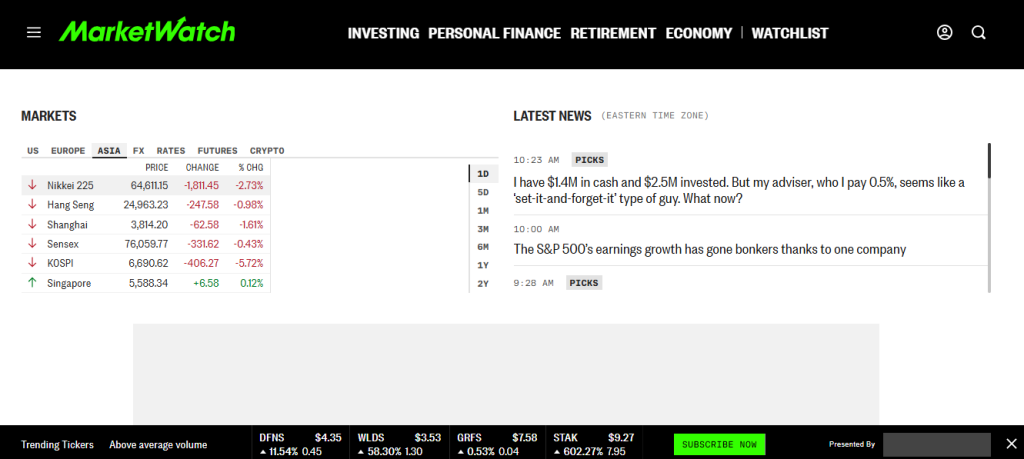
Leans on news more than filters. Good for stock investors who screen alongside headlines, not instead of them.
- News integration alongside screener results
- Basic filters covering price, sector, and market cap
- No account required for basic use
- Filter depth is lower than most other tools here
Best for: news-driven investors who want screening as a secondary tool.
Zacks
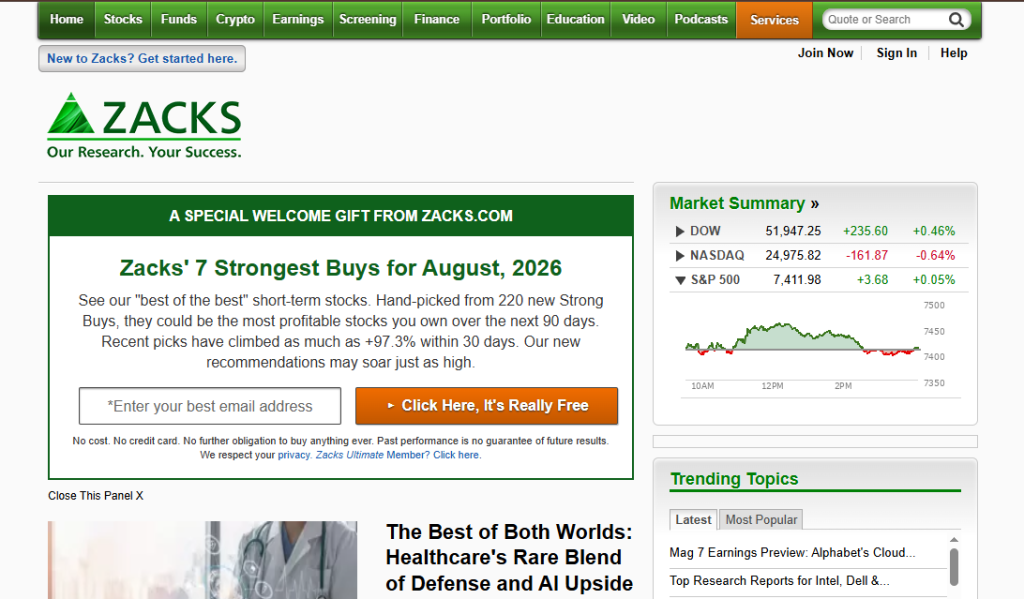
Focused on earnings and analyst estimates rather than broad technical or fundamental filters.
- Earnings surprise and analyst estimate filters
- Zacks Rank system for ranking stocks
- Requires a free account
- Narrower scope than tools built for general screening
Best for: earnings-focused screening and analyst estimate tracking.
Fidelity
A brokerage-first screener, useful mainly if you already bank with them.
- Real-time data with a funded account
- Investing theme filters, like clean energy or robotics
- Analyst opinions included with an account
- Limited without an account, mostly basic lookups only
Best for: existing Fidelity account holders who want real-time screening at no extra cost.
What are The Best Free Stock Screeners for Beginners
Yahoo Finance is the easiest one to start with. The layout is clean, the filters are labeled in plain terms, and you don’t need an account to run a basic screen.
It won’t give you deep technical filters or insider trading data. But if you’re new to screening, that’s not what you need yet. You need something that doesn’t overwhelm you on day one.
Yahoo Finance also screens ETFs, mutual funds, and futures, not just stocks. So once you’re ready to look past individual companies, the tool grows with you a bit.
The catch: the data set is mostly trailing numbers. If you want live intraday filters, this isn’t the tool for that.
Use it to learn how screening works, then move to something with more depth once you know what you’re filtering for.
What is The Best Free Stock Screener for Day Trading and Technical Analysis
TradingView is the pick here. It has the deepest charting on any free plan, and the screener plugs straight into that charting engine. You filter, click a ticker, and you’re already looking at the chart with your indicators loaded.
What it handles well:
- RSI, MACD, moving averages, and volume filters, all in the free tier
- Custom screener presets you can save and reuse
- A mobile app that actually keeps the same filter depth as desktop
What it doesn’t:
- Free tier data is delayed, not real-time
- Some of the more advanced pattern-recognition tools sit behind a paywall
If you day trade, delayed data is a real problem. Don’t build a live entry strategy around a free screener. Use TradingView to scan for setups after the market closes or during slower stretches, then confirm live prices somewhere your broker gives you real-time access.
Finviz is a solid second option here. Its heat map makes it fast to scan sector-wide momentum, but the interface feels dated next to TradingView’s charting.
What is The Best Free Stock Screener for Fundamental and Value Investing
Stock Rover wins this one. This stock screener is built for people who want to dig into a company’s numbers, not just its chart.
What stands out:
- Deep fundamental filters: P/E, ROE, debt-to-equity, free cash flow
- Portfolio-level analysis, so you can see how a new pick fits what you already hold
- Pre-built screens for value investing styles like Graham or Piotroski
The trade-off is setup time. It takes longer to get comfortable with Stock Rover than with Yahoo Finance. And some of the deeper portfolio tools do require an account, even on the free tier.
ChartMill is a decent alternative to Stock Rover, if you want fundamental scoring without as steep a learning curve. It grades stocks on value, growth, and quality with a simple letter score, which is easier to scan than a table of raw ratios.
What is The Best Free Stock Screener for Dividend Investing
None of the major best free screeners build their whole tool around dividends. But a few handle it well enough to get the job done.
Yahoo Finance is the simplest option. You can filter by dividend yield and payout ratio without digging through menus. It’s not deep, but for someone building a basic income portfolio, it covers the basics.
Finviz goes further if you need more control:
- Filter by dividend yield, payout ratio, and years of consecutive dividend growth
- Combine dividend filters with valuation metrics like P/E in the same screen
- Save the screen so you don’t rebuild it every time
If dividend investing is your main strategy, you’ll eventually want a dedicated dividend SaaS tool. Free screeners treat dividends as one filter among many, not the main event.
Use these to build a shortlist, then check payout history and coverage ratios directly through the company’s filings before you buy anything.
What is The Best Free Stock Screener for Mobile
TradingView is the best free stock screener. Its app keeps almost the same filter depth as the desktop version, which most competitors don’t manage.
What works on mobile:
- Full screener access, not a stripped-down version
- Charting with the same indicators you’d use on desktop
- Alerts that sync across devices
Webull is worthy alternative to TradingView. It’s built mobile-first, and since it’s tied to a brokerage account, you can go from screener result to trade without switching apps. That workflow matters if you trade often from your phone.
Where mobile falls short across the board: building a screen from scratch on a small screen is still clunky, even on TradingView.
Set up your filters on desktop first, then use mobile to monitor and get alerts. Don’t try to build a complex screen with your thumb.
What is The Best Free Stock Screener for International and Global Stocks
Most free screeners are built around US markets first and treat everything else as an afterthought. TradingView is the exception.
What it covers:
- Stocks across US, Canadian, European, and Asian exchanges, all in one screener
- The same filter set works no matter which exchange you’re screening
- Currency and exchange labels are clear, so you’re not guessing what you’re looking at
Finviz and Yahoo Finance mostly stick to US-listed stocks. You can find some international names through ADRs, but the coverage is thin and the filters don’t extend to foreign exchanges directly.
If you invest outside the US regularly, this narrows your options fast. TradingView is the only free tool here that treats international markets as a first-class feature instead of a side note.
Currency conversion costs add up too, so if you’re moving money across borders to fund trades, it helps to know how the popular money-transfer apps compare.
Free vs Paid Stock Screeners: What Do You Choose?
The honest answer: real-time data, deeper filters, and saved screens without limits.
Here’s what typically sits behind a paywall:
- Real-time quotes instead of 15-minute delayed data
- Backtesting your screen against historical price data
- Unlimited saved screens, free tiers usually cap you at a handful
- Advanced filters like insider transactions, short interest trends, or custom formulas
- Priority customer support and faster load times during high-volume trading hours
What you don’t lose by staying free:
- Access to the core filters most investors actually use, market cap, P/E, sector, volume
- Charting on platforms like TradingView, which stays strong even on the free tier
- The ability to screen, save a shortlist, and move on with your day
Paying makes sense once you know exactly what you’re missing. If you’ve hit a specific wall, no real-time data, no backtesting, that’s the moment to upgrade.
If you’re weighing your broader options beyond just a screener, it’s worth comparing a wider range of trading and investing platforms before committing to one ecosystem.
Do Free Stock Screeners Use Real-Time Data?
Mostly NO. Here’s how.
Finviz delays its free data by up to 15 minutes. That’s fine if you’re scanning for swing trades or building a watchlist. It’s not fine if you’re trying to time an entry during a fast market move.
TradingView is a mixed bag. Some exchanges stream close to real-time on the free tier, others sit on a delay. It depends on the exchange and the data agreement TradingView has with it, not on anything you control. Don’t assume every ticker you pull up is live.
Yahoo Finance runs delayed data for screening, though some of its charts update faster than its screener results. The screener and the chart aren’t always working off the same feed, which trips people up.
Webull and Fidelity are the exceptions, but only if you already hold a funded account with them. Real-time data on those platforms is tied to being a client, not to using the screener itself. And if you’re funding that account from another country, it’s worth comparing transfer options first, since fees on the wrong service can quietly eat into the capital you’re trying to invest.
The pattern here is simple:
- Free screeners are built for research and shortlisting, not execution
- A 15-minute delay is the norm, not the exception
- If you need live prices to place a trade, get them from your broker’s order screen, not from the screener
Treat these stock trading SaaS tools as the step before you trade, not the tool you trade from.
How We Tested These Free Stock Screeners
We ran the same filters on every platform: market cap, P/E, sector, and volume. Same inputs, same day, so the results are actually comparable.
Here’s what we checked on each one:
- Filter count and depth, how far you can narrow a screen before hitting a paywall
- Data delay, verified against live exchange prices at the same timestamp
- Mobile app parity, whether the phone app matches the desktop filter set or strips it down
- Account requirements, what you get before signing up versus after
- Saved screen limits on the free tier
- Interface speed, how long it took to return results across identical queries
We didn’t rely on marketing pages for any of this. Delay claims, filter counts, and mobile limitations were all checked directly on each platform.
One honest note: platforms update their free tiers often. A feature that’s free today might move behind a paywall in six months. We’ll revisit this list periodically and flag anything that changes.
Wrap Up
TradingView, Finviz, and Yahoo Finance remain the strongest free stock screeners in 2026, each suited to a different kind of investor. Pick based on your strategy, not the longest feature list. A day trader needs fast charting more than deep fundamentals. A dividend investor needs payout history more than a heat map. Match the stock reader tool to what you’re actually screening for, and the right free stock screener becomes an easy call.
FAQs on Best Free Stock Screeners
Q#1. Is Finviz completely free?
Yes, for the core screener and heat map. You get filters, saved screens, and delayed data at no cost.
Q#2. Can I screen stocks without creating an account?
On most platforms, yes, for basic use. Yahoo Finance and Finviz let you run a screen with no account. You’ll hit a wall once you try to save that screen or set an alert.
Q#3. What’s the best free stock screener for penny stocks?
Finviz handles this well since it filters by price and volume alongside its other criteria. Just know the data delay matters more here, penny stocks move fast, and a 15-minute-old price can be misleading.
Q#4. Do free screeners work for ETFs and mutual funds?
Yahoo Finance covers this directly, with dedicated screeners for both. Most other platforms on this list focus on individual stocks and treat ETFs as a smaller add-on.
Q#5. Which free stock screener has the most filters?
Finviz and Stock Rover lead here. Finviz gives you breadth across price, volume, and basic fundamentals. Stock Rover goes deeper on fundamentals specifically, things like free cash flow and debt ratios.
Q#6. Can I get real-time data on any free stock screener?
Only if you already hold a funded brokerage account with Webull or Fidelity. Outside of that, expect a 15-minute delay as the standard, not the exception.
