WordPress sites that skip social distribution miss out on a major traffic source. Search visibility and social visibility increasingly overlap, since shared content gets indexed, linked, and referenced more often. That’s why finding the best social media plugins for WordPress matters in 2026 and beyond.
Most social media WordPress plugins overlap in ways that cause confusion. Sharing buttons, feed widgets, auto-schedulers, and reward systems all get labeled “social plugins,” but they solve different problems. The wrong choice means slow load times, broken tracking, or a feature your team never uses.
This blog covers 15 social media plugins for WordPress, selected based on real production performance rather than feature-page claims. Each entry is judged on speed, SEO impact, and practical value.
Quick Answer: Match Your Goal to Social Media Plugins Stack
Short on time? Use this table to jump straight to what your social sharing needs are.
| Your Goal | Best Pick |
|---|---|
| Lightweight sharing buttons | Novashare |
| Embedded social feeds | Smash Balloon |
| Hands-off content distribution | Revive Social |
| Viral giveaway mechanics | RafflePress |
| Free, broad-network sharing | AddToAny |
| 26+ social media platforms sharing | A one-click to share plugin |
| Cross-platform scheduling | Blog2Social or WP to Buffer |
| Behavior-triggered share prompts | Monarch |
| Restoring lost share counts | Social Warfare |
| Free bundle of social features | Super Socializer |
Keep reading for the full breakdown of all WordPress social media plugins, including pricing and where each WordPress plugin falls short.
The Criteria Behind This List of WordPress Social Media Plugins
Not every roundup of the best social media plugins for WordPress applies real scrutiny. A plugin earning a spot here had to hold up under six checks, not just look good in a demo video.
Speed. Anything social-related has a bad reputation for dragging pages down. Script size, whether requests load asynchronously or block the page, and the resulting Core Web Vitals scores all factored in. A plugin that adds bloat doesn’t make the cut, no matter how polished its buttons look.
SEO safety. Crawlability shouldn’t be collateral damage. This meant looking at how clean the DOM stays, whether JavaScript rendering introduces risk, how share counts get recovered after a migration, and whether the plugin plays nicely with caching and CDNs.
A clear job. The strongest tools do one thing well: feeds, share buttons, scheduling, or rewards. Plugins trying to be everything at once usually end up mediocre at all of it, and that cost them points here.
Dependence on outside services. A lot of these plugins lean on third-party APIs. What happens when a connected account drops, or an API hits its rate limit? Tools with graceful failure behavior scored higher than ones that just break.
Whether it’s still maintained. An abandoned plugin is a liability waiting to happen. Update cadence, compatibility with current WordPress versions, and the developer’s history all mattered here.
Honest pricing. The split between free and paid features, whether upgrades feel forced, and how much you end up depending on paid addons all played into the value equation. A free plugin that quietly creates technical debt isn’t actually free.
Full Comparison Table of WordPress Social Media Plugins
Use this to shortlist candidates among the best social media plugins for WordPress before reading the individual reviews.
| Plugin | Primary Use | Speed Impact | Best For | Pricing |
|---|---|---|---|---|
| Smash Balloon | Social media feeds | Low | Branded feed embeds | Free, $49+/year |
| RafflePress | Viral sharing | Low | Giveaways and growth | Free, $39.50/year |
| Monarch | Social share buttons | Medium | Trigger-based sharing | $89/year |
| Revive Social | Automation | None front-end | Content recycling | Free, $99+/year |
| Novashare | Social sharing buttons | Very low | Performance-focused sites | $24.95/year |
| Social Warfare | Social share | Low | Share recovery and quotes | Free, $29+/year |
| AddToAny | Social media buttons | Low | Free multi-network sharing | Free |
| WP to Buffer | Scheduling | None front-end | Buffer users | Free, $39/year |
| Super Socializer | All-in-one | Medium | Free all-purpose use | Free |
| Better Click to Tweet | Social share | None front-end | Tweetable quotes | Free, $29.99/year |
| Jetpack | Social features suite | High if misused | Centralized tools | Free, $4.92/month |
| FS Poster | Multiple social platform sharing | Low | Ease of sharing | Starts at $58/year |
| Sassy Social Share | Social media buttons | Low | Custom styling | Free |
| Easy Social Share Buttons | Advanced sharing | Medium | Integrations and AMP | Free, Pro |
| Blog2Social | Scheduling | None front-end | Manual control | Free, paid plans |
Top WordPress Social Media Plugins Review in 2026
Here are the top names reviewed:
Smash Balloon
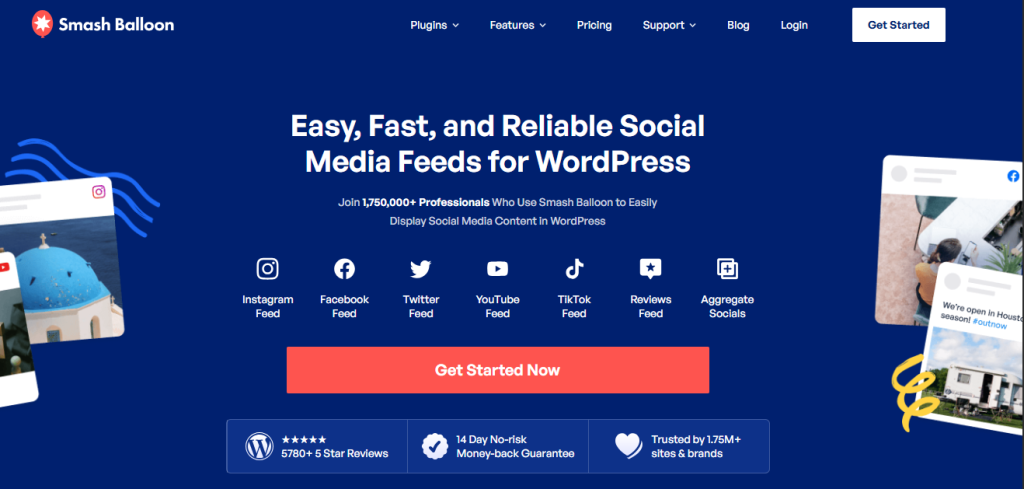
Best for: Pulling in branded social feeds without a performance hit
Getting Instagram, Facebook, YouTube, or TikTok content to display natively on your site, instead of sending visitors away to view it, is where Smash Balloon shines. Its caching-first approach means fewer live API calls and less chance of the plugin dragging your load times down.
What stands out: aggressive caching, careful handling of visitor data, solid page builder support, and it stays out of the way of whatever sharing setup you already run.
Where it falls short: each network needs its own separate plugin, so managing feeds from three or four platforms means juggling three or four installs.
On the technical side, feeds render asynchronously and don’t hold up the page. Because content gets cached, you avoid the layout shift and API-dependency issues that hurt Core Web Vitals scores elsewhere. Don’t expect a ranking boost from this alone, but the trust signals it builds are real.
Pricing
Pricing starts free, with paid tiers from $49 a year.
If your priority is showing visitors that your brand is active and trusted elsewhere, this earns its place. If you’re chasing share volume instead, look elsewhere on this list.
RafflePress

Best for: Short-term giveaways that spike social engagement fast
RafflePress isn’t trying to be a sharing plugin in the traditional sense. It’s built to turn incentives into shares, follows, and page visits through structured giveaway campaigns.
Entrants earn extra chances by following your accounts, visiting specific pages, or sharing your content, and the plugin handles the fraud-checking and email capture that come with running that kind of contest.
Strengths include genuinely effective viral mechanics, solid protection against fake entries, and clean handoffs to your email marketing stack, all without weighing your site down. That handoff matters most if you’re running WooCommerce, where marketing automation software can turn those giveaway entries into actual repeat customers.
The catch: it’s a one-trick tool. Once the giveaway ends, so does its usefulness for that campaign, and it was never meant to replace ongoing social infrastructure.
There’s barely any SEO footprint here since it doesn’t leave sharing widgets scattered across your site permanently. One thing worth doing: once a giveaway wraps up, noindex that landing page so you don’t leave a thin, outdated URL sitting in search results.
Pricing
Free to start, with paid plans from $39.50 a year.
Great for a short, focused growth push. Don’t lean on it as your everyday social strategy.
Monarch
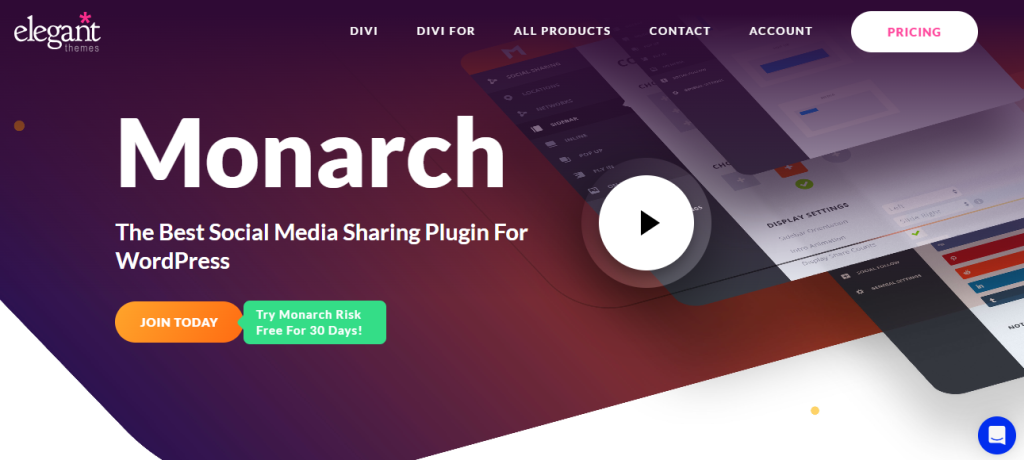
Best for: Getting shares at the exact right moment, not just offering the option
Rather than parking static buttons on every page and hoping, Monarch waits for a trigger, scroll depth, time on page, exit intent, inactivity, and then prompts a share when it’s most likely to land.
It covers more than 20 networks, ships with basic built-in analytics, and looks polished out of the box.
The downside is that it only comes bundled with an Elegant Themes membership, and customization is boxed in by the templates provided.
Used with restraint, the triggers won’t hurt SEO or crawlability. Overdo it, though, and constant pop-up-style prompts can annoy visitors enough to hurt the experience, even if the code itself stays lightweight.
Pricing
It comes with an Elegant Themes membership at $89 a year.
A strong pick if you want smarter, context-aware sharing prompts and you’re already inside the Elegant Themes ecosystem.
Social Warfare
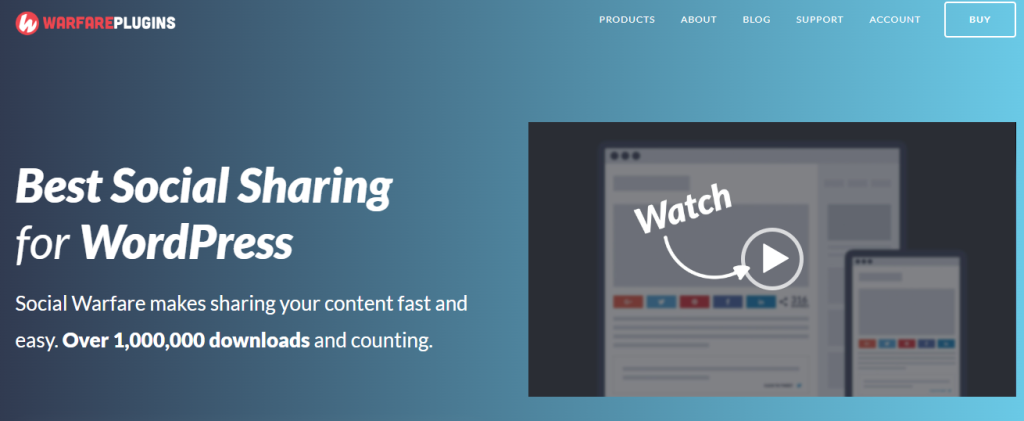
Best for: Recovering lost share counts and surfacing quotable lines
Social Warfare lands in the middle ground between the minimalist tools and the fully bundled suites. Beyond standard sharing buttons, it adds share count recovery and clickable pull-quotes.
That recovery feature matters most if you’ve migrated domains or restructured URLs and lost your accumulated share numbers in the process, numbers that still shape how visitors perceive credibility.
Many of the more useful features sit behind the Pro tier, and there’s limited automation on offer even there.
Configured properly, it stays SEO-safe. The share recovery function has no direct ranking effect, but it does shape how users respond to your content. Scripts don’t block rendering, and it works fine alongside standard caching setups.
Pricing
Free core plugin, Pro starting at $29 a year.
A reasonable step up from bare-bones share buttons, without taking on the performance baggage of a full suite.
Revive Social
Best for: Keeping old posts alive on social without manual reposting
This one skips buttons and feeds entirely. Revive Social’s whole job is resurfacing your existing content, old and new, on the social accounts you connect, automatically.
It recycles evergreen posts, generates hashtags, runs on scheduling rules you set, and handles multiple networks at once, which matters a lot once your archive gets large.
The free tier is thin. Most of what makes this plugin genuinely useful sits behind the paid plans.
Because nothing runs on the front end, there’s zero page-speed cost and no crawl or indexing risk to worry about. What you gain instead is longer content lifespan and more referral traffic over time, an indirect benefit rather than a direct SEO lever.
Pricing
Free lite version available, paid plans starting at $99 a year.
Think of it as a distribution engine running quietly in the background, not a substitute for on-site sharing tools.
Novashare
Best for: Sites where every kilobyte of page weight matters
Speed is the entire pitch here. At roughly 4KB, Novashare is about as light as sharing plugins get, with zero third-party scripts pulled in.
It supports the major networks, skips flashy animations, and comes GDPR-ready by default.
What you give up: there’s no automation, no feed support, and the feature set stays deliberately minimal.
From an SEO angle, this is close to a non-issue. No render-blocking, no layout shift, clean integration with caching layers and CDNs. It won’t push your rankings up by itself, but it also won’t be the thing dragging them down.
Pricing
$24.95 a year, no free version.
If Core Web Vitals scores are something you actually track and protect, this is one of the safer bets on the list.
AddToAny
Best for: Free sharing that covers virtually every platform
AddToAny’s pitch doesn’t need much explanation: it supports more than 100 networks, costs nothing, and just works.
Buttons load asynchronously, setup takes minutes, and it runs across posts, pages, and custom post types without extra configuration.
What it lacks is depth. No real analytics, no automation, and the visual design is functional rather than polished.
Nothing here threatens SEO. Scripts don’t block page rendering, and crawling isn’t affected in any way. It’s a pure sharing tool, nothing more.
Pricing
Completely free.
The safe, no-cost default when you just need working share buttons and nothing fancier.
WP to Buffer
Best for: Teams already running their publishing through Buffer
This isn’t a plugin for your site’s front end at all. It exists purely to push new and updated WordPress content into Buffer, automating the step that would otherwise mean manually copying posts over.
It handles custom post types, dynamic tags, and scheduling logic, which makes it genuinely useful for editorial teams with an established Buffer workflow.
Outside of that specific use case, it doesn’t offer much. And obviously, you need an active Buffer account for any of it to matter.
Zero front-end footprint means zero performance or crawl risk. The SEO benefit is entirely indirect, tied to whatever referral traffic your Buffer-distributed posts generate.
Pricing
Free lite tier, paid plans from $39 a year.
A time-saver if Buffer already runs your publishing calendar. Otherwise, skip it.
Super Socializer
Best for: Getting sharing, social login, and comments in one free package
Super Socializer bundles three separate jobs, sharing, social login, and social commenting, into a single install, and doesn’t charge for any of it.
It covers a wide range of networks and lets users interact with your site through their existing social accounts.
The interface hasn’t aged particularly well, and if you switch on every module without thinking, the script load adds up fast.
Handled carefully, meaning only the features you actually need get enabled, this stays SEO-safe. Turn everything on and performance suffers.
Pricing
Free.
Solid for budget-conscious sites that want several social features at once, provided you’re disciplined about which modules you actually flip on.
Better Click to Tweet

Best for: Publishers whose audience lives on X
This one has a narrow, specific job: turning standout lines from your content into one-click tweetable quote boxes, dropped in through shortcodes or blocks.
It works particularly well for opinion writing, data-heavy posts, and anything with a quotable one-liner worth pulling out.
Outside of X, it does nothing. If your readers aren’t there, this tool has no use for you. If growing your presence on that platform is the bigger priority, pairing it with dedicated AI tools for Twitter growth will do more than a quote box alone.
Performance impact is negligible, and there’s no crawl or rendering risk attached. Whatever SEO value it delivers comes indirectly, through the extra visibility that comes from more shares, assuming the content backing those quotes is actually good.
Pricing
Free lite version, paid tier from $29.99 a year.
Worth adding if X drives meaningful traffic for you. Skip it otherwise.
Jetpack
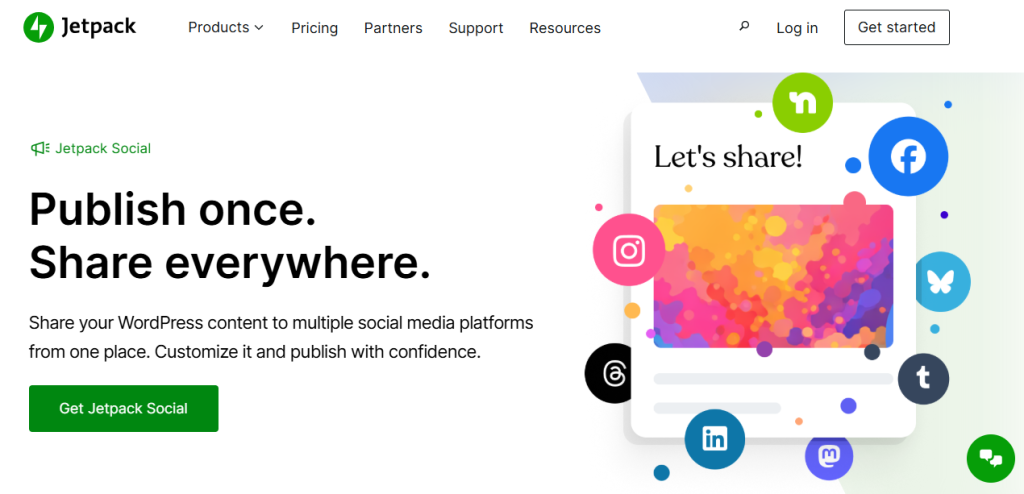
Best for: Teams who’d rather manage everything from one dashboard
Jetpack isn’t a dedicated sharing tool. It’s a broad suite, auto-posting, share buttons, basic feed embeds, stats, subscriptions, all controlled from Automattic’s central dashboard.
The upside is consolidation: fewer plugins, one place to manage things, and active ongoing development behind it.
The downside shows up fast if you’re not careful. Leave every module switched on and you’re carrying dependencies and script weight you don’t need, with far less room to customize than a dedicated tool would give you.
SEO safety here depends entirely on restraint. Trim it down to just what you need and it behaves fine. Leave everything enabled and Core Web Vitals scores start slipping.
Pricing
Free lite tier, paid plans from $4.92 a month.
Good for convenience-first users. If your site lives or dies by SEO performance, be selective about which modules you actually turn on.
FS Poster
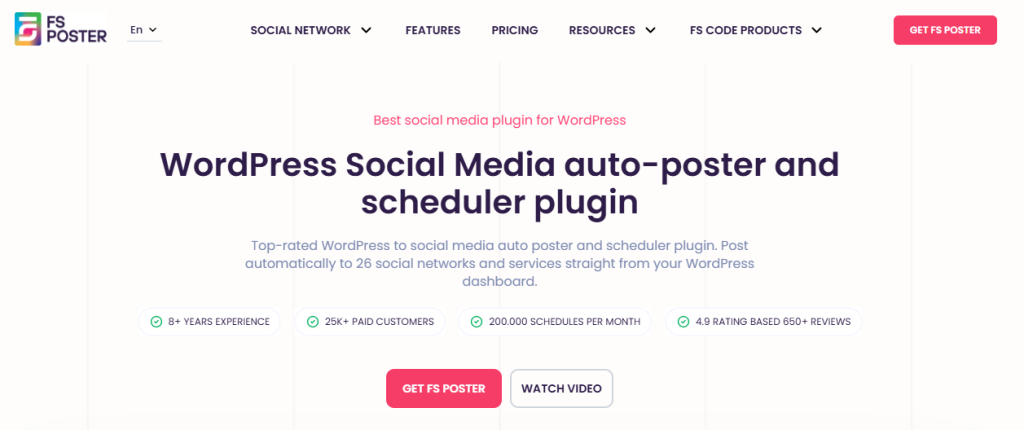
Best for: Publishing WordPress content to multiple social platforms from one dashboard.
FS Poster is built for website owners who publish frequently across multiple social networks. Instead of relying on separate automation services, it lets you schedule, publish, and repost WordPress content directly from your dashboard.
FS Poster is a strong fit for agencies, publishers, and businesses managing several social channels.
Its recurring post scheduler also helps older content continue attracting traffic without manual reposting.
The plugin currently supports 26 social platforms, including Facebook, Instagram, LinkedIn, X, Threads, Bluesky, Pinterest, Reddit, Mastodon, Telegram, Discord, Google Business Profile, and YouTube.
The plugin doesn’t include social sharing buttons, so you’ll still need a dedicated WordPress social share plugin if visitor sharing is important. Initial setup also takes time because every social platform requires authentication, and AI caption generation depends on your own API credentials.
Pricing
Starts at $58/year. Lifetime license available.
That broad platform support makes it one of the most complete publishing tools available for WordPress.
Sassy Social Share
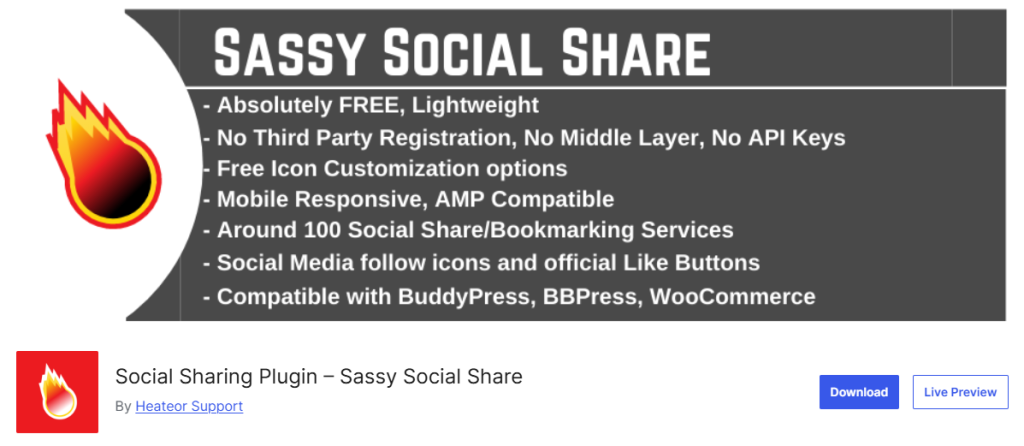
Best for: Free customization without a paywall
This one leans hard into flexibility: multiple networks, adjustable icon styles, and control over exactly where and how buttons appear, all at no cost.
It plays well with most themes and works consistently across posts and pages.
Share counts can lag behind or look off at times, and there’s no automation or analytics layer to speak of.
SEO-wise, it’s a safe bet. Script weight sits in the moderate range, nothing blocks rendering, and performance holds up well as long as you stick to the networks and placements you actually need.
Pricing
Free.
A dependable free choice if visual control matters more to you than tracking or automation.
Easy Social Share Buttons
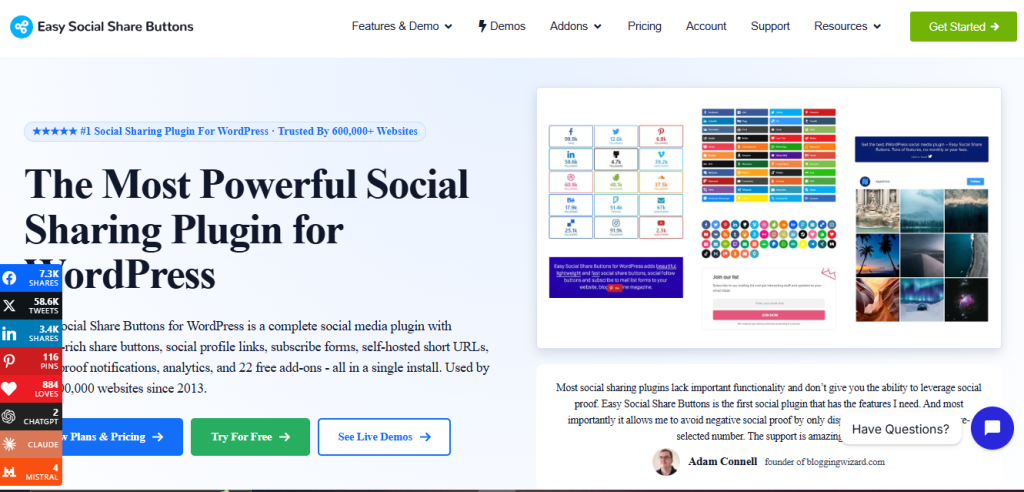
Best for: Sites with heavier integration needs, including AMP
Built for users who want granular control, this plugin covers a wide range of display positions, animation styles, and third-party integrations, plus AMP support that still matters for some publishers.
The tradeoff for that flexibility is an interface that feels a step behind more modern tools, and a tendency to get heavy if you configure it aggressively.
Set up thoughtfully, it stays SEO-safe. Pile on animations and extra display options, though, and script weight climbs quickly.
Pricing
pricing that varies by license. Regular license starts at $39.
Capable, but it rewards users who understand the performance tradeoffs going in. Not the best pick if you’d rather not fine-tune settings.
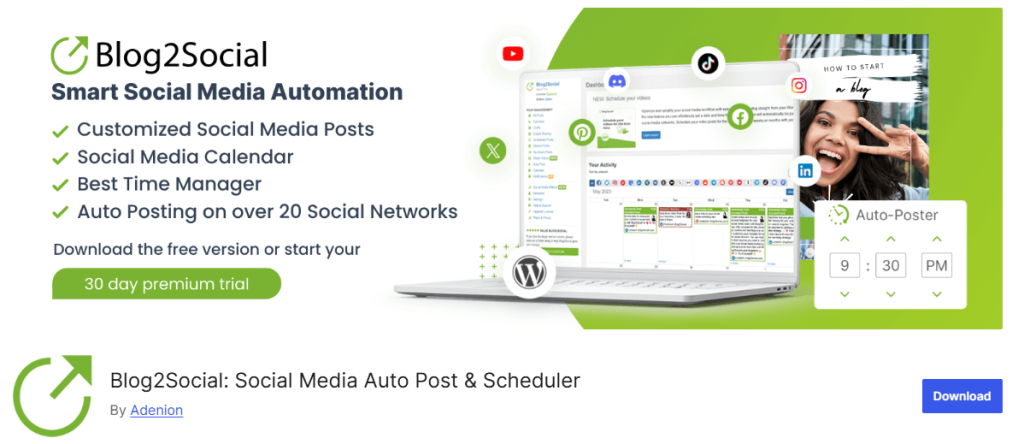
Blog2Social
Best for: Manually controlling how each post looks per platform
Rather than automating everything, Blog2Social gives you a scheduling interface where you can customize formatting for each platform before it goes out, useful when your audience on one network expects a different tone or format than another.
It handles multi-platform scheduling cleanly and adds zero weight to your front end.
Content recycling is limited compared to more automation-heavy competitors, and you’ll be doing more manual work overall.
No front-end footprint means no direct SEO risk. Its value is indirect: a more consistent social presence that can drive referral traffic over time.
Free lite version, with paid plans available beyond that.
A good fit for teams who want a hand on the wheel for how content shows up on each platform, rather than full hands-off automation.
Myths About WordPress Social Meida Plugins Worth Busting
“Social plugins always slow your site down.”
Not necessarily.
Lean tools like Novashare or AddToAny barely register on load time. The slowdown usually comes from stacking too many features, not from the concept of sharing itself.
“They’re bad for SEO.”
Only if configured poorly.
A well-built sharing plugin doesn’t interfere with crawling or indexing at all. The damage comes from heavy scripts and unnecessary external dependencies, not from the plugin category as a whole.
“They don’t scale.”
They do, when caching and automation are set up right. Smash Balloon and Revive Social both hold up fine as traffic and content volume grow, especially when paired with other traffic-driving tactics rather than social alone
How to Match a WordPress Social Media Plugin to Your Website
Running a content site or blog?
Pair Novashare or Social Warfare for sharing with Smash Balloon if you want visible social feeds too.
Focused on SaaS or organic SEO growth?
Novashare covers the performance angle, and Revive Social handles distribution without touching your front end.
Running WooCommerce or a growth campaign?
RafflePress works for viral exposure, and a gamified sharing addon works if you want to reward sharing directly, especially useful if you’re already running a solid WooCommerce plugin stack and just need the social layer on top.”
Managing content as a team?
WP to Buffer or Blog2Social gives you the scheduling control that solo automation tools don’t.
The Bottom Line
There’s no prize for running the most WordPress social media plugins on your site. The best setup usually means one clean sharing tool, one feed embed if you actually need it, and nothing else bolted on for the sake of it. That same restraint applies to your hosting choice too, picking hosting built for the type of site you’re running matters just as much as which plugins sit on top of it. Get that combination right, tuned for speed and configured properly, and social sharing turns into something that actually helps your site instead of quietly working against it.
