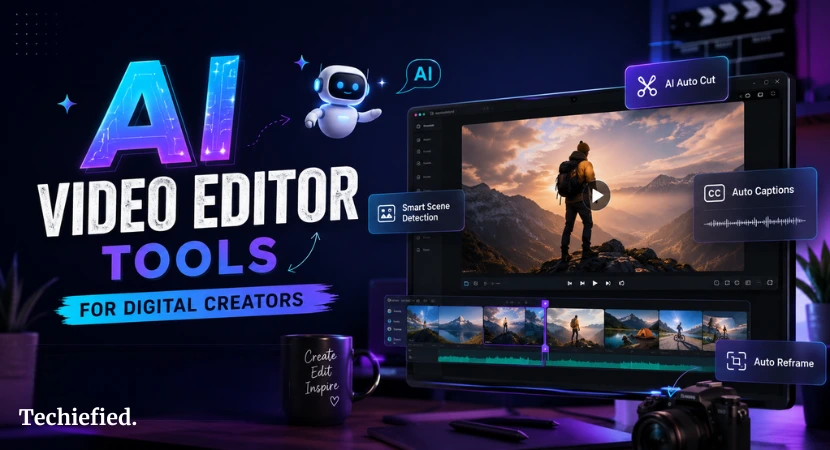
AI Video Editor tools keep popping up, but most lists stick to the same big names. Here are 7 lesser-known options worth a look in 2026. They handle real tasks like quick iterations, local runs, or prompt-based changes without the usual hype.
Many creators are already using Palmier.io due to its tight timeline and AI flow. However, other AI editors here sit in a similar space but stay off the main radar, alongside several AI tools for creatives focused on mockups, motion, and design assets.
We picked ones with actual editing power, not just AI video generation.
Why These AI Video Editor Tools Matter Right Now
The mainstream AI video editor tools work for many jobs, yet they bring high costs, cloud uploads, or rigid templates. These 9 AI editors have different strengths, like fast browser speed, full local control, and direct conversation-style edits.
These AI-enabled video editor tools suit YouTubers who repurpose long footage into income-generating content, indie filmmakers who need precision, or anyone tired of export loops. As of June 2026, several are staying active on GitHub with recent updates.
Selection Criteria of AI Video Editor Tools
We chose these 9 AI tools based on three things.
- First, they bring real AI editing features like timeline work, prompt changes, or local processing.
- Second, they have lower visibility than Runway, Descript, or CapCut.
- Third, they deliver usable results for actual projects as of June 2026.
We tested for practical fit. Some run in the browser, others locally. All support iteration without constant exports.
Open-source AI video editors get extra points for customization, but we included strong indie options too.
9 Hidden Gem AI Video Editor Tools in 2026
Let’s get straight into unique and lesser-known AI Video Editor Tools:
Palmier.io
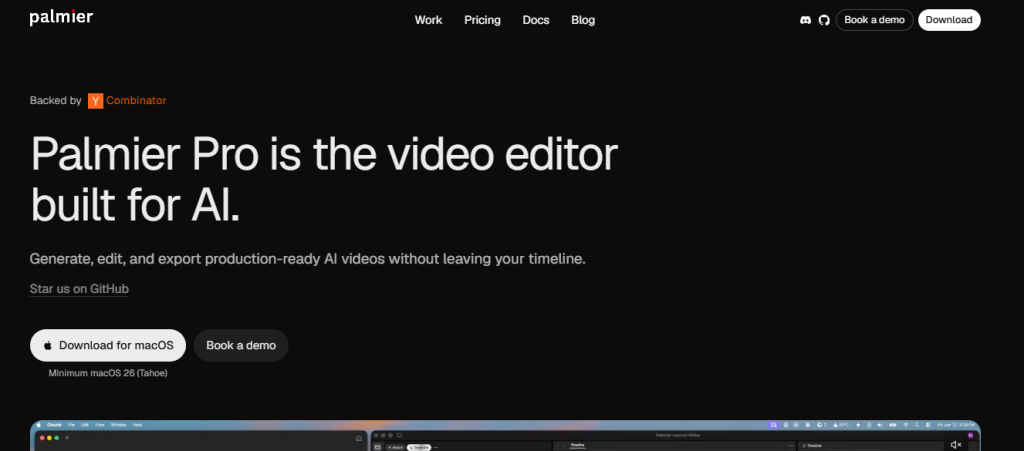
Best for Native macOS users who want tight AI integration inside a clean timeline.
Key features
- AI-native macOS video editor with direct timeline generation and editing.
- Strong agentic workflows for iterative changes.
- Open-source Pro version available.
- Production-ready output with minimal exports.
- YC-backed with focused development on creator speed.
Pricing: Free tier available. Pro features paid.
Official tool link https://palmier.io
fal.ai Video Starter Kit
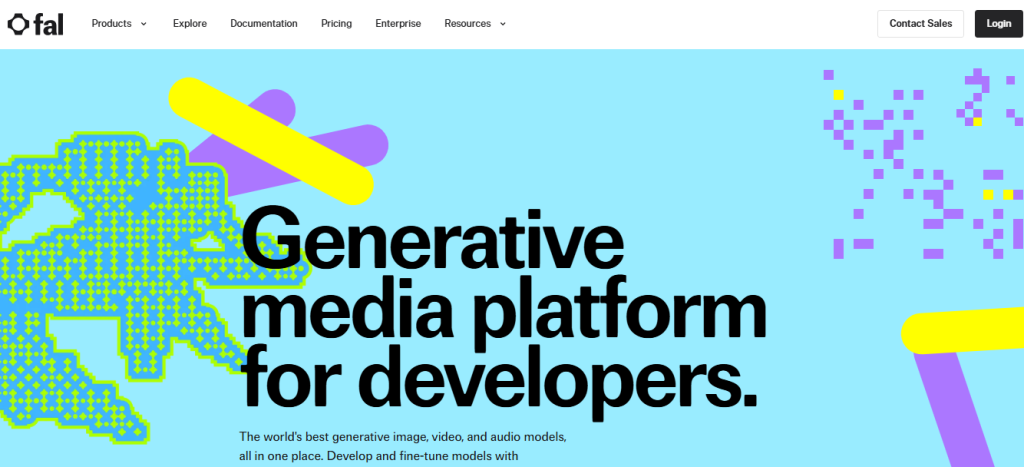
Best for Developers and creators who want quick browser-based AI video workflows.
Key features
- Built with Remotion and Next.js for timeline-style editing.
- Direct generation and editing inside the same interface.
- Uses fal.ai models for fast iterations.
- Easy customization for custom pipelines.
- Works well for prototypes and short clips.
Pricing: Free tier available. Paid usage for heavier model calls.
Official tool link https://fal.ai
Krea AI Video Generator
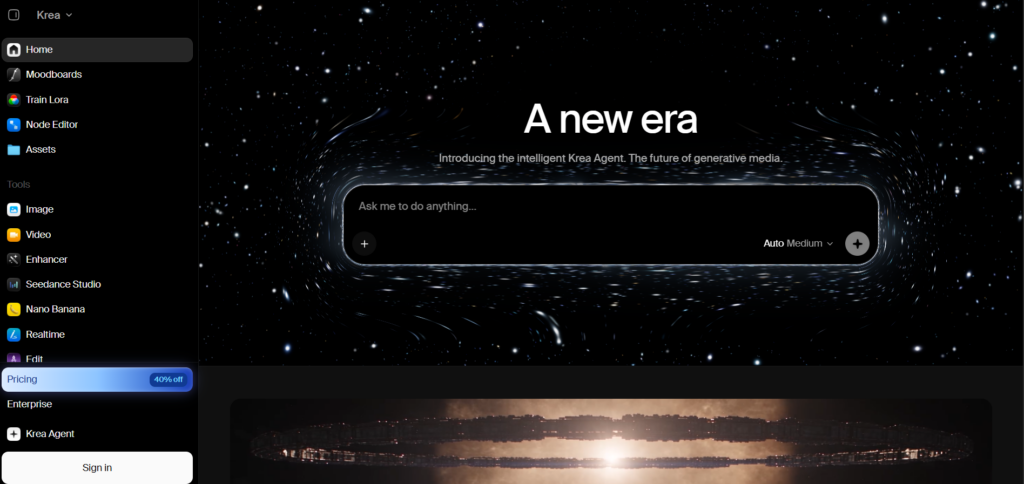
Best for Creators who want to generate, compare, and refine AI videos using multiple leading video models in one workspace.
Key features
- Text-to-video generation from simple prompts.
- Image-to-video with first and last frame control.
- Access to models including Seedance 2.5, Veo 3.1, Kling 3.0, Sora 2, Wan 2.6, and Runway Gen-4.5.
- Extend and merge clips to create longer scenes and maintain visual continuity.
- Synchronized audio generation on supported models, including contextual sound effects, ambient audio, and dialogue.
- Generate multiple video variations in parallel and compare different models.
- Supports creative workflows for filmmaking, marketing, social content, and product/ecommerce videos.
- Free tier available with daily compute units. Pro unlocks access to all video models.
Pricing: Free plan available. Paid plans start at $9/month for Basic, $35/month for Pro, and $105/month for Max.
Official tool link Krea AI Video Generator
Wan2.1 VACE
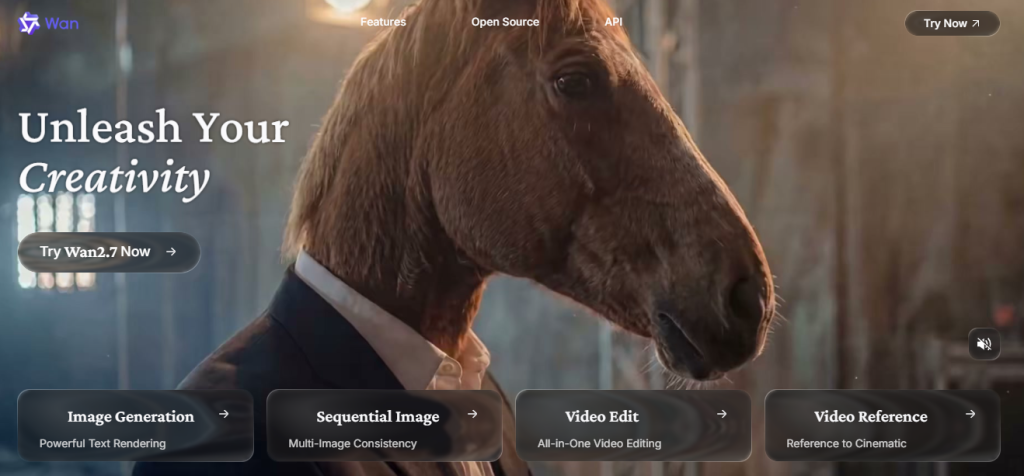
Best for Precise AI video creation and targeted edits with object control.
Key features
- Open-source all-in-one model for text-to-video and image-to-video.
- Supports masked editing and reference-based changes.
- Runs locally via ComfyUI or Hugging Face.
- Available in 1.3B and 14B versions for different quality needs.
- Strong results on consistent motion and specific fixes.
Pricing: Free and open source.
Official tool link https://github.com/Wan-Video/Wan2.1/
LTX Desktop
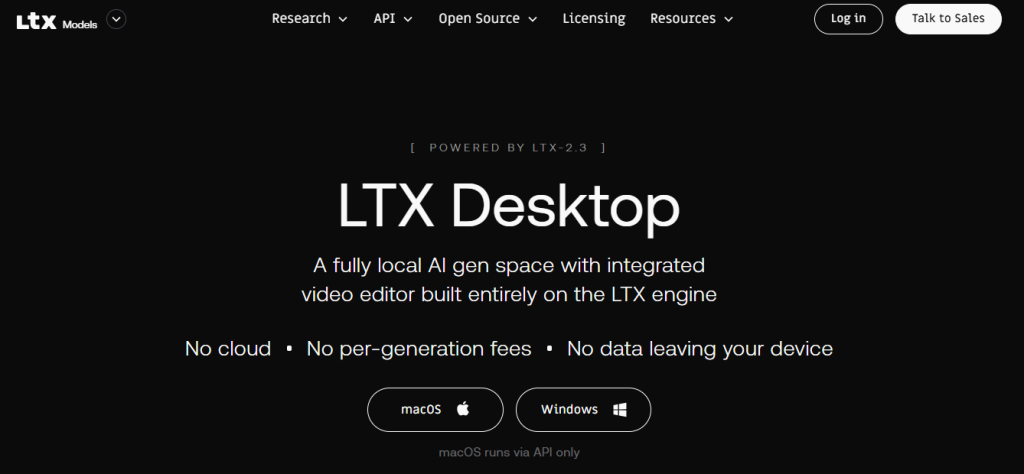
Best for Content creators who need full local control and offline video editing.
Key features
- Nonlinear timeline editor with built-in AI generation.
- Runs text-to-video, image-to-video, and retakes directly on your hardware.
- Open-source desktop app focused on privacy.
- Supports NVIDIA GPUs for Windows and Linux. API mode available for Mac.
- No cloud uploads required for core workflows.
Pricing: Free and open source.
Official tool link https://github.com/Lightricks/LTX-Desktop
ChatCut
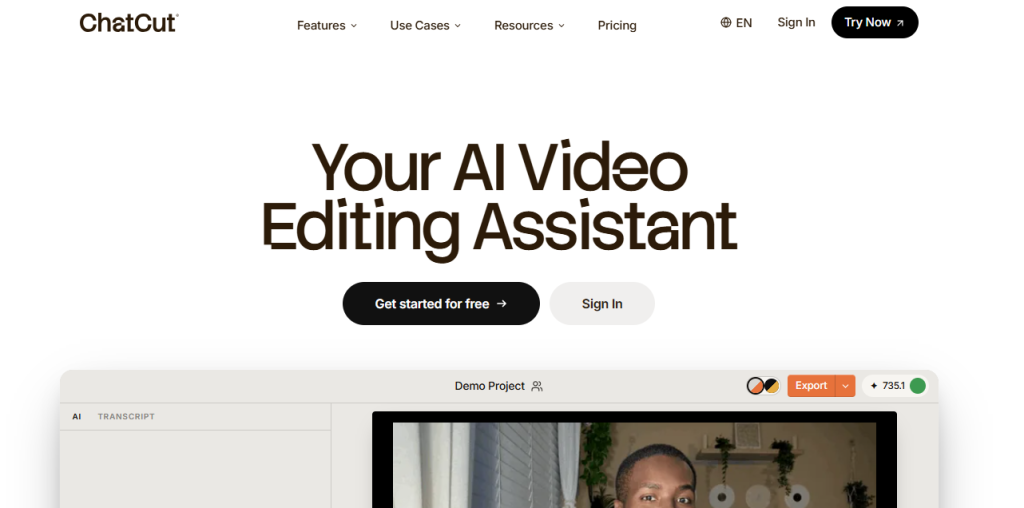
Best for Fast prompt-based AI video editing of talking-head and interview videos.
Key features
- Edit via natural language instructions like “remove fillers” or “add B-roll here”.
- Handles first cuts, captions, and motion graphics automatically.
- Conversational interface for quick revisions.
- Good collaboration features for teams.
- Strong at cleaning up long raw footage into polished shorts.
Pricing: Subscription starts at $19/month.
Official tool link https://chatcut.ai
Reap.video
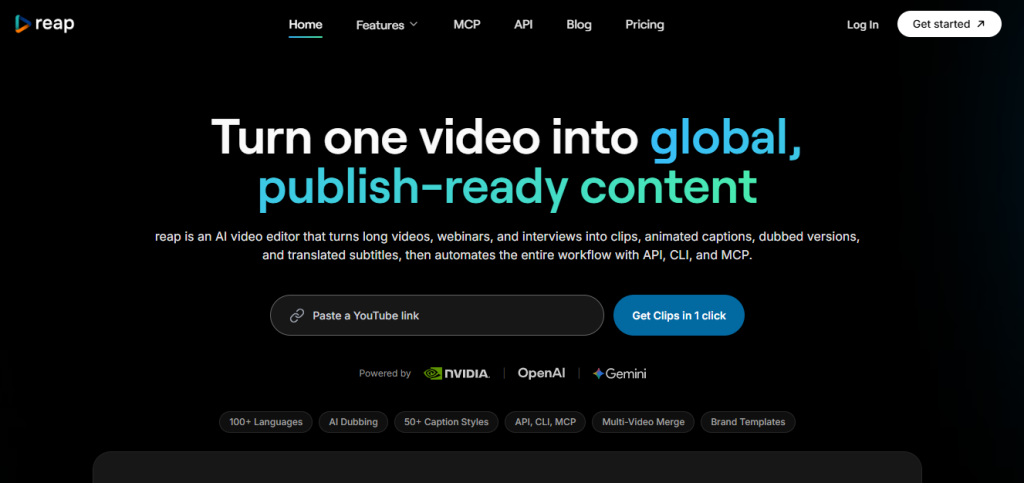
Best for Turning long videos into social media reels or shorts and repurposed clips.
Key features
- Smart clipping that finds the best segments automatically.
- Adds captions in over 90 languages.
- Noise removal and basic B-roll suggestions.
- Text-based editing without a complex timeline.
- Fast batch processing for multiple shorts from one source.
Pricing
Free tier available. Paid plans from $29/month for full features.
Official tool link https://reap.video
HyperEdit community builds
Best for Developers and tinkerers who want customizable open-source video pipelines.
Key features
- Combines FFmpeg, Remotion, and agent tools for chained workflows.
- Supports context memory across editing sessions.
- Agentic editing where you script or prompt sequences.
- Runs locally or in browser forks.
- High flexibility for custom effects and automation.
Pricing: Free and open source.
Official tool link: https://github.com/kevinbadi/hyperedit
Rendiv
Best for Developers who script and automate video production.
Key features
- React-based editor that turns code components into final MP4 videos.
- AI agents handle keyframing, sequences, and iterations.
- Strong for templated or data-driven videos.
- Full control through code with visual preview.
- Good for consistent branded content or batch generation.
Pricing: Free and open source.
Official tool link: https://github.com/thecodacus/rendiv
Comparison Table on Best Hidden AI Video Editor Tools
| Tool | Best for | Local option | Pricing | Learning curve |
|---|---|---|---|---|
| Palmier.io | Native Mac timeline with AI iteration | Desktop | Free tier + paid Pro | High |
| fal.ai Video Starter Kit | Browser prototypes & custom workflows | Browser | Free tier + usage | Medium |
| Wan2.1 VACE | Precise object control & cinematic | Yes (GPU) | Free & open source | High |
| LTX Desktop | Offline full production | Yes | Free & open source | Medium |
| ChatCut | Talking-head prompt editing | No | From $19/month | Low |
| Reap.video | Long-to-short repurposing | No | Free tier + from $29/mo | Low |
| HyperEdit builds | Custom agentic pipelines | Yes | Free & open source | High |
| Rendiv | Scripted & data-driven videos | Yes | Free & open source | High |
How To Choose The Right AI Video Editor
Match the AI video editing tool to your actual setup and project type.
- If you work on a Mac or need zero install, start with fal.ai Video Starter Kit or ChatCut.
- For full privacy and offline work, pick LTX Desktop or HyperEdit builds. They need a decent GPU but keep everything on your machine.
- Repurposing lots of long footage? Reap.video saves the most time.
- Developers who like code get the most from Rendiv or VACE.
Test the free AI video editor options first. Most projects work best when you mix one generation tool with Palmier.io for final polish.
Quick Tips to Pick For AI Video Editor Tools
Check GitHub activity before you dive in. The open-source AI video editors move fast and some forks work better than others right now.
Test with a short 10-second clip first. Prompt quality makes a big difference across all of them.
Hardware matters for local tools. 16GB VRAM or better helps VACE and LTX Desktop run smoothly. Browser tools need only decent internet.
Start simple. Use one tool for generation or clipping, then finish in Palmier.io or your main editor.
Mixing works better than forcing everything into a single app. Once your edits are ready, the next priority is getting eyes on them, so find some effective ways to drive traffic with that content.
Ending Note on Hidden Unique AI Video Editor Tools
Video creators and digital marketing agencies need AI video editor tools that fit real workflows instead of adding more steps. As your audience grows, it’s worth exploring creator monetization options too. This list covers eight practical AI video editing options in 2026. Each has clear strengths based on your setup, budget, and project type.
Test a couple on actual footage. The best choice usually comes down to how little friction it adds between idea and finished video. Start with the free tiers or open-source versions, then settle on one or two that match your hardware and output needs. That approach saves more time than chasing every new feature.
FAQs on Hidden Unique AI Video Editor Tools
Q1: What makes these hidden gem AI video editor tools?
They have solid features but much less marketing and name recognition than the big platforms.
Q2: Are any of them fully open source?
Yes. Wan2.1 VACE, LTX Desktop, HyperEdit builds, and Rendiv are open source.
Q3: Which AI video editor works best for Mac users?
fal.ai Video Starter Kit or ChatCut need no install. LTX Desktop has API mode for Mac.
Q4: Do I need a powerful GPU?
Only for the local ones like VACE and LTX. Browser and web tools run fine without one.
Q5: Can I use these AI video editing tools for client or commercial work?
Check each tool’s license. Most open-source ones allow it, but review the model weights and terms.
