The best AI workflow automation tools cut repetitive work across the apps and browser tabs your team already uses. They can move lead data into a CRM, sort incoming emails, pull details from web pages, prepare reports, and send routine follow-ups.
“One-click automation” is shorthand. Every workflow needs some setup first. You need to connect accounts, set permissions, test the output, and decide where a person should approve the next step.
The 11 tools for AI workflow automation below cover browser automation, sales operations, data work, internal processes, and enterprise RPA.
Let’s get started!
Quick comparison of the best AI workflow automation tools
| Tool | Best for | Automation type | AI capabilities | Free plan |
|---|---|---|---|---|
| Bardeen | Browser-based sales and research work | Browser and app automation | Workflow generation, scraping, data extraction | Yes |
| Zapier | Fast app-to-app automation | No-code workflows | Workflow suggestions, AI actions, natural-language setup | Yes |
| Make | Complex multi-step workflows | Visual automation | AI modules, routing, data transformation | Yes |
| HARPA AI | Chrome-based repetitive tasks | Browser automation | LLM commands, page monitoring, content extraction | Yes |
| n8n | Custom and self-hosted workflows | Low-code automation | AI nodes, agents, custom logic | Yes |
Krea Agent | AI-powered creative production and visual campaigns | AI agent workflows | Image/video generation, model selection, brand research, editing | Yes (Krea offers a free plan, but Krea Agent access itself can depend on the account/workspace and current rollout.) |
| Lindy | AI agent workflows | Agent-based automation | Email, research, scheduling, task agents | Yes |
| Gumloop | Sales data and web research | AI workflow builder | Scraping, enrichment, AI data processing | Yes |
| UiPath | Enterprise process automation | RPA | Process discovery, document AI, browser agents | Limited |
| Microsoft Power Automate | Microsoft business workflows | Cloud and desktop automation | AI Builder, Copilot, document processing | Limited |
| Glean | Enterprise knowledge workflows | Search and AI assistance | Knowledge discovery, workflow suggestions, enterprise AI | No public free plan |
Top AI workflow automation tools in 2026 and beyond
Here are the best AI workflow automation tools to achieve productivity with one-click automation:
1. Bardeen
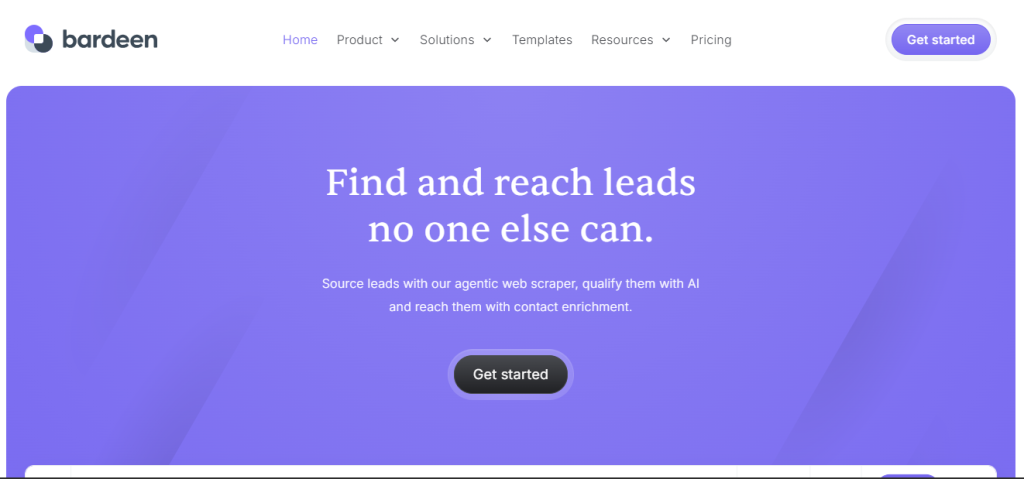
Bardeen is a browser-based AI workflow automation tool for sales research, lead enrichment, web scraping, and repetitive browser tasks. It works well for teams that collect data from LinkedIn, company websites, directories, and other web pages before sending it to Google Sheets, Airtable, or a CRM.
Key features
- Browser extension for web-based workflows
- AI-assisted automation creation
- Prebuilt automation playbooks
- Web scraping and data extraction
- Lead and contact enrichment
- Google Sheets, Airtable, and CRM integrations
- Sales research and prospecting workflows
Pros
- Fast setup for browser-based tasks
- Strong for sales research and lead data collection
- Prebuilt playbooks reduce manual setup
- Free plan available for testing
Cons
- Credit usage can increase quickly on large workflows
- Browser workflows can break when websites change
- Custom workflows take time to learn
- Less suited to complex backend automation than Make or n8n
Pricing
Bardeen has a free plan with limited credits. Paid plans use a credit-based model, with pricing and credit allocations varying by plan.
Best for
Bardeen is best for sales teams, recruiters, growth teams, and operations professionals that need browser automation, web scraping, prospect research, and CRM data enrichment. Once that data lands in the CRM, most teams still need a solid plan for turning it into actual site traffic and conversions, which is where the automation really pays off.
2. Zapier
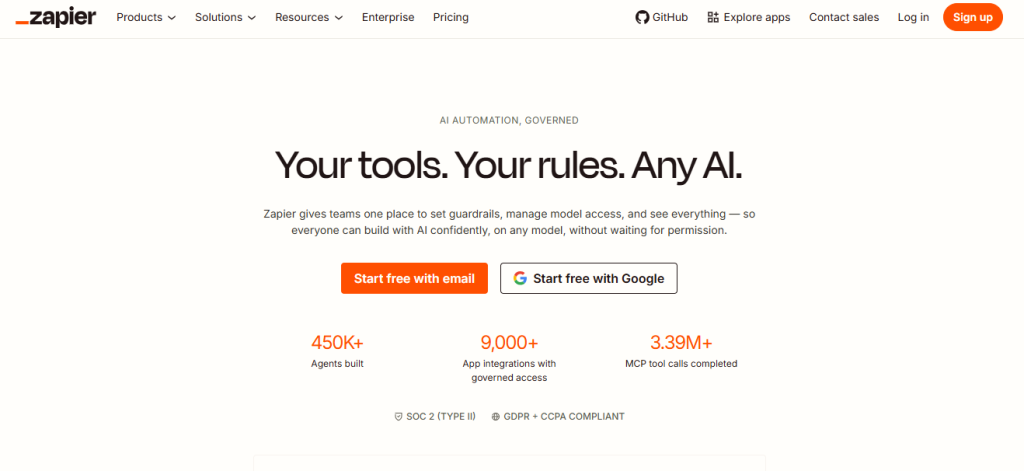
Zapier is one of the most widely used AI workflow automation tools for connecting business apps without code. It supports 9,000+ integrations and lets teams automate lead routing, CRM updates, notifications, reporting, customer support tasks, and internal operations.
Key features
- More than 9,000 app integrations
- Multi-step Zaps
- Zapier Copilot for AI-assisted workflow creation
- AI fields for processing text and data
- Webhooks and custom connections
- Zapier Tables and Forms
- Filters, paths, formatting, and conditional logic
- Team workflow sharing on higher plans
Pros
- Large integration library
- Easy for beginners to set up basic workflows
- Useful templates for common business tasks
- AI-assisted workflow setup
- Supports forms, tables, webhooks, and multi-step automation
Cons
- Task-based pricing can become expensive
- Free plan only supports 2-step Zaps
- High-volume workflows consume tasks quickly
- Complex workflows can become difficult to manage
Pricing
Zapier’s free plan includes 100 tasks per month and 2-step Zaps. Professional plans start at $19.99 per month when billed annually.
Best for
Zapier is best for small businesses, marketing teams, sales teams, and operations teams that need quick app-to-app automation without code.
3. Make
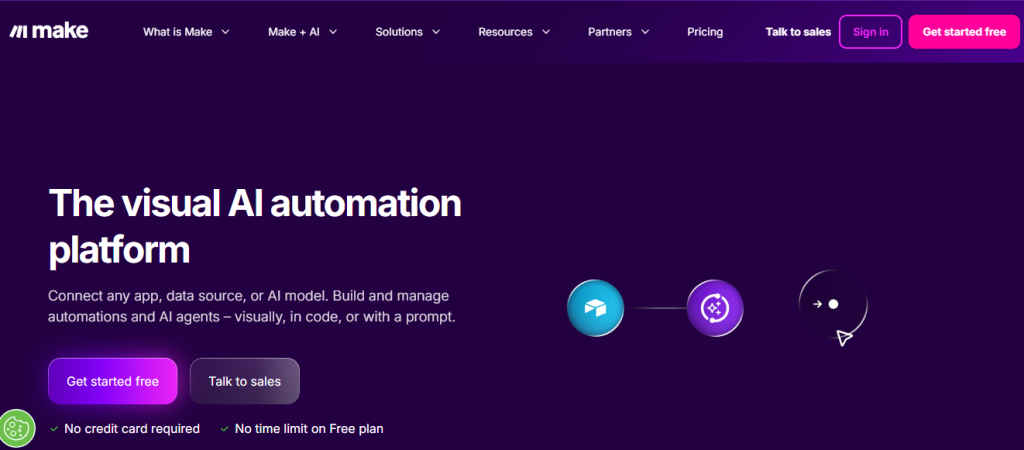
Make is among the desired visual AI workflow automation tools for teams that need more control than simple trigger-and-action automations. It uses a drag-and-drop scenario builder for workflows involving multiple apps, conditions, data formatting, routers, and scheduled tasks.
It is a strong option for operations teams, agencies, and power users building workflows across CRMs, spreadsheets, ecommerce tools, databases, and APIs.
Key features
- Visual no-code workflow builder
- More than 3,000 app integrations
- Multi-step scenarios with routers and filters
- AI modules and AI app connections
- HTTP modules for custom API requests
- Webhooks and scheduled workflows
- Data transformation tools
- Error handling and workflow logs
Pros
- Strong control over complex workflows
- Visual builder makes multi-step logic easier to review
- Usually costs less than Zapier for higher-volume workflows
- Supports APIs, webhooks, and custom data handling
- Good choice for no-code AI agents and operations workflows
Cons
- Takes longer to learn than Zapier
- Credit usage needs monitoring, especially for AI workflows
- Workflow setup can feel technical for beginners
- Large scenarios can become difficult to maintain
Pricing
Make has a free plan with 1,000 credits per month. Paid plans start at roughly $9 per month for the Core plan when billed annually. Pro and Teams plans cost more and include higher credit limits, advanced features, and team controls.
Make now uses credits as its billing unit. For non-AI apps, 1 operation uses 1 credit. Built-in AI features can use credits based on both operations and token usage.
Best for
Make is best for operations teams, agencies, and experienced users building complex AI automation workflows with branching logic, data processing, and custom API connections.
4. HARPA AI
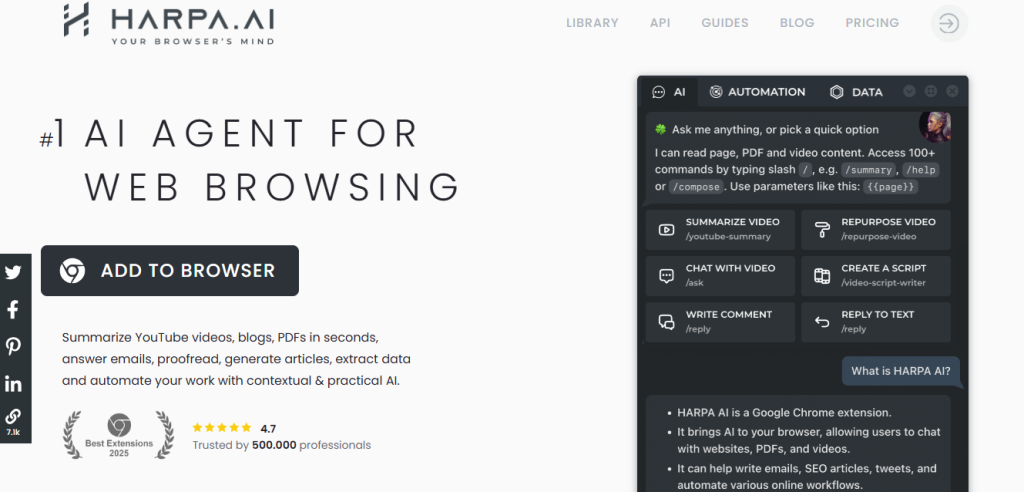
HARPA AI is a Chrome extension for browser AI automation, web research, content tasks, page monitoring, and repeatable commands. It works inside the browser and can use page content as context for prompts, summaries, extraction, and automation.
It is useful for people who spend most of their day researching, writing, checking competitor pages, comparing prices, or working across browser tabs. For anyone whose daily workflow also involves editing video content, a few unique AI video editors are worth pairing with HARPA’s summarization features.”
Key features
- Chrome extension with browser-aware AI commands
- Support for multiple AI models and API connections
- Web page summaries and content extraction
- Reusable custom commands
- PDF, document, spreadsheet, and YouTube summaries
- Page and price monitoring
- Scheduled commands on higher plans
- Advanced browser automation on higher plans
- Bring-your-own API key option
Pros
- Useful for browser-based research and repetitive tasks
- Works with multiple AI model providers
- Supports reusable commands for common tasks
- Includes page monitoring and price tracking
- Has a lifetime plan for individual users
Cons
- Primarily depends on Chrome
- Advanced automation requires a paid plan
- AI output still needs review for factual accuracy
- Less suitable for multi-app business workflows than Zapier or Make
Pricing
- HARPA AI has a free Chrome plugin.
- Everyone plan costs $12 per month when billed annually
- Pros plan costs $19 per month when billed annually.
- It also has a $240 lifetime plan for one user.
Best for
HARPA AI is best for individual professionals, marketers, researchers, and power users looking for browser AI automation tools for research, content work, page monitoring, and repetitive browser tasks.
5. n8n
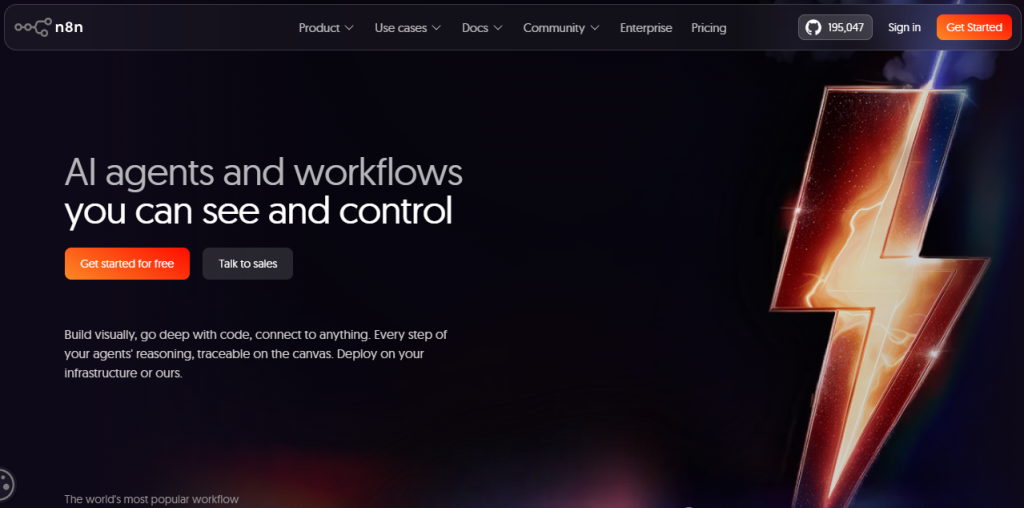
n8n is among the famous low-code AI workflow automation tools built for technical teams that need custom workflows, self-hosting, API control, and code support. It uses a visual workflow editor, but users can also add JavaScript, Python, HTTP requests, and custom nodes.
It gives developers more control than most no-code platforms. The self-hosted Community Edition is free, making it a practical choice for teams with the technical ability to manage their own infrastructure. Teams already comparing self-hosted platforms with hosted AI tools often end up weighing Replit against Vercel for their own build-and-deploy workflows.”
Key features
- Visual low-code workflow builder
- Self-hosted Community Edition
- Cloud and self-hosted deployment options
- JavaScript and Python code steps
- AI workflow builder and AI nodes
- HTTP, GraphQL, webhook, and API support
- Custom nodes and CLI tools for self-hosted users
- Git version control on higher self-hosted plans
- Unlimited users and workflows on paid plans
Pros
- Strong flexibility for custom workflows
- Free self-hosted Community Edition
- Supports code, APIs, databases, and AI nodes
- Pricing is based on workflow executions, not individual steps
- Good control over data and infrastructure
Cons
- Steeper learning curve for non-technical users
- Self-hosting requires server setup and maintenance
- Some enterprise features require paid self-hosted plans
- Less beginner-friendly than Zapier or Bardeen
Pricing
n8n offers a free self-hosted Community Edition.
- Starter plan costs €20 per month when billed annually.
- Pro plan costs €50 per month when billed annually
- Business plan costs €667 per month when billed annually and is available only for self-hosted deployments.
n8n charges for full workflow executions rather than each workflow step.
Best for
n8n is best for developers, technical operations teams, and companies that need self-hosted AI automation workflows, custom API connections, code support, and control over internal data.
6. Krea Agent
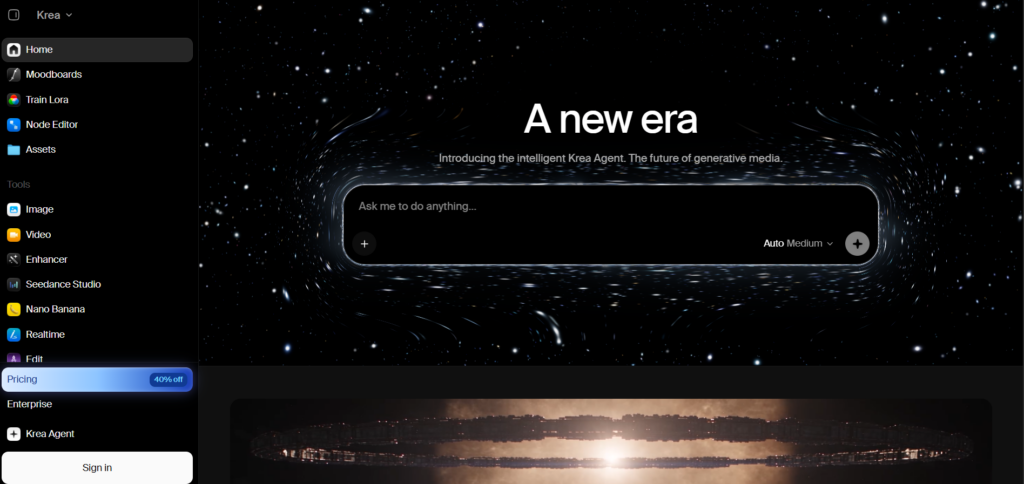
Krea Agent is an AI creative production agent that turns a written brief into finished images, videos, and other visual assets. It can research your brand, plan multi-step creative workflows, choose the right AI model for each task, review results, edit assets, and organize everything in a shared context library.
Key features
- Multi-step AI creative workflows
- Access to 150+ image, video, audio, and enhancement models
- Automatic model selection for different creative tasks
- Brand research and context library
- Image and video generation and editing
- Built-in skills for repeatable creative workflows
- Reference-based image generation and editing
- Integrations with tools such as Slack, Notion, Linear, Google Drive, and Meta Ads
- Custom MCP server support
- Video editing, trimming, extending, and exporting
Pros
- Handles research, generation, review, and editing in one workflow
- Can choose different AI models based on the task
- Useful for creating complete marketing campaigns
- Keeps brand references and files in a shared context library
- Supports repeatable workflows through skills
- Works with external tools through integrations and MCP
Cons
- Krea Agent is still in beta
- Access can depend on your Krea plan or workspace
- Creative generations consume Krea compute credits
- 3D generation is not currently available inside the web agent
- Complex workflows can require retries when a generation fails
Pricing
Krea has a free plan with 100 compute units per day. Paid plans start at $9 per month for Basic, while Pro starts at $35 per month and Max at $105 per month. Krea Agent uses your normal Krea compute credits rather than charging a separate agent fee. Agent availability varies by plan and workspace.
Best for
Krea Agent is best for designers, marketers, content creators, agencies, and creative teams that want to turn briefs into complete image and video campaigns with minimal manual workflow setup.
7. Lindy
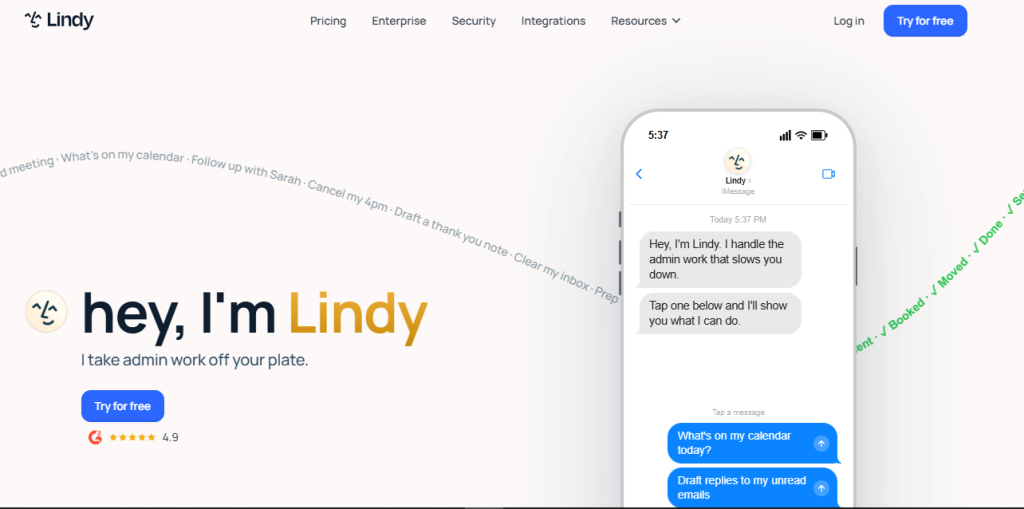
Lindy is an AI agent platform for automating email, meetings, calendar management, research, follow-ups, and other recurring work. Users give an agent instructions in plain language, connect relevant apps, and set rules for how the agent should handle tasks.
Lindy is a focused AI workflow automation tool on AI assistants and task delegation rather than visual workflow building. It is a good fit for professionals who want an agent to manage inbox work, scheduling, meeting notes, and follow-ups.
Key features
- AI assistants for email, meetings, calendar, and follow-ups
- Natural-language instructions
- Inbox management and email drafting
- Meeting scheduling, preparation, recording, and notes
- SMS and iMessage access
- More than 100 integrations
- Computer use on Pro and higher plans
- Enterprise controls including SSO, SCIM, and audit logs
Pros
- Quick setup for email and calendar workflows
- Useful for meeting preparation and follow-up tasks
- Plain-language instructions reduce setup time
- Supports text-based access through SMS and iMessage
Cons
- No permanent free plan listed on its current pricing page
- Usage limits vary by plan
- Computer use requires a Pro plan or above
- Enterprise security and team controls require custom pricing
Pricing
- Lindy provides a 7-day free trial with access to Plus features.
- Plus plan costs $49.99 per month
- Pro costs $99.99 per month,
- Max costs $199.99 per month.
- Enterprise pricing is custom.
Best for
Lindy is best for solopreneurs, executives, and small teams looking for no-code AI agents to manage email, meetings, scheduling, research, and follow-up work.
8. Gumloop
Gumloop is a no-code AI workflow automation tool for web research, data extraction, lead enrichment, and AI-assisted business processes. Its visual builder lets users combine browser actions, AI prompts, spreadsheets, APIs, and connected apps into one workflow.
It is commonly used for sales prospecting, competitor research, content operations, and data cleanup. Teams can run workflows in bulk, which makes it useful when a process needs to handle hundreds or thousands of records.
Key features
- Visual no-code workflow builder
- Web scraping and browser automation
- AI agents and AI-powered data processing
- Data extraction from websites and documents
- Templates for common sales and research workflows
- API connections and custom integrations
- Concurrent workflow runs
- Team collaboration and shared workflows
Pros
- Easy visual interface for data-heavy workflows
- Strong for web scraping and lead research
- Supports bulk runs and concurrent processing
- Useful templates for common use cases
- Paid plans include unlimited seats
Cons
- Credit usage rises with complex workflows and large data sets
- Fewer native integrations than Zapier
- Browser-based tasks can fail when a website changes
- Advanced workflows still need testing and monitoring
Pricing
Gumloop has a free plan with limited credits.
Pro plan starts at $37 per month
Best for
Gumloop is best for users who need browser AI automation tools for web scraping, lead enrichment, data extraction, and recurring research workflows.
9. UiPath
UiPath is among the top enterprise-level AI workflow automation tools built around robotic process automation, also called RPA. It automates repetitive actions across browser-based software, desktop apps, documents, internal systems, and legacy tools.
The platform includes tools for building automations, finding repetitive processes, handling documents, managing bots, and controlling automation across large organizations.
UiPath is built for companies that need governance, permissions, audit trails, and large-scale deployment.
Key features
- Robotic process automation for browser and desktop tasks
- UiPath Studio for building automations
- Process mining and task mining
- Document understanding and AI extraction
- Browser and desktop automation
- AI agents and agentic automation features
- Centralized bot management and governance
- Security, compliance, and audit controls
Pros
- Strong choice for large-scale RPA
- Covers desktop, browser, document, and legacy software automation
- Includes process discovery tools
- Detailed governance and security controls
- Community edition available for individual learning and small projects
Cons
- Higher cost than most no-code automation tools
- Setup can require technical staff or implementation partners
- Too complex for simple app-to-app workflows
- Enterprise licensing can be difficult to estimate before speaking with sales
Pricing
UiPath offers a free Community plan for individual users and small teams. Its paid plans vary by product, deployment type, bot usage, and enterprise requirements.
Best for
UiPath is best for mid-sized and large companies that need AI automation workflows across desktop applications, browser tools, documents, and older internal systems.
10. Microsoft Power Automate
Microsoft Power Automate is a low-code AI workflow automation platform for cloud workflows and desktop RPA. It connects closely with Microsoft 365, Teams, SharePoint, Excel, Dynamics 365, and other Microsoft products.
It supports approval workflows, document processing, notifications, scheduled tasks, attended desktop flows, and unattended automation.
Businesses already using Microsoft’s Power Platform will usually get the most from it.
Key features
- Cloud flows and desktop flows
- Attended and unattended RPA
- Microsoft 365, Teams, SharePoint, Excel, and Dynamics 365 connections
- AI Builder for document and data processing
- Premium connectors and custom connectors
- Process and task mining
- Approval workflows
- Power Platform governance and admin controls
Pros
- Strong fit for Microsoft-based businesses
- Connects closely with Microsoft 365 tools
- Includes cloud automation and desktop RPA
- Premium plan includes attended desktop flows
- Good governance options for larger organizations
Cons
- Interface can take time to learn
- Troubleshooting complex flows can be difficult
- Premium connectors require paid licensing
- Works best when the company already uses Microsoft tools heavily
Pricing
Power Automate has a 30-day free trial.
- Premium plan costs $15 per user per month when billed annually
- Process plan costs $150 per bot per month for unattended automation.
- The Hosted Process plan costs $215 per bot per month and includes a Microsoft-hosted virtual machine.
Best for
Microsoft Power Automate is best for Microsoft-centric companies that need no-code AI agents, cloud automation, approval flows, and desktop RPA across Microsoft 365 and Power Platform tools.
11. Glean
Glean is an enterprise AI platform for searching company knowledge, answering internal questions, and building AI agents that work with connected business systems. It connects to tools such as Google Workspace, Microsoft 365, Slack, Salesforce, Jira, Confluence, and other company data sources.
Glean focuses on the company context. It uses permissions from connected systems so employees can find information they are already allowed to access.
Large organizations use it for internal search, employee support, knowledge discovery, and AI-assisted work across departments.
Key features
- Enterprise search across connected work apps
- AI assistants and custom AI agents
- Permission-aware search results
- Connectors for business tools and knowledge bases
- Company knowledge graph
- Workflow actions through connected systems
- Security, governance, and admin controls
- Usage analytics and adoption controls
Pros
- Strong internal search and knowledge discovery
- Uses existing permissions from connected tools
- Useful for company-wide AI access
- Supports AI agents and workflow actions
- Built for enterprise security and governance
Cons
- Built for larger organizations with complex software stacks
- Pricing requires a sales conversation
- Implementation requires time to connect, configure, and review data sources
- Too expensive and broad for most small teams
Pricing
Glean does not publish standard pricing. It sells through custom enterprise contracts, with cost based on user count, connected systems, AI usage, security requirements, and support needs. Request a quote directly from Glean for current pricing.
Best for
Glean is among the best AI workflow automation tools for large organizations that need enterprise AI search and internal information with employee workflows.
Bonus AI Workflow Automation Tools Worth Considering
Relay.app
Relay.app is a workflow automation platform built for processes that need human review before the next step runs. It combines app integrations, AI steps, and approval checkpoints, which makes it useful for teams that do not want fully automatic actions in customer-facing or sensitive workflows.
Best for: Marketing, operations, and support teams that need human-in-the-loop AI automation workflows for content approvals, lead review, customer replies, and internal requests.
Skyvern
Skyvern is an AI browser workflow automation platform that uses agents to interact with websites and complete browser tasks. It is designed for workflows where APIs are unavailable, including form filling, portal updates, document downloads, and data extraction.
Best for: Technical teams that need browser AI automation tools for complex website workflows, especially across portals and web apps without reliable APIs.
Firecrawl
Firecrawl is a web data platform that crawls websites and converts pages into structured, AI-ready data. It is not a traditional workflow builder, but it can support AI research, lead enrichment, website monitoring, and retrieval-augmented generation workflows.
Best for: Developers, SEO teams, and AI product teams that need website data for AI workflow automation tools, research pipelines, content analysis, or internal AI applications.
Bonus Tip: Start with one repetitive, low-risk workflow
Pick a task that happens often and is easy to measure. Good starting points include:
- Adding form leads to a CRM
- Enriching prospect records
- Sorting support tickets
- Sending meeting summaries
- Updating spreadsheets from web research
- Routing internal requests
Track time saved, error rates, and exceptions for a few weeks. Then decide whether the AI workflow automation tool is ready for wider use.
Creators relying on tips or memberships might also want to check a few platforms for collecting creator support before automating around one.”
Best AI workflow automation tools by use case
| Use case | Best tool | Why it fits |
|---|---|---|
| Browser automation | Bardeen | Automates browser actions, scraping, and app workflows |
| Quick app integrations | Zapier | Connects common SaaS apps with a short setup process |
| Complex visual workflows | Make | Handles branching, routing, and multi-step data flows |
| Chrome-based AI tasks | HARPA AI | Uses AI commands for browser tasks, monitoring, and extraction |
| Self-hosted AI workflows | n8n | Supports custom logic, AI nodes, APIs, and self-hosting |
| AI agent workflows | Lindy | Creates task-specific agents for email, research, and operations |
| Sales data and scraping | Gumloop | Combines web data extraction, enrichment, and AI processing |
| Enterprise RPA | UiPath | Automates desktop, browser, and legacy software tasks |
| Microsoft business workflows | Microsoft Power Automate | Connects with Microsoft 365, Teams, SharePoint, and Dynamics |
| Enterprise knowledge automation | Glean | Connects internal knowledge and gives employees AI-assisted answers |
Ending Note on the best AI workflow automation tools
The best AI workflow automation tools can process unstructured information, work inside browsers, and remove repetitive steps from daily work. Zapier fits simple app connections. Bardeen and HARPA AI fit browser work. Lindy focuses on AI agents. UiPath, Microsoft Power Automate, and Glean fit larger companies with established systems and stricter governance.
Start with one AI automation workflow that wastes time every week. Test it, review failures, and expand once it produces consistent results.
