WordPress event calendar plugins do more than show dates on a page. The right one handles recurring events, ticket sales, and RSVP tracking without you touching code.
We compared 13 event calendar booking plugins across free-tier depth, ticketing, and pricing to find the strongest options in 2026.
How We Evaluated These WordPress Event Calendar Plugins
- Event creation speed: how many clicks from “new event” to a published listing.
- Calendar views: month, week, day, list, and grid options, and whether they’re free or paid.
- Ticketing and payments: built in, an add-on, or missing entirely.
- Recurring events: daily, weekly, monthly, and custom patterns.
- Free-tier usefulness: a real tool people can run a small calendar on, not a locked preview.
- Pricing transparency: the actual per-site cost, not a headline number that hides add-on fees.
Quick comparison of WordPress Event Calendar Plugins
| Plugin | Free tier | Starting paid price | Best for |
|---|---|---|---|
| The Events Calendar | Yes, 800,000+ installs | $149 to $259/yr | Full event management at scale |
| Event Tickets | Yes | Free | Free Stripe/PayPal ticketing alongside TEC |
| Sugar Calendar | Yes | $49.50/yr | Lightweight, fast setup |
| Modern Events Calendar | Yes | Varies | Visual design and layout options |
| EventPrime | Yes | $29.95 (extension) | Modern, modular architecture |
| Eventin | Yes | $89/yr | Multi-track conferences, speaker management |
| My Calendar | Yes | $69/yr | Deep customization for developers |
| WP Event Manager | Yes | $99/yr bundle | Community and multi-organizer directories |
| EventOn | Yes, limited Lite | $25 one-time (core) | Visually polished single events |
| Events Manager | Yes | $99/yr | WooCommerce-integrated event sales |
| All-in-One Event Calendar | Yes | Varies | RSVP and simple ticket sales |
| WP Simple Booking Calendar | Yes | Free | Single-calendar day-based bookings |
| WP Booking Calendar (wpdevelop) | Yes | $39 to $60/yr | OTA sync (Airbnb, Booking.com) |
1. The Events Calendar: Best Event Calendar Booking Plugin For Scaled Event Management
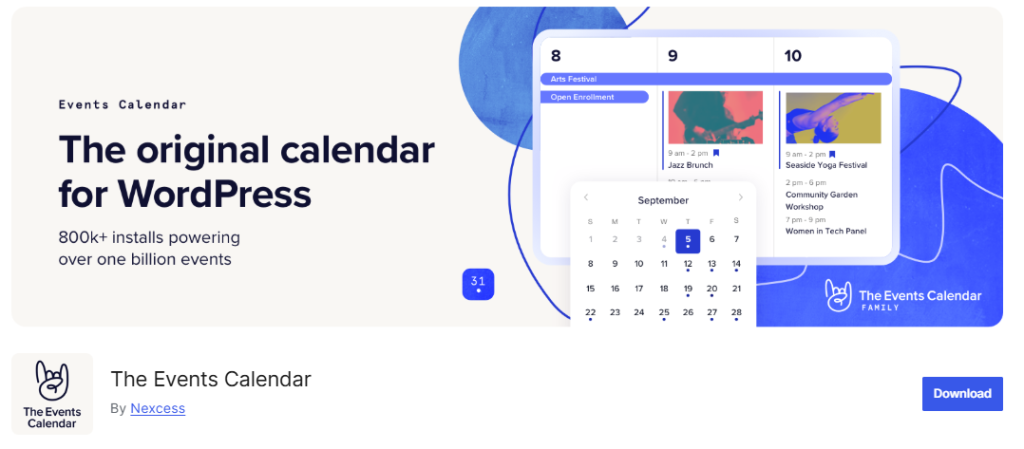
The Events Calendar is the default choice for a reason. It sits on 800,000+ active installs with a 4.3/5 rating, by far the largest install base of any plugin on this list, and the free version alone covers venues, organizers, categories, and multiple calendar views.
The paid Pro ecosystem extends into seating charts, community event submission, and an event aggregator that imports listings from Eventbrite, Meetup, and Google Calendar.
Pricing
Pro starts from$259/yr.
Best for: event-driven sites that expect to grow into ticketing, seating, and multi-organizer complexity over time.
2. Event Tickets: Best Free Events Ticketing Plugin

Event Tickets is a separate, free plugin built to pair with The Events Calendar. On its own it adds Stripe and PayPal checkout, attendee tracking, and RSVP collection to any event listing.
Installing both plugins together gives you a genuinely functional free ticketing setup, no premium tier required to sell your first ticket.
As ticket sales grow, adding marketing automation can help nurture attendees and recover abandoned registrations.
Best for: anyone already running The Events Calendar who wants to start selling tickets without paying for a Pro plan first.
3. Sugar Calendar: Best Lightweight Events Calendar Plugin
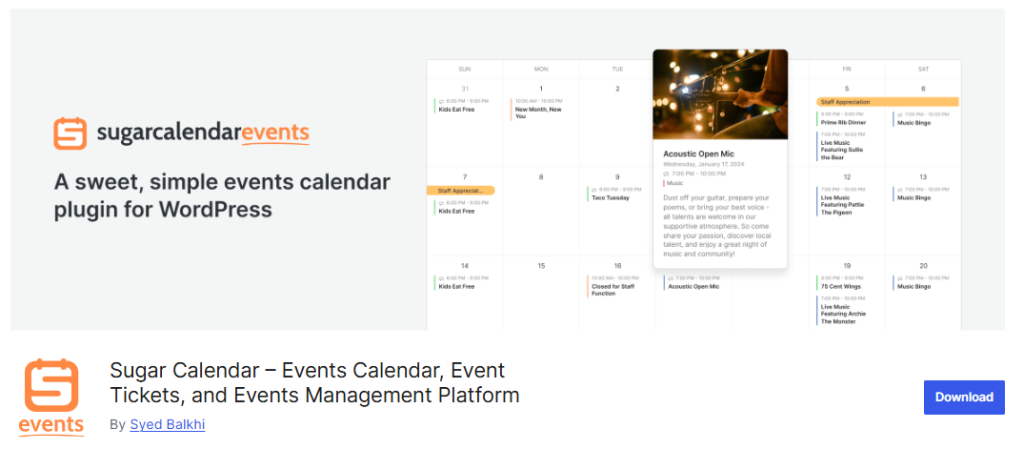
Sugar Calendar comes from Sandhills Development, the team behind Easy Digital Downloads, and the admin interface reflects that pedigree: fewer settings screens, a WordPress-native design, and a genuinely fast setup.
The free Lite version covers one-time events, categories, and month, week, and list views, plus Stripe payments with a 3% platform fee.
Paid plans remove that fee and add recurring events, WooCommerce ticketing, and calendar imports from Google, iCal, and Outlook.
A one-click migration tool moves data over from The Events Calendar if you’re switching because of bloat or slow load times.
Pricing
$49.50/yr for a single site, up to $299.50/yr for 10 sites with every add-on included.
Best for: small businesses and content sites that want a calendar without the overhead of a full event-management platform, especially when performance is a priority.
4. Modern Events Calendar: Best Visual Design Based Events Calendar WordPress Plugin
Modern Events Calendar leans hard into layout options, with more than 50 visual templates for how events display on the front end. If your events page needs to look distinctive rather than functional-but-plain, this is the plugin built for that priority.
Those layouts become even more effective when paired with high-quality creative assets for banners, speaker photos, and event graphics.
The tradeoff for that flexibility is a steeper settings learning curve than Sugar Calendar or The Events Calendar’s free tier.
Pricing
Pro plan starts at $99/year
Best for: sites where the events page is a visible, branded part of the site design, not just a utility page.
5. EventPrime: Best Modern Architecture WordPress Events Calendar Plugin

EventPrime is a newer entrant built around a lighter, modular architecture rather than the accumulated feature set of a decade-old plugin.
One caveat: some of the most visible “EventPrime is #1” claims circulating online trace back to the vendor’s own blog rather than independent testing, so weigh those claims accordingly and compare the actual feature list against your requirements.
Pricing
- Extensions are purchased individually, starting at $29.95 for entry add-ons
- $179 for the full Business tier.
Best for: newer WordPress builds that want a performance-focused event calendar plugin without a decade of legacy code.
6. Eventin: Best WordPress Event Calendar Plugin For Conferences
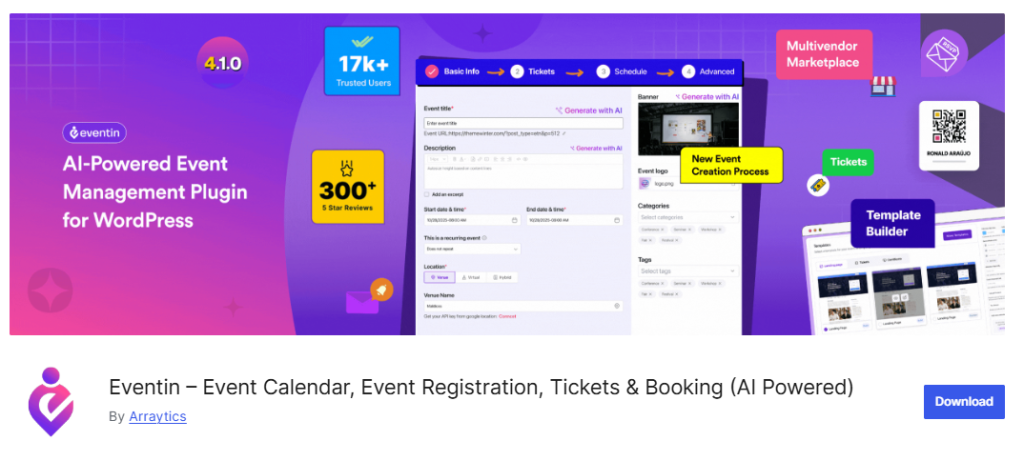
Eventin is built for events too complex for a simple ticket form: multi-track conferences, speaker lineups, reserved seating, and custom-branded PDF tickets. These are features that typically require a dedicated SaaS platform like Hopin or Eventbrite.
An AI event-generation feature speeds up initial event setup, and WooCommerce integration is optional rather than required. For larger events, workflow automation can also simplify planning beyond creating the event itself.
Pricing
Starts from $89/yr.
Best for: conference and workshop organizers who need speaker management and branded tickets without leaving WordPress.
7. My Calendar: best Event Calendar WordPress Plugin For Developer Customization

My Calendar trades ease of styling for depth of control. Events can be grouped into categories and edited in bulk, which helps once your calendar has more than a handful of recurring event types.
The catch: customizing the calendar’s appearance beyond the defaults generally requires CSS knowledge, more than most competitors on this list ask of you.
Pricing
Starts from $69/yr.
Best for: developers or agencies comfortable writing custom CSS who want granular control over calendar behavior.
8. WP Event Manager: Best Event Plugin For Community Directories
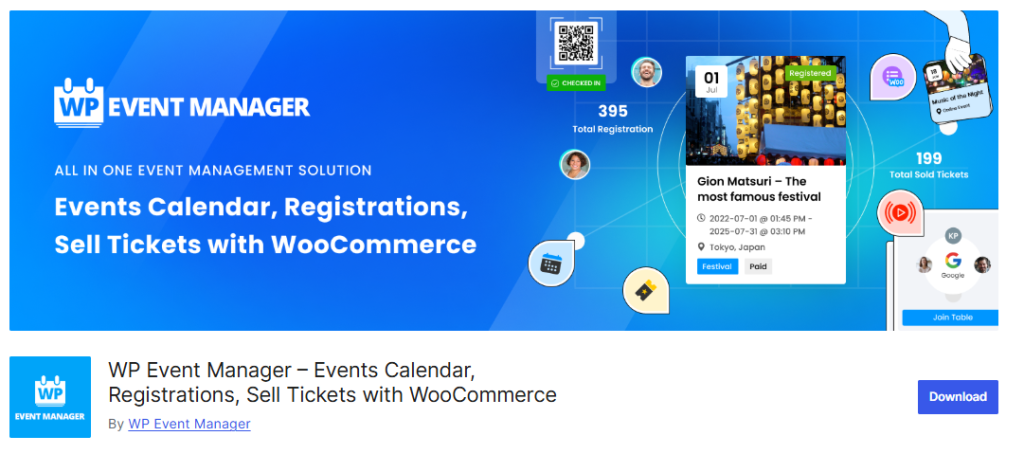
WP Event Manager takes a listing-directory approach rather than a pure calendar approach, which handles front-end event submission and multi-organizer workflows more naturally than calendar-centric plugins built primarily for a single site owner.
It’s modular: you buy add-ons for the specific features you need (ticketing, WooCommerce integration, recurring events) instead of paying for a bundle upfront.
WooCommerce is required specifically for the ticketing module.
Pricing
Starts from $99/yr for a common add-on bundle.
Best for: community sites, nonprofits, or membership platforms where multiple organizers submit their own events.
9. EventOn: Best WordPress Event Plugin For Visually Polished Single Events
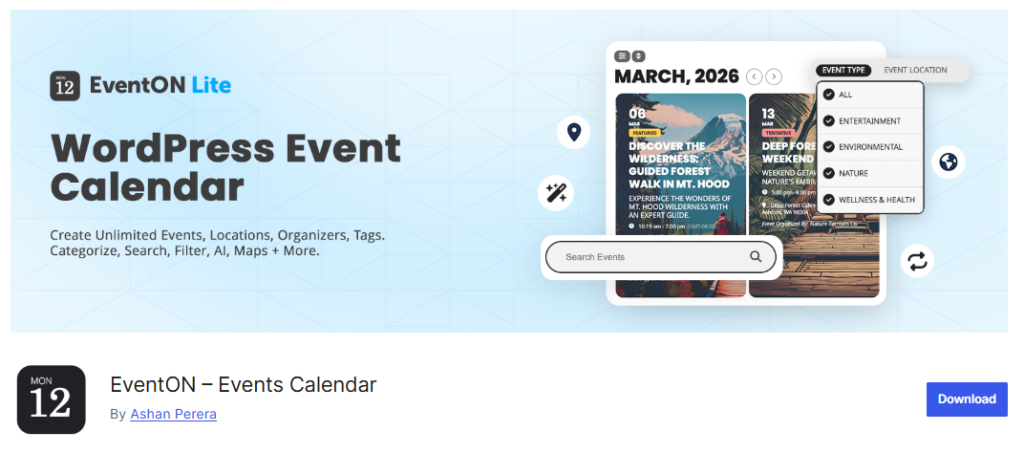
EventOn is sold through CodeCanyon with a one-time core license fee of $25, the lowest upfront cost on this list.
The catch is that meaningful functionality lives in separate paid add-ons:
- Event Tickets ($120),
- RSVP ($40),
- Bookings ($60), and
- Dynamic Pricing ($30).
A full setup with ticketing and booking can run past $275 once you add those up.
The free Lite version on WordPress.org is intentionally limited, more of a preview than a usable tool, and the install base sits around 60,000+, smaller than the more established free-first competitors.
Best for: sites that mainly need a handful of attractive standalone event pages rather than full ticketing infrastructure.
10. Events Manager: Best WooCommerce-Native Event Ticketing Plugin

Events Manager has been actively maintained since 2009 and carries a 4.7/5 rating from 620+ reviews with 50,000+ active installs. The free tier covers basic booking and availability needs.
It integrates directly with WooCommerce for event ticket sales, useful if you’d rather manage event payments through the same system running your store’s checkout instead of a separate gateway setup. It also works well alongside other WooCommerce store plugins.
Pricing
Starts from $99/yr.
Best for: sites that already run WooCommerce and want event ticket sales to flow through the same cart and checkout.
11. All-in-One Event Calendar: Best Simple RSVP and Event Ticketing Plugin
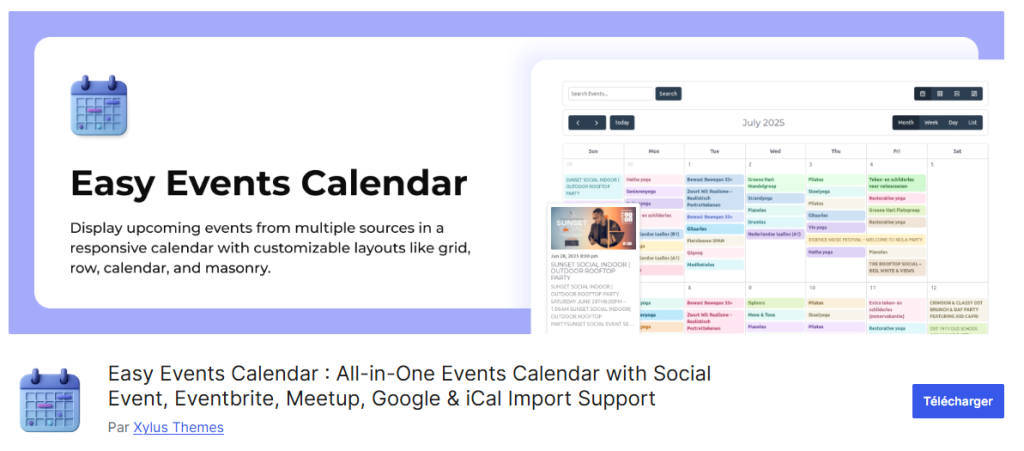
Created by Timely, this event calendar plugin’s free version is more generous than most, with:
- color-coded event categories,
- recurring event support for complicated schedules, and
- front-end RSVP and ticket-selling built in without a paid upgrade.
The interface is more polished than several older competitors on this list, which shows in how quickly a first event can go live.
Pricing
Pro tier starts from $9/month billed annually
Best for: sites that need straightforward RSVP or basic ticket sales without committing to a full ticketing platform.
12. WP Simple Booking Calendar: Best for Day-Based Availability
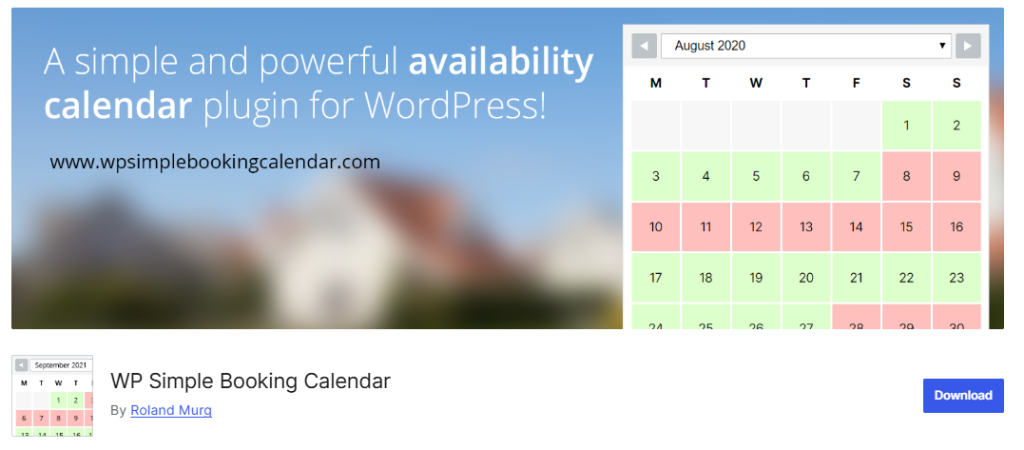
WP Simple Booking Calendar takes a different approach from the rest of this list: instead of individual time-slot events, it displays availability for entire days, useful for vacation rentals, accommodations, or any per-day offering rather than hourly appointments. Businesses that schedule hourly sessions usually need dedicated appointment booking software instead.
You can create unlimited calendars and sync them with external platforms including Airbnb and Booking.com.
Pricing
Free
Best for: sites offering per-day bookings (rentals, accommodations) rather than scheduled hourly events.
13. WP Booking Calendar (wpdevelop): Best Event Calendar WordPress Plugin For OTA Sync
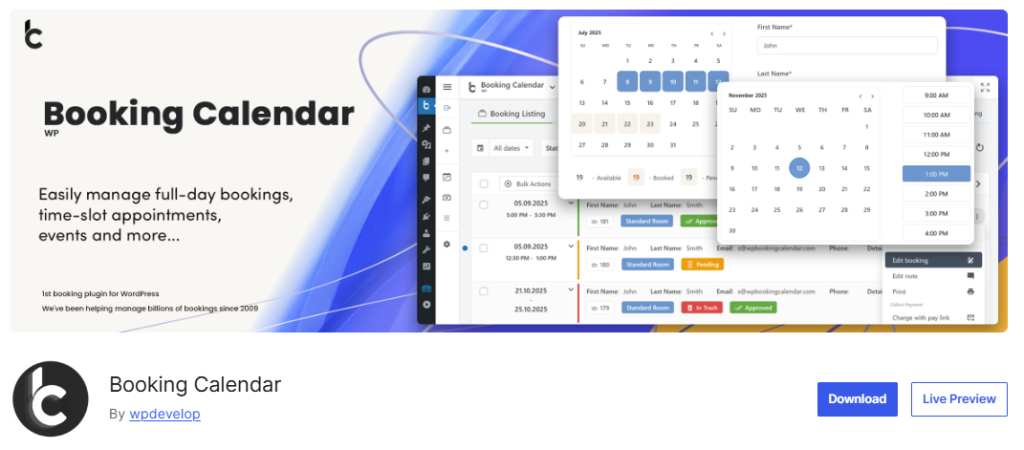
WP Booking Calendar, from wpdevelop, is a long-standing plugin built for full-day bookings, time-slot appointments, and event registration in one tool. A newer drag-and-drop form builder lets you assemble booking and inquiry forms visually instead of editing shortcodes by hand.
WP Booking Calendar standout feature is two-way calendar sync with external booking platforms, useful for anyone managing availability across their own site and a listing on a third-party OTA.
Pricing
- Free version available
- Business plans from $79/yr for single site tier.
Best for: property or rental-adjacent sites that need their WordPress calendar to stay in sync with external booking platforms.
What People Are Saying About Event Calendar Plugin on Reddit and Other Forums
A few things come up again and again when this topic gets discussed in WordPress support forums and Reddit community threads.
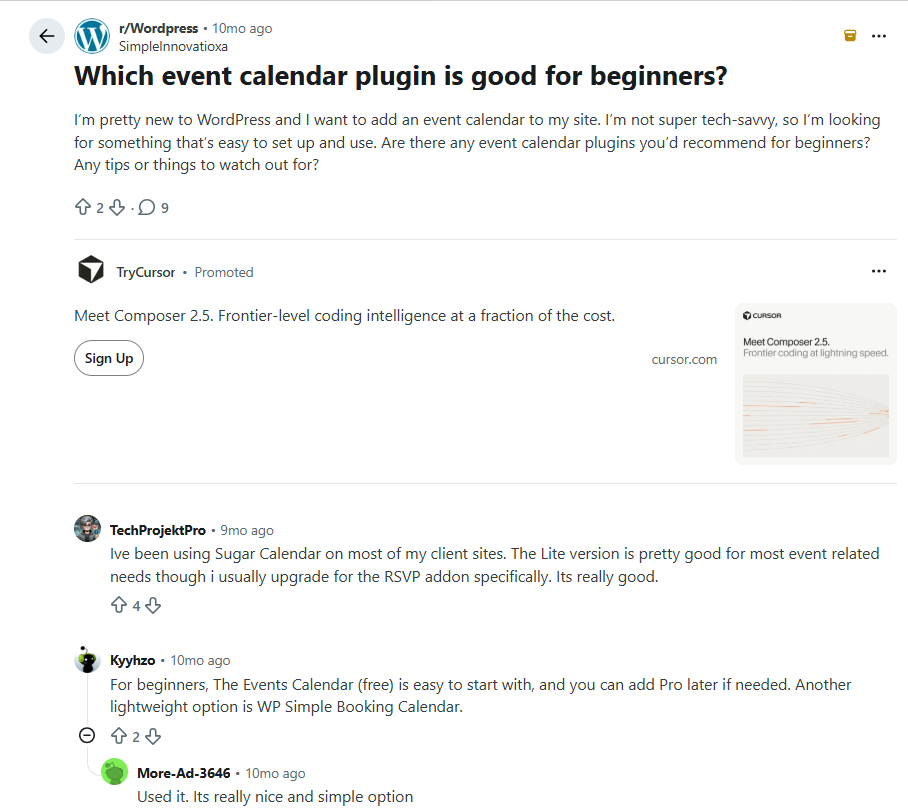
A recurring pattern across every event-plugin discussion: people pick a plugin based on how the demo looks, then discover 6 months later that the feature they actually needed (recurring events, a specific calendar sync, WooCommerce ticketing) was in the paid tier the whole time.
Checking the free vs paid plugin feature split before installing saves the most regret here too.
How To Shortlist Right Event Calendar Plugins
- If you want the deepest free feature set 🡪 The Events Calendar plus the free Event Tickets add-on.
- If your site needs to stay fast on modest hosting 🡪 Sugar Calendar.
- If you’re running a multi-track conference 🡪 Eventin.
- If members need to submit their own events 🡪 WP Event Manager.
- If you sell products and events through the same store 🡪 Events Manager or Sugar Calendar’s WooCommerce ticketing.
- If you manage per-day rentals rather than scheduled events 🡪 WP Simple Booking Calendar or WP Booking Calendar.
Final Word
The Events Calendar earns its default-recommendation status through sheer feature depth and install base, but that same depth is what causes the bloat complaints once a site scales up. If speed matters more than feature count, Sugar Calendar is the stronger starting point. Match the plugin to how complex your actual event calendar needs to be today, not how complex it might become someday. The right plugin is even more effective when your site consistently attracts more attendees.
