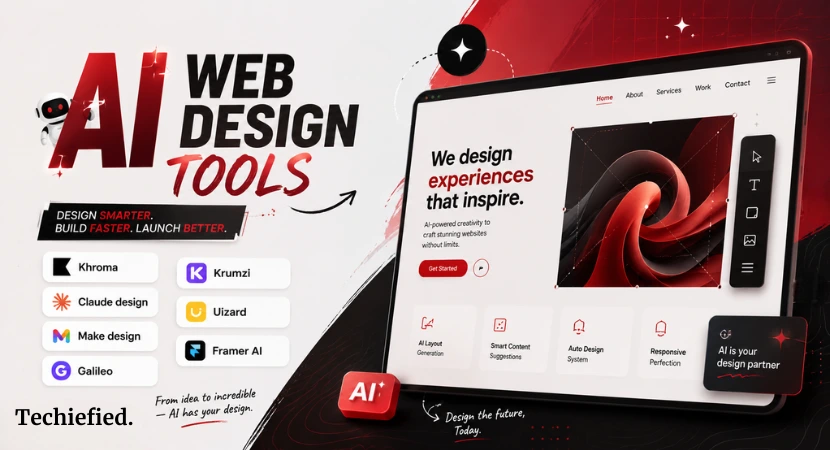
AI is changing how websites and apps are built. But most people only know the big names like Canva, Wix, or Figma. These AI web design tools are everywhere, yet they often feel crowded and predictable.
If you’re a freelancer in USA or anywhere globally, you need tools that give you speed and flexibility without locking you into templates everyone else is using. That’s where hidden gem AI web design tools come in.
These tools are not famous, but they can help you design smarter. And because they’re less mainstream, they often bring fresh ideas to the table.
Here’s the point: choosing the right AI web design generator can save you time, cut costs, and help you stand out in a crowded market.
Why Look Beyond Famous AI Web Design Tools?
Most people stick to the big platforms. They’re easy to find, but they’re not always the best choice. Lesser-known AI web design tools solve this problem. They focus on speed, creativity, and flexibility.
Here’s a quick comparison of famous vs less-popular AI web design tools:
| Mainstream Tools | Hidden Gem Tools |
|---|---|
| Template-heavy | Prompt-driven |
| Crowded market | Niche features |
| Predictable layouts | Unique outputs |
| Large user base | Smaller, focused communities |
If your goal is to save time and still stand out, it makes sense to explore these mainstream AI design platform alternatives. They’re not famous, but they can give you an edge.
What Was The Criteria for Choosing These Hidden AI Web Design Tools
When picking an AI web design generator, the right choice depends on clear criteria. Here are the main factors to consider when using these hidden AI web design tools:
| Criteria | Why It Matters | Example Entity |
|---|---|---|
| Ease of Use | Tools should work with simple prompts or sketches. | Uizard lets you turn a screenshot into a UI mockup. |
| Flexibility | Avoid rigid templates. Look for prompt-driven design. | Framer AI builds live websites from text. |
| Innovation | Niche features make tools stand out. | Khroma generates color palettes based on your taste. |
| Speed | Rapid iteration saves time for freelancers and startups. | Krumzi creates social visuals in seconds. |
| Output Quality | Designs should be usable, not just concepts. | Claude Design produces working prototypes. |
| Affordability | Pricing should fit small teams and solo creators. | Runway offers flexible plans for video and design. |
Why this matters
- AI web design tools are not all equal. Some focus on UI prototyping, others on full websites.
- A good AI UI design generator should reduce manual work, not add more.
Detailed Review of 8 Hidden Gem AI Web Design Tools
Here are the details of hidden gem AI web design tools to vibe-design in 2026:
Khroma
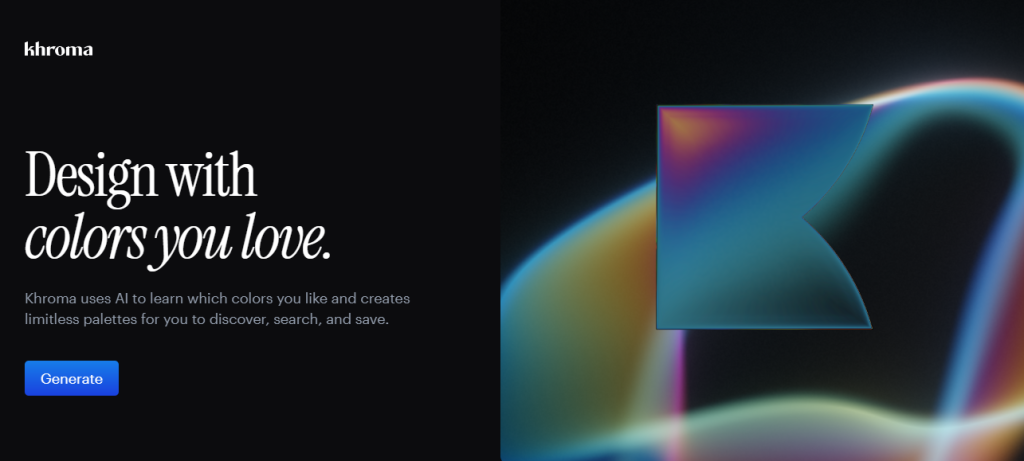
Khroma is an AI color palette generator. It learns your taste and makes palettes, gradients, and color previews you can copy into designs.
Best for which user audience
- Graphic designers, brand managers, and solo creators who need consistent color systems.
- People who want a free, no-friction tool to pick accessible color combos.
Key features
- Personalized palettes based on colors you pick.
- Infinite combinations and quick previews (text, gradients, posters).
- Color codes and accessibility scores (HEX, RGB, WCAG hints).
Pricing
- Free to use (no paid tiers reported).
Krumzi
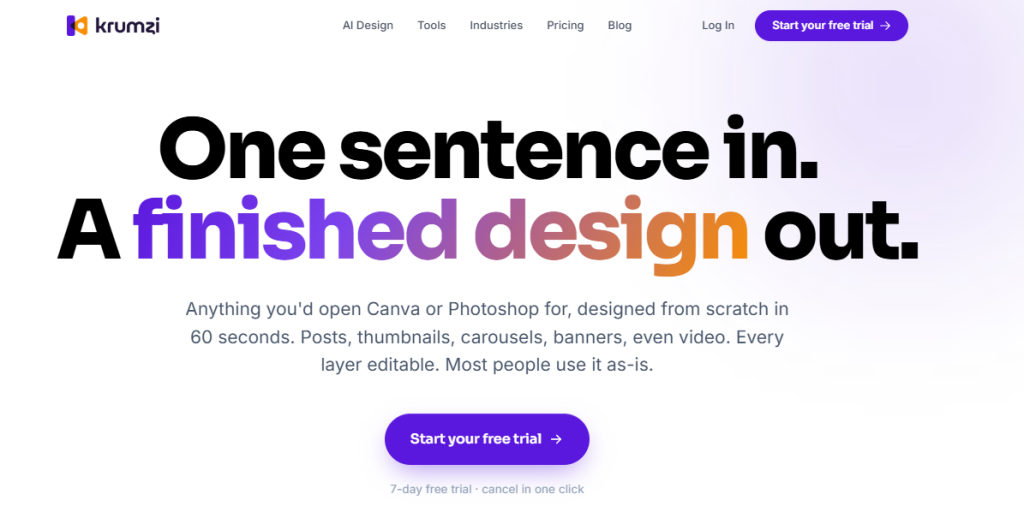
Krumzi is a prompt-driven AI web design tool for social posts, carousels, thumbnails, and short videos. You type one sentence and it builds a ready visual you can edit.
Best for which user audience
- Content creators, marketers, and small teams who publish social content often.
- People who want fast, brand-consistent visuals without learning complex editors.
Key features
- One-sentence prompts produce images, carousels, and short videos.
- Brand kit support for colors, fonts, and logos.
- Video export up to 4K on higher plans and a simple editor for tweaks.
Pricing
- Starter $19/month, Pro $39/month, Ultra $89/month (monthly billing shown). Start with a 7-day free trial.
Quick comparison (Khroma vs Krumzi)
| Tool | Best use | Free tier | Starting price |
|---|---|---|---|
| Khroma | Color palettes and accessibility | Yes | Free. |
| Krumzi | Social visuals and short videos | Limited trial | $19/mo starter. |
Actionable recommendation
- If you need brand colors now, try Khroma first as it’s free and fast.
- If you publish social content daily, test Krumzi’s 7-day trial to see if it cuts your production time.
Claude Design — Mini review
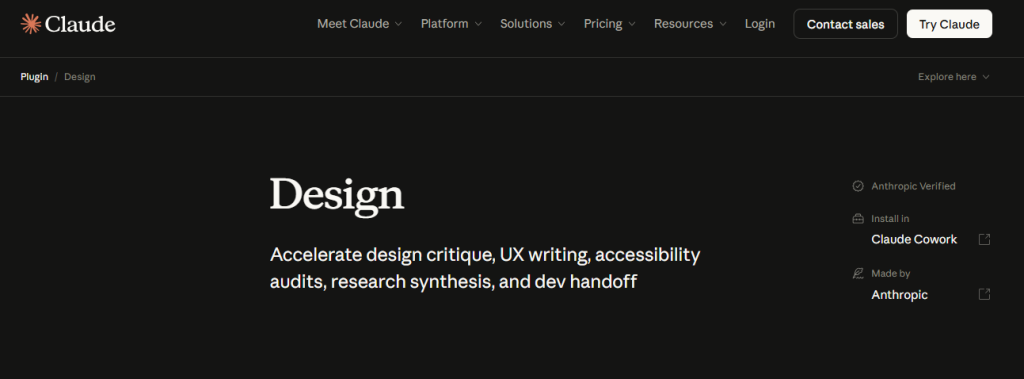
Claude Design turns plain text, images, or code references into interactive prototypes, design systems, and marketing assets. It focuses on producing usable UI drafts you can refine by conversation.
Best for which user audience
- Product teams who need quick prototypes.
- Designers who want a fast first draft to iterate from.
- Founders who need pitch decks and landing page mockups fast.
Key features
- Text-to-prototype: create pages and flows from prompts.
- Automatic design systems: reads your files or codebase and applies brand tokens across projects.
- Design-to-code handoff: integrates with Claude Code for front-end output.
- Collaboration: share projects, comment, and turn feedback into commands.
Pricing
- Starts at $20/month for Pro when billed monthly; Free and higher tiers exist (Pro, Max, Team, Enterprise).
Krea Agent
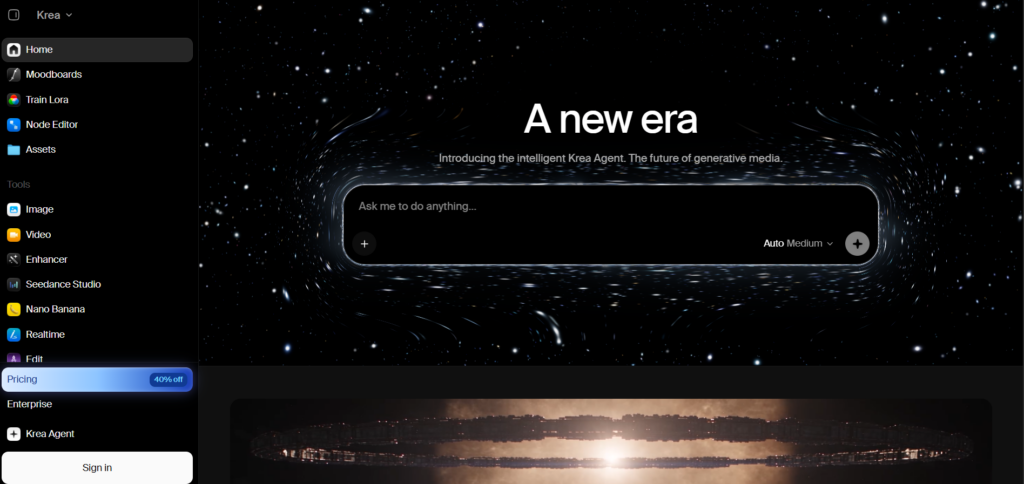
Krea Agent turns a creative brief into a multi-step production workflow. It can plan the task, choose from Krea’s 150+ image, video, audio, and enhancement models, generate and review assets, make edits, and organize the results in a shared context library.
Best for which user audience
- Content creators who need images, videos, and other visual assets from one brief.
- Marketing teams creating campaigns, ads, product visuals, and social content at scale.
- Creative teams and agencies that need multi-step workflows, reusable skills, and shared brand context.
Key features
- Multi-step creative workflows: plan, generate, review, edit, and export assets in one session.
- 150+ AI models: automatically choose suitable image, video, audio, and enhancement models for each task.
- Brand context library: store brand guidelines, product files, references, and preferences for repeated projects.
- Creative skills: use built-in workflows or save your own processes for recurring production tasks.
- Image and video generation: create and edit visual content, including batch image generation and AI video.
- Integrations: use Krea through its web app, Slack, ChatGPT, and MCP-connected tools.
Pricing
- Free tier available.
- Basic from $9/month.
- Pro from $35/month.
- Max from $105/month.
- Krea Agent is currently included on Max, Business, Creator Max, and Enterprise plans, with access codes available for some other users.
Quick comparison table
| Tool | Best use | Notable feature | Entry price |
| Claude Design | UI prototypes + visual design | Conversational design, design systems, and code handoff | $20/mo (Pro) |
| Krea Agent | Creative production workflows | 150+ models, multi-step generation, and shared brand context | $9/mo Basic; Agent on Max $105/mo |
Uizard — Mini review
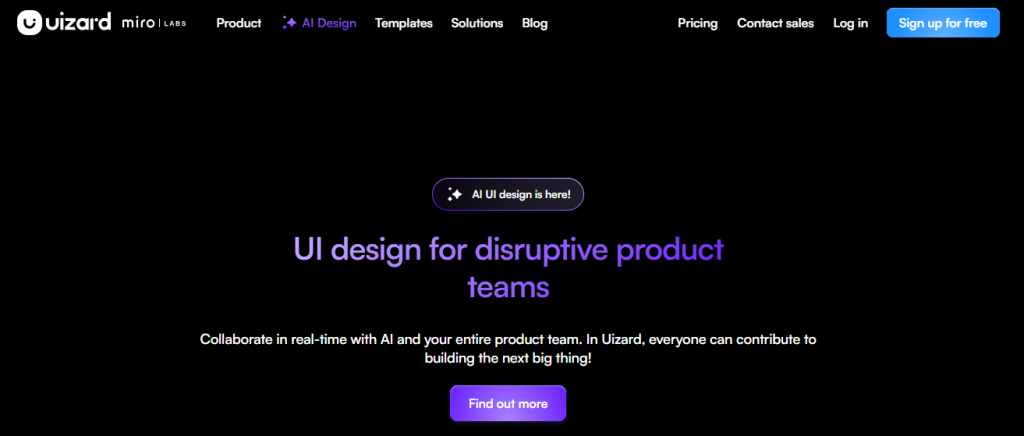
Uizard converts hand-drawn sketches, screenshots, or short text prompts into editable UI screens and clickable prototypes. It’s built for speed and non-designers.
Best for which user audience
- Non-designers (PMs, founders) who sketch ideas on paper.
- Small teams that need fast, clickable prototypes for testing.
- Freelancers who want quick mockups without learning full design tools.
Key features
- Sketch-to-UI: turn whiteboard sketches into editable screens.
- Screenshot scanner: import an app screenshot and get editable components.
- Text-to-design: generate multi-screen layouts from prompts.
- Developer handoff: export CSS/React snippets and assets.
Pricing
- Free tier available.
- Pro from $12/month (annual billing);
- Business from $39/month.
Quick comparison table
| Tool | Best use | Notable feature | Entry price |
|---|---|---|---|
| Claude Design | Prototypes + design systems | Conversational design; design-to-code handoff | $20/mo (Pro). |
| Uizard | Sketch/screenshot → UI | Sketch-to-UI and screenshot scanner | Free; $12/mo Pro (annual). |
Quick decision guide
- Want fast, brand-aware prototypes and design systems? Try Claude Design first.
- Sketch on paper or use screenshots often? Start with Uizard free plan to test conversions.
Make.Design
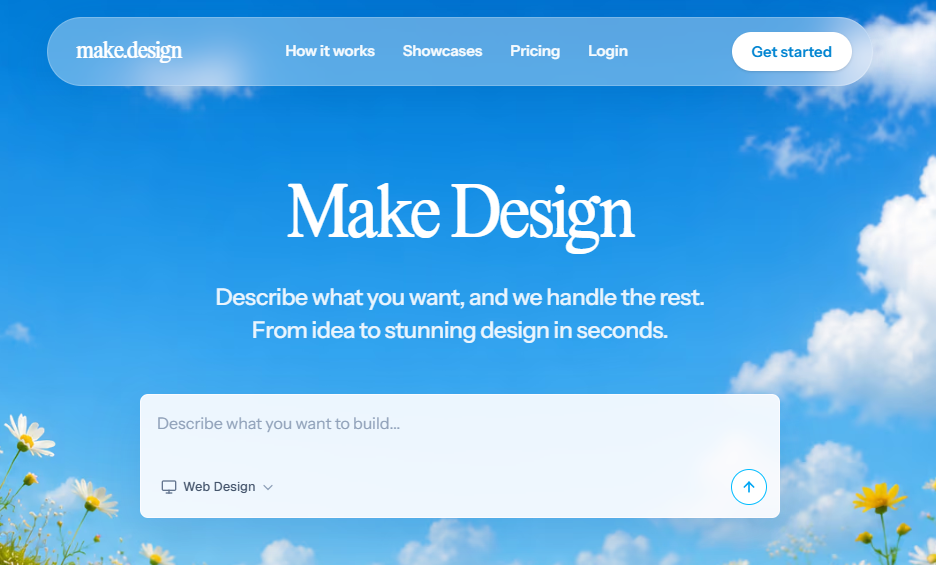
Make.design is an AI web design generator that creates landing pages, marketing visuals, and UI concepts from plain text prompts. It focuses on conversion-aware layouts and chat-based refinements.
Best for which user audience
- Solo creators and small agencies who need quick landing pages.
- Marketers who want on-brand visuals without a designer.
Key features
- Prompt → full webpage generation.
- Chat refinements for copy, layout, and buttons.
- Brand kit support to import colors and assets.
Pricing
- Starter $9/mo (75 images); Pro $25/mo (200 images); Max $30 first month (400 images).
Galileo
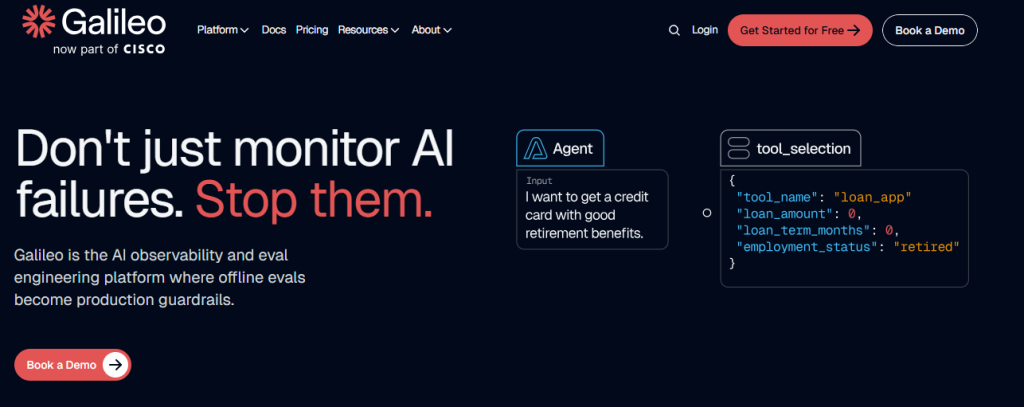
Galileo is an AI evaluation and observability platform. It helps teams test, measure, and monitor AI outputs and agent behavior. It’s useful when you need reliable UI/agent outputs.
Best for which user audience
- Product teams running LLMs in production.
- Startups that need to measure hallucinations and performance.
Key features
- Trace-based monitoring, custom evals, and real-time analytics.
- Luna evaluation models for cheaper automated checks.
- Enterprise options for VPC and on-prem deployments.
Pricing
- Free tier for prototyping (5,000 traces/month). Pro starts around $100/month (annual); Enterprise is custom.
Framer AI
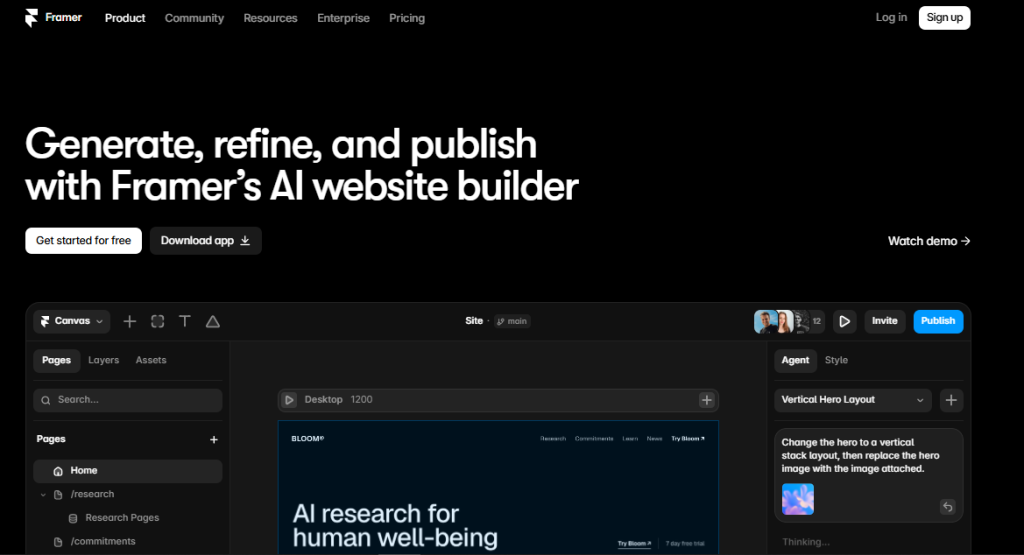
Framer combines design and hosting. Its AI features generate pages, content, and live sites from prompts and components. It also includes AI credits for agents and localization.
Best for which user audience
- Indie makers and small teams who want publishable sites fast.
- Marketers who need landing pages with built-in hosting and SEO.
Key features
- AI agents and credits for content and localization.
- Live publishing, CMS, and staging.
- Per-seat and per-site plans with add-ons.
Pricing
- Free plan available; paid plans start around $10–$30/month depending on features and seats.
Make.Design vs Framer AI: Quick Decision Table
| Tool | Best use | Entry price | Why pick it |
|---|---|---|---|
| Make.Design | AI web design generator | $9/mo Starter. | Fast landing pages + chat edits. |
| Framer AI | Publishable AI sites | Free → $10–$30/mo. | Design → host → publish in one flow. |
How to Integrate These AI Web Design Generator Tools Into Your Workflow
Use a hybrid stack. Mix a focused AI web design generator with niche tools for branding, prototyping, and publishing. Keep steps simple and repeatable.
Step 1 — Define the output
- Decide if you need a landing page, UI prototype, or social asset.
- Pick one primary tool to generate the first draft (e.g., Make.Design for pages, Uizard for screens).
Step 2 — Brand and color
- Use Khroma to lock down palettes and accessibility scores.
- Export HEX codes and paste them into your design tool’s brand kit.
Step 3 — Rapid prototyping
- Sketch or screenshot your idea.
- Feed it to Uizard or Claude Design to get editable screens fast.
Step 4 — Content and copy
- Generate headlines and CTAs inside your AI web design generator or a dedicated content agent.
- Keep copy short and action-oriented. Test two variants.
Step 5 — Polish and motion
- Add simple motion or short clips if needed. Use a motion AI video editor tool or export assets for light animation.
- Check contrast, spacing, and mobile layout.
Step 6 — Publish and host
- Move final pages to Framer AI or your preferred host.
- Verify SEO basics: title tag, meta description, H1, and image alt text.
Practical example of web design tools stack
| Task | Tool | Why |
|---|---|---|
| Brand colors | Khroma | Fast, consistent palettes |
| Generate a landing page | Make.Design | Prompt → page workflow |
| Publish site | Framer AI | Host + live publishing |
| Monitor LLM outputs | Galileo | Eval and observability |
AI design prompts you can use right away
- “Create a 3-section landing page for a SaaS signup with a hero, features, and pricing.” → Make.Design
- “Scan this screenshot and make a 3-screen mobile flow.” → Uizard
- “Generate 5 accessible color palettes based on navy and coral.” → Khroma
Follow this flow and you’ll reduce handoffs. You’ll also keep control over brand and speed. This is an efficient AI design workflow and a practical AI website builder stack.
Last Word on Hidden AI Web Design Tools
The above lesser-known AI web design tools give you speed, variety, and lower cost. They let you move from idea to live page faster than manual design alone. They also let you test more ideas with less risk.
Try this now
- Pick one tool from the list.
- Run a quick test: build a hero section or a single screen.
- Compare time spent vs your usual process.
If it saves you time, add a second tool to the stack. Small experiments lead to better AI workflows. Start with one tool this week and see how much faster you ship.
